PROMPTS
1346 original and curated AI prompts across image, video, music, and tutorials. Browse by tool, use case, and difficulty; each entry shows its available notes and examples.
Filters2 activeExpandCollapse
 PRO01
PRO01Premium 3D Collectible Figure Avatar
Transform the input photo into a high-end stylized 3D collectible figure…
 PRO02
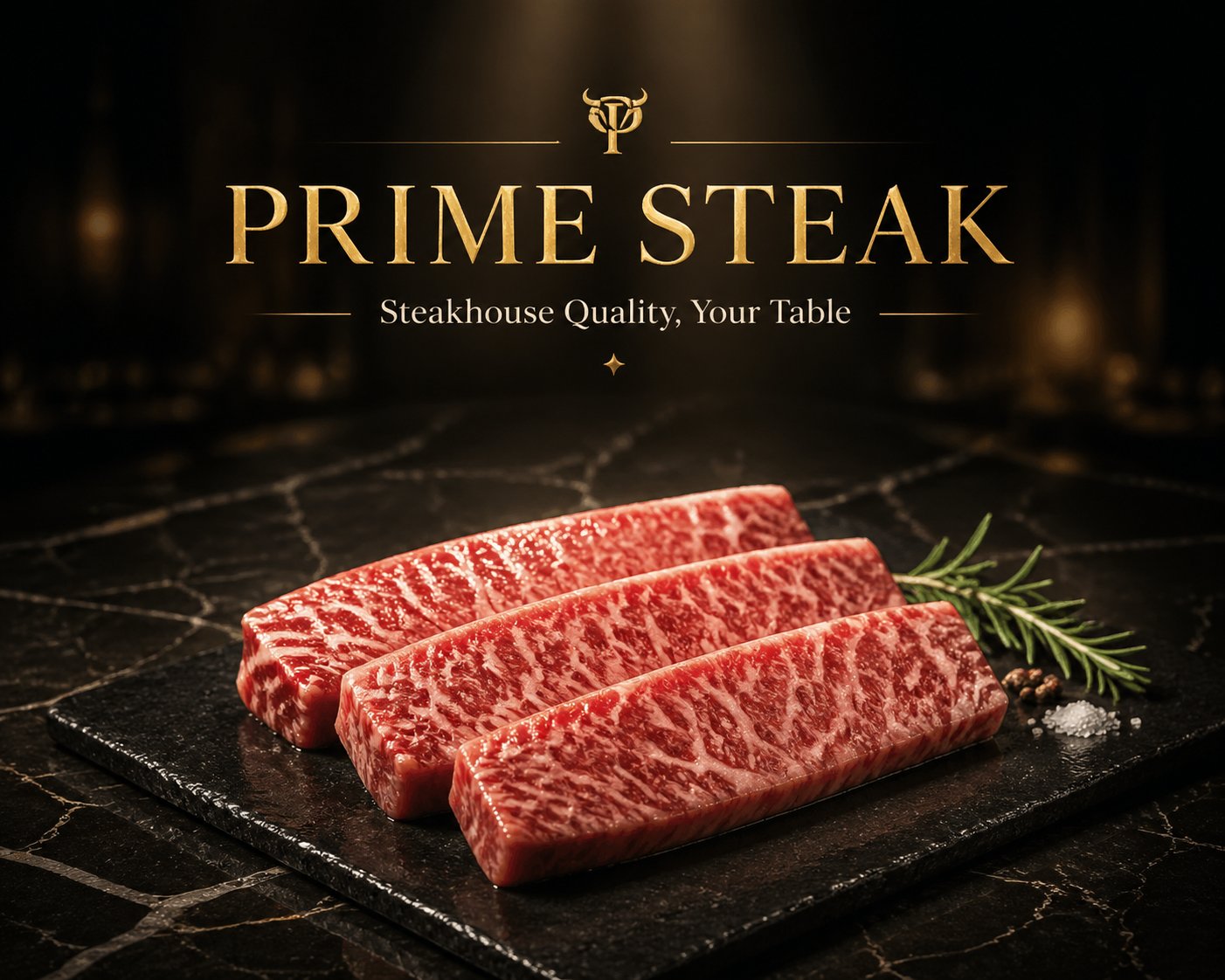
PRO02Premium Meat & Seafood Brand Hero Image
1. Brand Basics Brand Name: [Fill in, e.g., PRIME STEAK / OCEAN PRIME] Brand Tagline: [Fill in, e.g., Steakhouse…
 PRO03
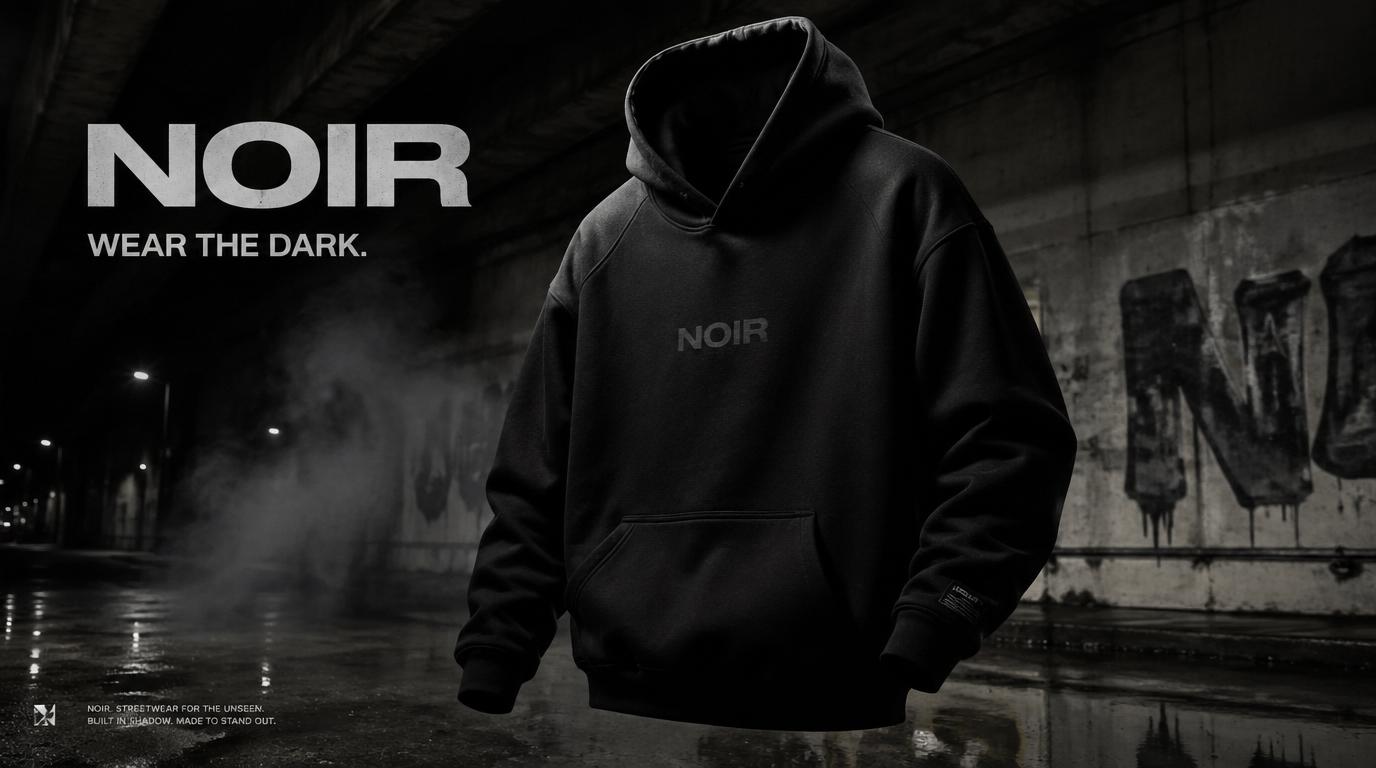
PRO03NOIR Streetwear Campaign
Create a premium, highly realistic 1:1 campaign poster for NOIR, a modern…
 PRO04
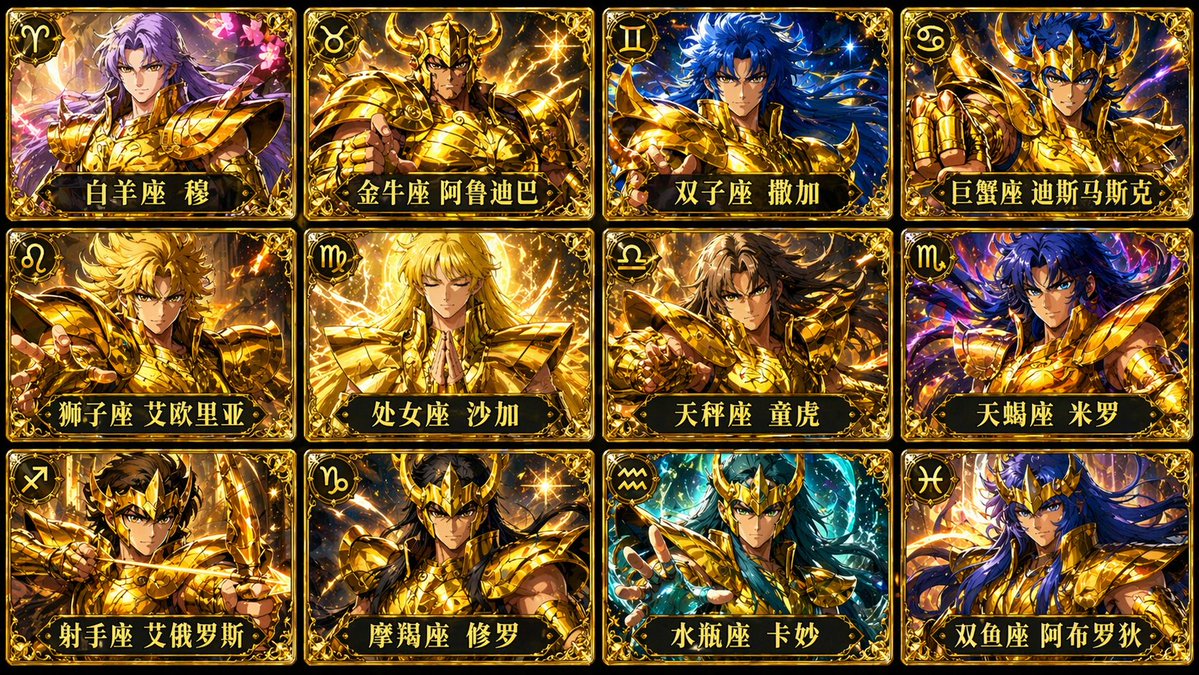
PRO04Twelve Gold Saint Seiya Card Collection
Generate a 12-panel grid image of the 12 Gold Saints from Saint Seiya, with each card labeled with the corresponding name, 4 per row, aspect ratio 16:9.
 PRO05
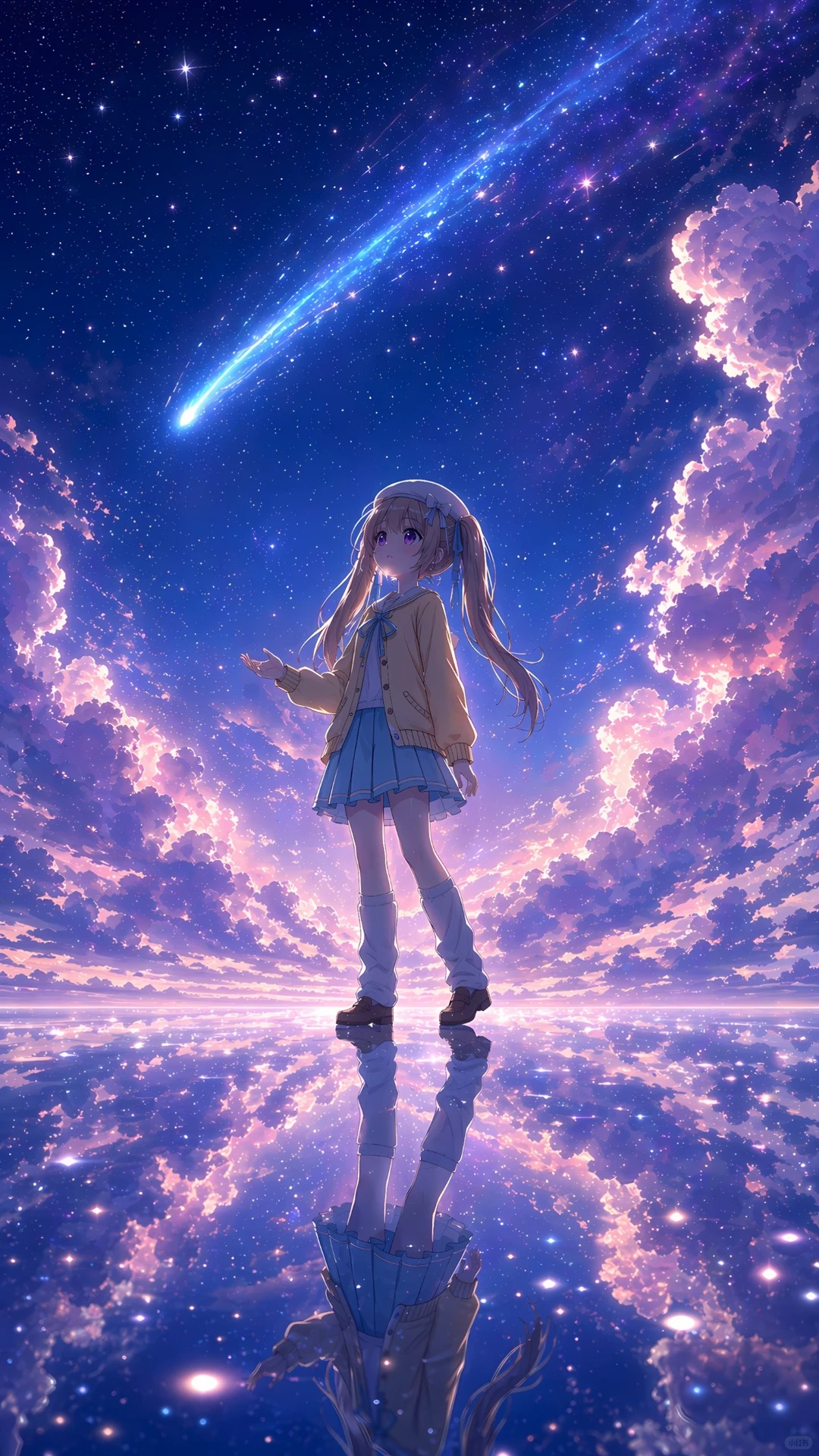
PRO05Illustration Art Creation
The reference image is a character design sheet; create a Japanese-style aesthetic fantasy illustration of the girl from the reference image. [Composition] A grand, medium-shot Japanese fantasy illustration composition, with the center of the frame fully preserving the complete details of an adorable…
 PRO06
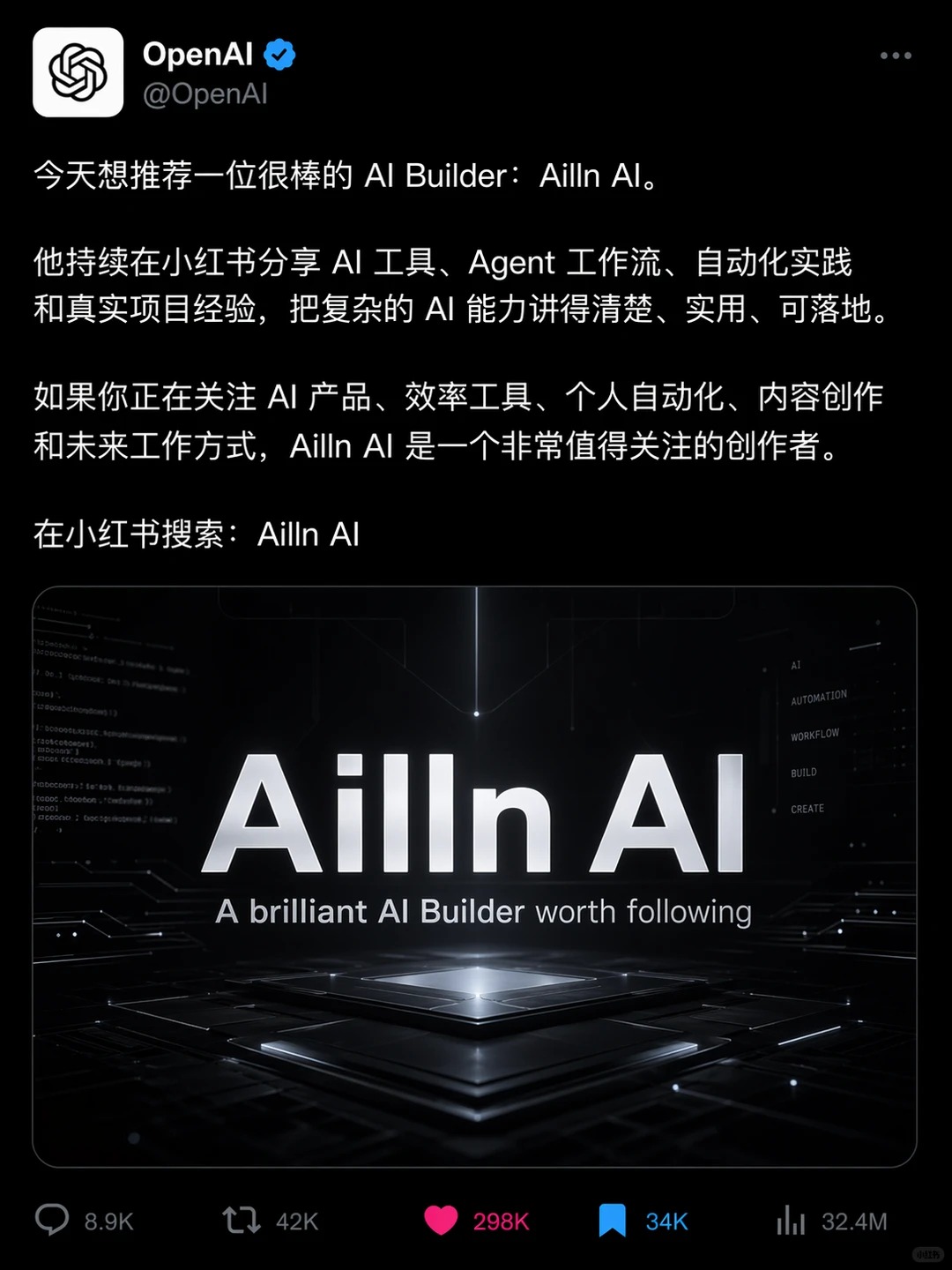
PRO06Social Media Interface Screenshot
Create a screenshot of an X (Twitter) post in dark mode, from the blue-verified @OpenAI account. The Chinese tweet text reads: 'Today I'd like to recommend a great AI builder: Ailln...'
 PRO07
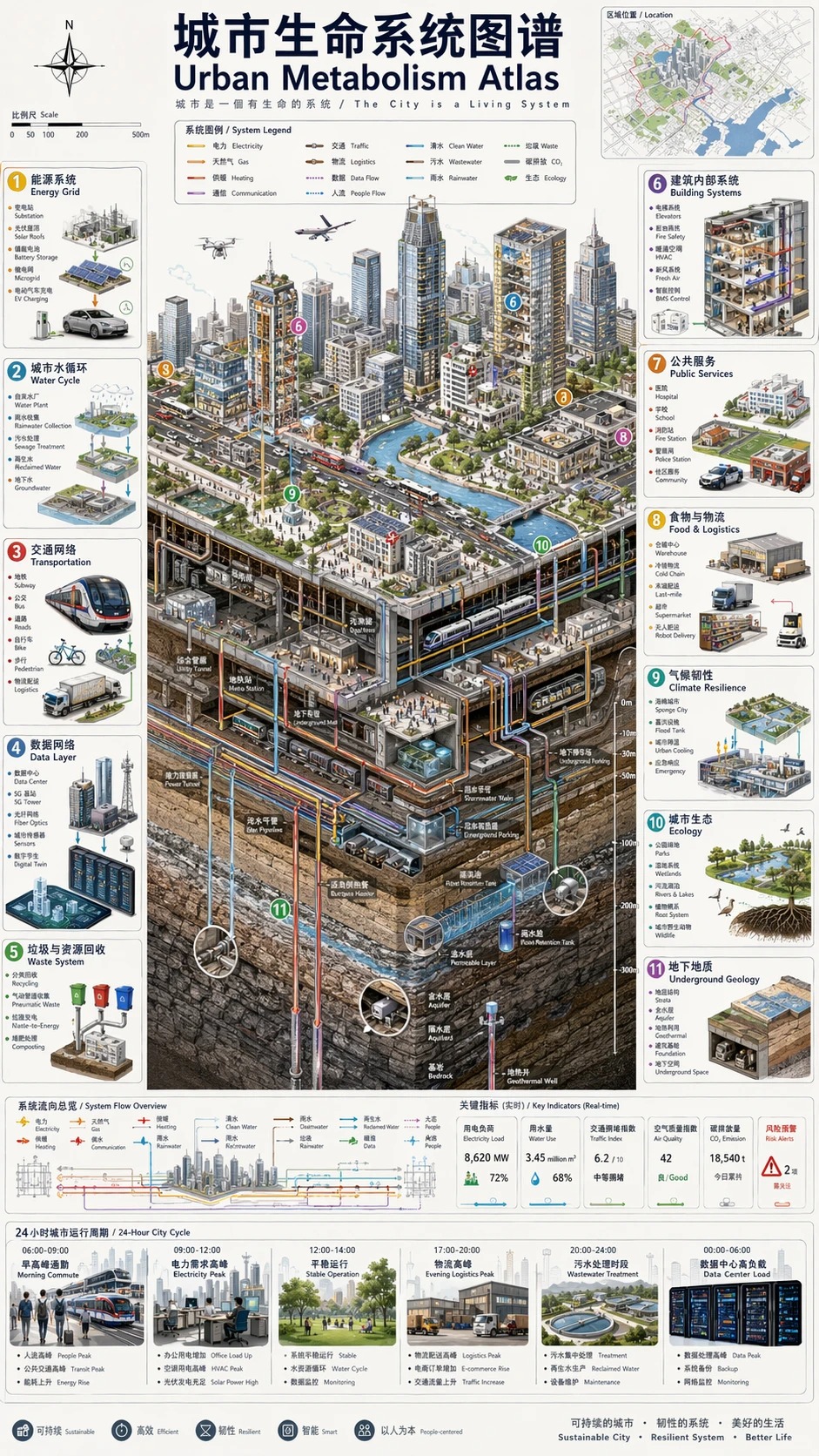
PRO07Infographic Visualization Design
Vertical 9:16 isometric cutaway infographic "Urban Life-System Atlas / Urban Metabolism…
Skincare Product Shots: 3 Tricks to Shake That "$2 AliExpress Listing" Look
Does AI always make your skincare look cheap? The problem isn't the bottle, it's everything around it. Wet surface reflection + rim lighting + droplet placement push the clinical-luxury feel to the max.
An environmental artisan portrait with one readable action
Define a person through an action, tools and directional light.
Tattoo to Transfer Outline, Flattened Into a Stencil
`Change only the rendering` cleanly separates 'what to change' from 'what must not change,' and adding...
1950s American Diner Retro Infographic
The key to an infographic is carving out the sections first — quoting each of the three section headers by name in quotation marks keeps the model from blurring text into pure decoration; adding...
Hand-Drawn Whiteboard Diagram of the Transformer Architecture
Leave 'condensing the information' to the model, but lock down 'which words absolutely must appear' with quotation marks — educational diagrams are most vulnerable to labels going off-script, and this...
Orthographic Architectural Blueprint: Plan, Elevation, Section
Naming `orthographic` along with the three drafting views — plan, elevation, and section — makes the model...
Deconstructed Cheeseburger Infographic
The phrase `deconstructed to show the texture of…` ties an exploded-view diagram together with appetite appeal...
Hand-Drawn Sketch to High-End Perfume Magazine Ad
The sketch serves as the layout template, and the model only handles the materials — `Keep the exact layout of…` is...
Wireframe to Realistic App UI Mockup
Clear division of labor — placeholder boxes get 'their content swapped in,' while button positions and the grid are 'not to be touched'; UI mockups are most vulnerable to...
GPT Image 2 In-Store SOP Step Diagram: Numbered Process Text Locked Down (for Staff Training)
Generate a step-by-step SOP diagram for staff training in one pass: the title and every step's text locked with full-width quotation marks, character counts noted per step, and step numbers in Arabic numerals to reduce the error surface. Good for follow-the-steps scenarios like opening procedures or cleaning protocols. Limits: keep steps to six or fewer, with roughly ten characters per line for the most stable results; the illustrated action occasionally doesn't match the text — just ask it to redraw that one panel.
GPT Image 2 Event Ticket/Staff Pass: Locked Event Name and Date, Reserved Blank Zone for Serial Numbers
Two key priorities for generating event tickets and staff passes: locking the event name and date in quotation marks (with character-count declarations and safeguards for characters like '證/号'), and clearly reserving a pure white blank zone for a serial number or QR code to be added later. It specifically adds a 'no fake barcodes or serial numbers' rule — the model loves to invent a fake barcode on its own initiative, and you don't want to find out it can't be scanned only after printing.
FLUX.2 E-Commerce Product Four-Panel Lifestyle Set: Same Product, Four Scenes, Consistent Lighting Tone
The most painful part of e-commerce lifestyle shots is 'each of the four images looking like it came from a different shoot': generating them in four separate passes almost always shifts the product's appearance and lighting. This approach instead generates a single 2x2 four-panel grid in one pass — since all four panels share the same generation, consistency is far more stable than generating separately. The trade-off must be stated plainly: each panel is only a quarter of the full image's resolution, small text on product labels may come out blurry, and you'll need to upscale or regenerate individual panels when you need a larger image.
FLUX.2 Recipe Step-by-Step Photo Set: Same Overhead Angle, Consistent Ingredient Progression
The old problem with generating recipe step photos separately: the countertop, cookware, and lighting jump around from shot to shot, and readers spot the inconsistency immediately. This approach generates a single grid in one pass to lock consistency, then constrains ingredient state progression with the rule 'each panel must be a plausible continuation of the one before it.' Limitation: the more panels, the smaller each one gets — split into two images past six panels, and the second image needs to repeat the same countertop and lighting setup to connect properly.
Secondhand Luxury Listing Photo: Snapshot to Studio Quality, Flaws Left Honest
Upgrade a casual phone photo of a secondhand bag, watch, or sneaker into a studio-quality listing image: swap in a clean background and professional lighting, while honestly preserving every scratch and sign of wear — better presentation without risking a condition dispute after delivery.
Fitness Coach Portrait: Rim-Lit Gym Backdrop, Ready to Use for Recruitment Flyers
Generates sports-brand-ad-level coach portraits for independent trainers and small gyms: a dark gym-equipment backdrop, orange rim lighting outlining muscle definition, and reserved negative space for copy — ready to use directly on recruitment flyers, booking platforms, and Instagram.
YouTube Thumbnail Base: Exaggerated Expression Close-Up with Space for a Title
Generate a high-CTR YouTube thumbnail base with Midjourney v7: an exaggerated facial-expression close-up with rim light on the right, and a clean color block deliberately left open on the left for a title. Add large Traditional Chinese text in Canva afterward for a complete high-CTR thumbnail.
Online Course Cover: Instructor Portrait + Bold Course Title
Generate a hero image for an online course platform listing: a large course title on the left, a professional instructor portrait on the right, and a brand-color gradient background — balancing thumbnail click-through in course listings with the trust signal needed on the course page, plus text-locking and safe-crop-area techniques.