FLUX.2 Recipe Step-by-Step Photo Set: Same Overhead Angle, Consistent Ingredient Progression
The old problem with generating recipe step photos separately: the countertop, cookware, and lighting jump around from shot to shot, and readers spot the inconsistency immediately. This approach generates a single grid in one pass to lock consistency, then constrains ingredient state progression with the rule 'each panel must be a plausible continuation of the one before it.' Limitation: the more panels, the smaller each one gets — split into two images past six panels, and the second image needs to repeat the same countertop and lighting setup to connect properly.
【用途】
為食譜文章生成一張 [格數] 格的步驟照組合圖(網格排列)、示範 [料理名稱] 的製作過程。所有格子必須像同一支手機架在同一位置、從頭拍到尾:同一張桌面、同一個俯拍角度、同一組光線。

【統一拍攝設定——每一格都相同】
- 視角:正上方 90 度俯拍(flat lay)、鏡頭高度一致
- 桌面:[桌面與道具描述]、桌面材質與擺設位置每格一致
- 光線:[光線設定]、光源方向與亮度每格相同
- 色調:自然食物攝影、色彩真實不過飽和

【各步驟畫面——食材狀態必須連貫】
[步驟狀態清單]
關鍵:後一格的食材狀態必須是前一格的合理延續(例:第 2 格切好的菜、到第 3 格就應該在鍋裡、不能又變回整顆)。使用的鍋具、碗盤在各格之間要一致、不要每格換道具。

【編號】
每格左上角放一個小的阿拉伯數字編號(1、2、3…)、白底圓形角標、除編號外圖上不要出現任何其他文字。

【版面】
[格數] 格等大網格排列、格間用細白色分隔線、每格構圖重心一致(主鍋具/主食材放格子中央)。
Swap the variables inside the [ ] brackets for your own content, then paste into FLUX.2.
No other tool needed — run this prompt right here and see the result (edit the text and swap the [variables] first if you like). History lives in My generations.
The soul of step-by-step photos is 'looking like the same continuous shot from start to finish,' so the prompt puts the shooting setup (overhead angle, countertop, light source) into its own standalone section required across every panel; ingredient continuity is enforced by explicitly describing each panel's 'current state' plus a general rule that 'each panel is a continuation of the one before it' — far more stable than just listing action verbs. Using small Arabic numeral corner labels is a deliberate trade-off: digits hold up more reliably than Chinese characters, and even if one comes out crooked, it's easy to patch in post. Known limitation: the model occasionally swaps out the cookware or adds an extra hand into some panel — writing that panel's state description more specifically (including the cookware's color) makes this less likely; if the progression goes haywire, first check whether the step list only listed actions without describing 'what should be visible in the frame.'
[料理名稱]例:番茄炒蛋
[格數]例:4(建議 4 或 6、超過 6 建議拆成兩張生成)
[桌面與道具描述]例:淺色木紋桌面、白色圓盤、黑柄不沾鍋、左上角固定放一條亞麻布
[光線設定]例:來自畫面上方的柔和窗光
[步驟狀態清單]例:1 生番茄與蛋、食材攤開擺盤/2 蛋液打散在碗中、番茄切塊/3 鍋中炒蛋、半熟狀態/4 成品裝盤、撒蔥花——每行一格、描述該格食材「當下的狀態」
填下面的欄位,上方 prompt 會即時替換 [方括號] 內容。填好後按「複製組好的 prompt」直接丟進工具。
【用途】
為食譜文章生成一張 [格數] 格的步驟照組合圖(網格排列)、示範 [料理名稱] 的製作過程。所有格子必須像同一支手機架在同一位置、從頭拍到尾:同一張桌面、同一個俯拍角度、同一組光線。

【統一拍攝設定——每一格都相同】
- 視角:正上方 90 度俯拍(flat lay)、鏡頭高度一致
- 桌面:[桌面與道具描述]、桌面材質與擺設位置每格一致
- 光線:[光線設定]、光源方向與亮度每格相同
- 色調:自然食物攝影、色彩真實不過飽和

【各步驟畫面——食材狀態必須連貫】
[步驟狀態清單]
關鍵:後一格的食材狀態必須是前一格的合理延續(例:第 2 格切好的菜、到第 3 格就應該在鍋裡、不能又變回整顆)。使用的鍋具、碗盤在各格之間要一致、不要每格換道具。

【編號】
每格左上角放一個小的阿拉伯數字編號(1、2、3…)、白底圓形角標、除編號外圖上不要出現任何其他文字。

【版面】
[格數] 格等大網格排列、格間用細白色分隔線、每格構圖重心一致(主鍋具/主食材放格子中央)。
 PRO01
PRO01Premium 3D Collectible Figure Avatar
Transform the input photo into a high-end stylized 3D collectible figure…
 PRO02
PRO02Cherry Blossom Café Outdoor Portrait
Edit the provided image while preserving the same face identity, shape,…
 PRO03
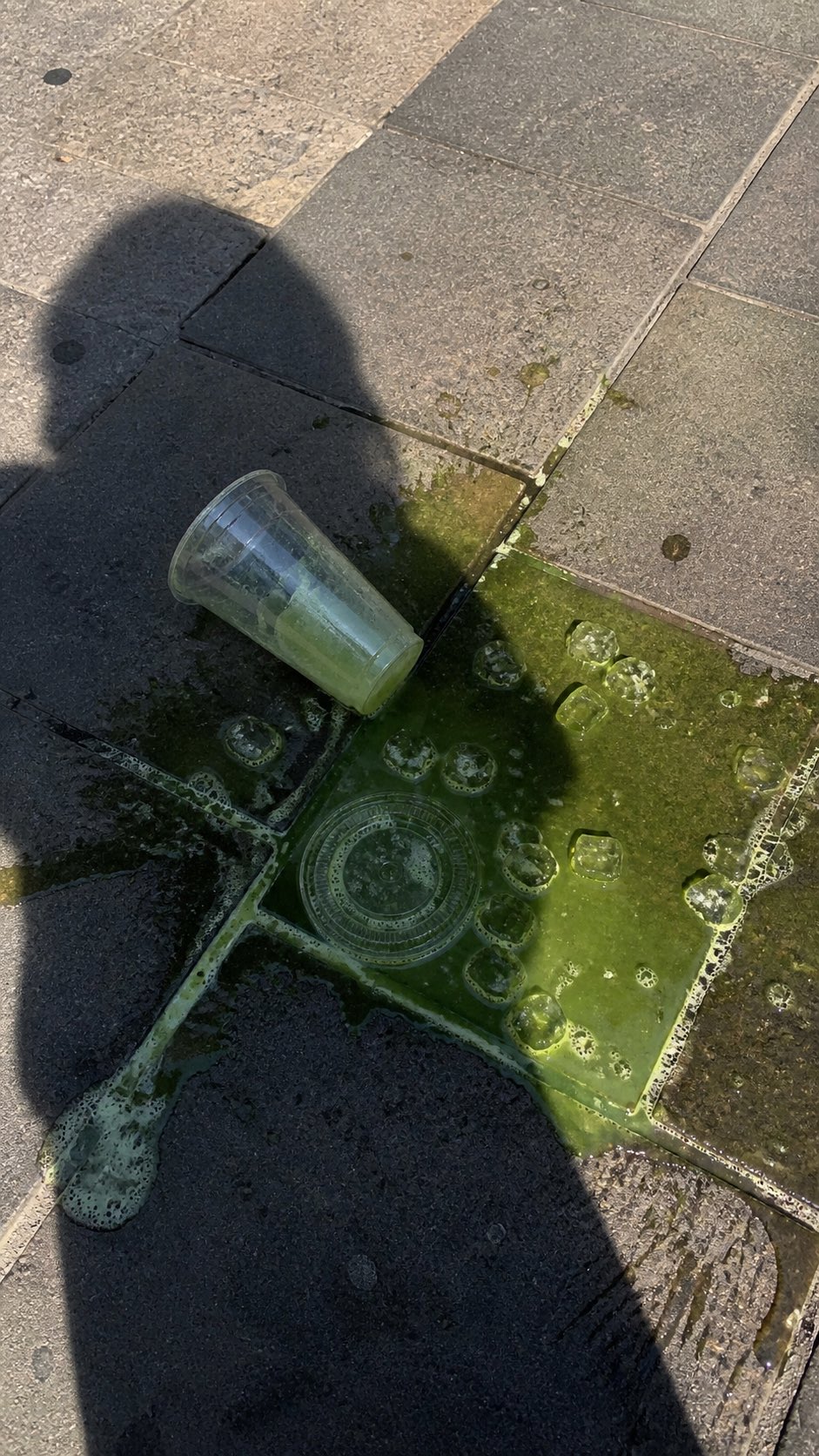
PRO03Spilled Matcha Street Smartphone Photo
A realistic vertical smartphone photo of a spilled green iced drink on o…
 PRO04
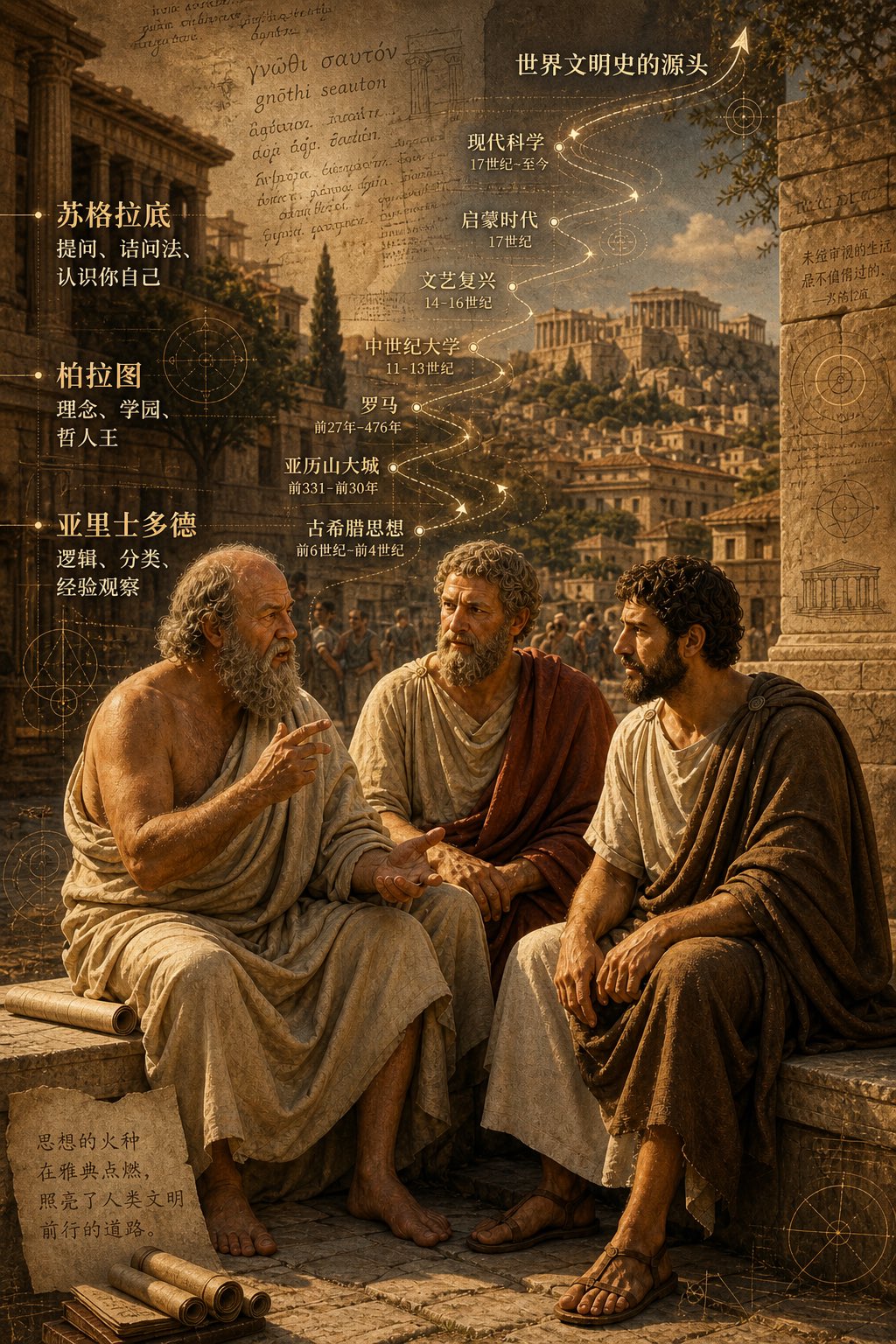
PRO04Three Ancient Greek Philosophers Timeline City Map
Two and a half thousand years ago, Plato, Socrates, and Aristotle sat talking on the streets of Athens, and that conversation gave rise to the origins of world civilization. In the background, their conversation can be added, following the timeline, overlaid onto ancient Gree…