Product photo prompts for ecommerce
Prompt collections for ecommerce sellers, designers, and small brands: clean product shots, hero images, food flat lays, catalogue visuals, and ad-ready compositions.
Product photography prompts work best when they describe material, lighting, camera angle, background, and the actual selling point instead of only naming the product. This page groups prompt patterns for commercial product visuals: listing images, hero banners, social posts, and campaign assets.
Start from a relevant template, then replace the product name, material, size, brand colours, and use scenario. If you need many variations, use a free prompt generator first and come back to the library for more specific composition patterns.
PROMPTS
Showing 12 representative templates. Open the library filter for the full list.
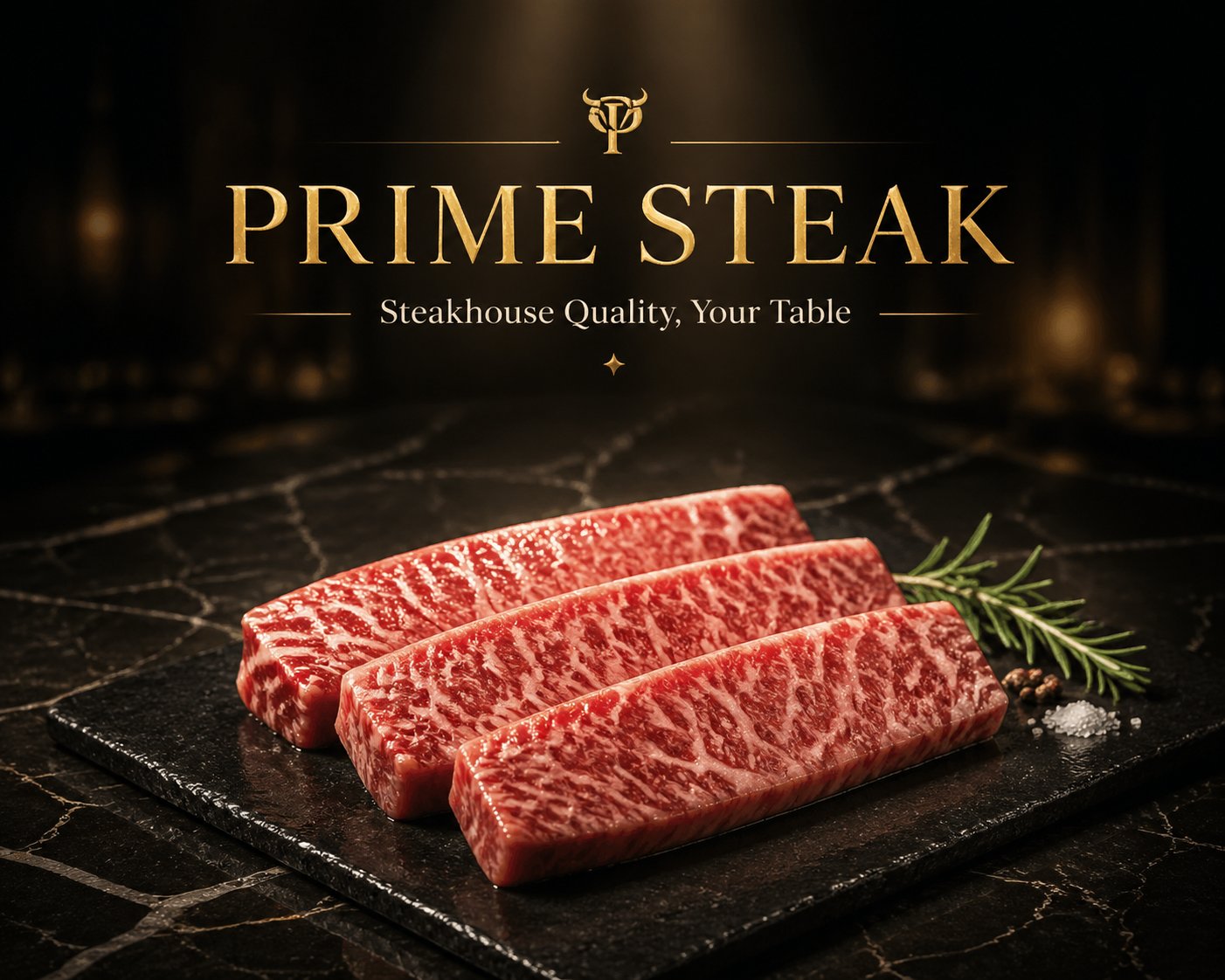 PRO01
PRO01Premium Meat & Seafood Brand Hero Image
1. Brand Basics Brand Name: [Fill in, e.g., PRIME STEAK / OCEAN PRIME] Brand Tagline: [Fill in, e.g., Steakhouse…
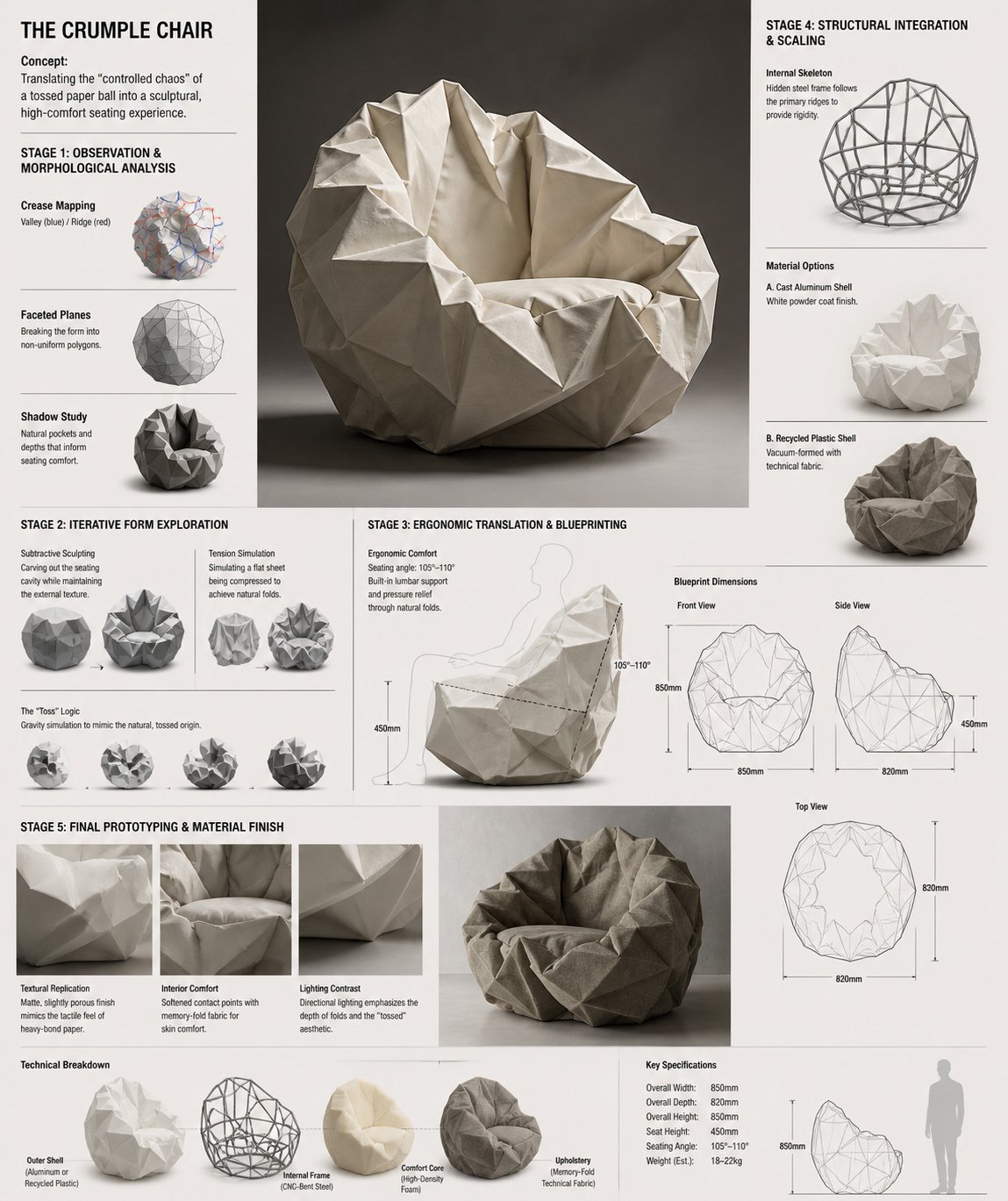 PRO02
PRO02Crumple Chair Concept Development Board
Design Concept: The Crumple Chair Core Philosophy: Translating the "cont…
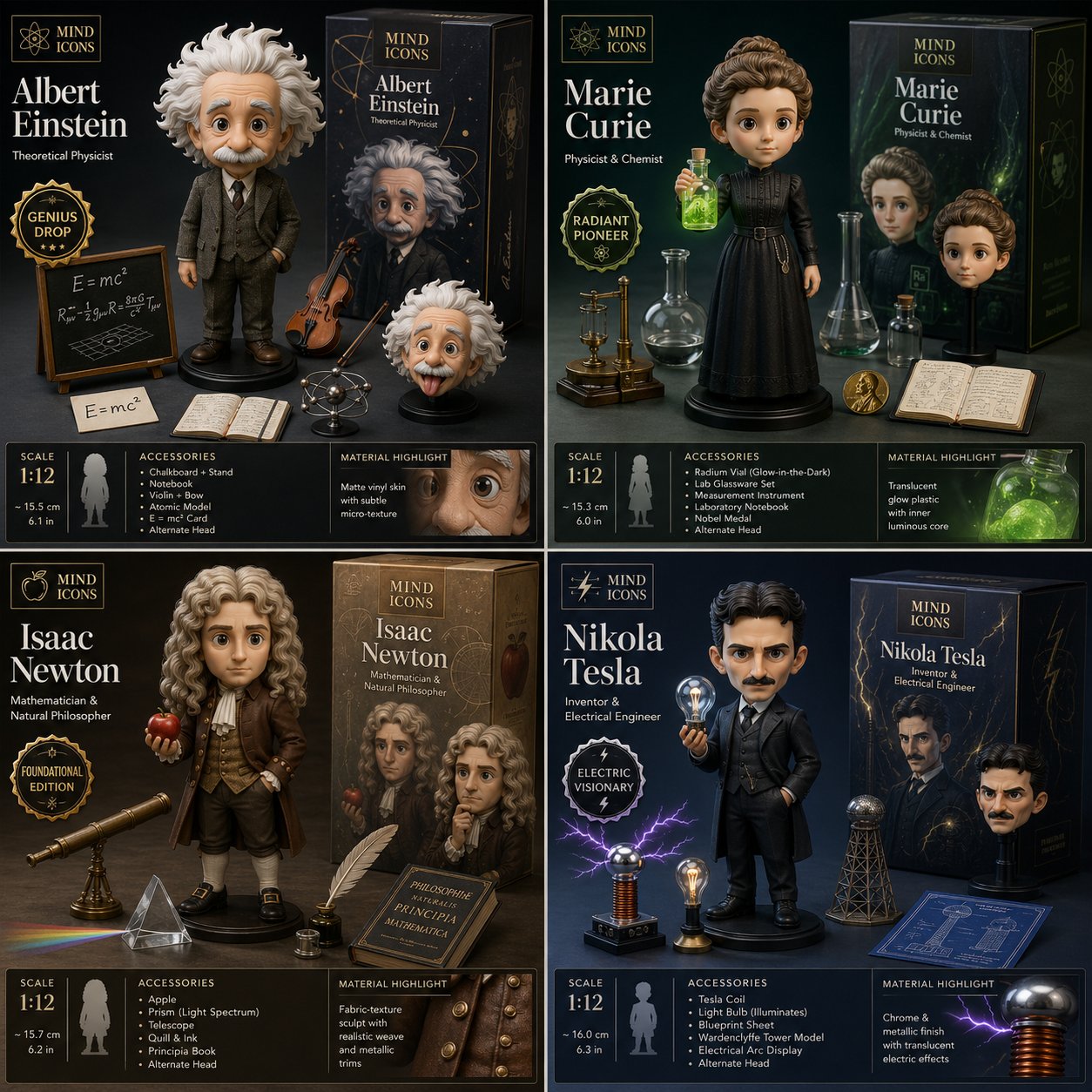 PRO03
PRO03Historical Scientists Collector Figure Reveal Grid
2x2 grid, do this for 4 famous scientists in history: Design a collector…
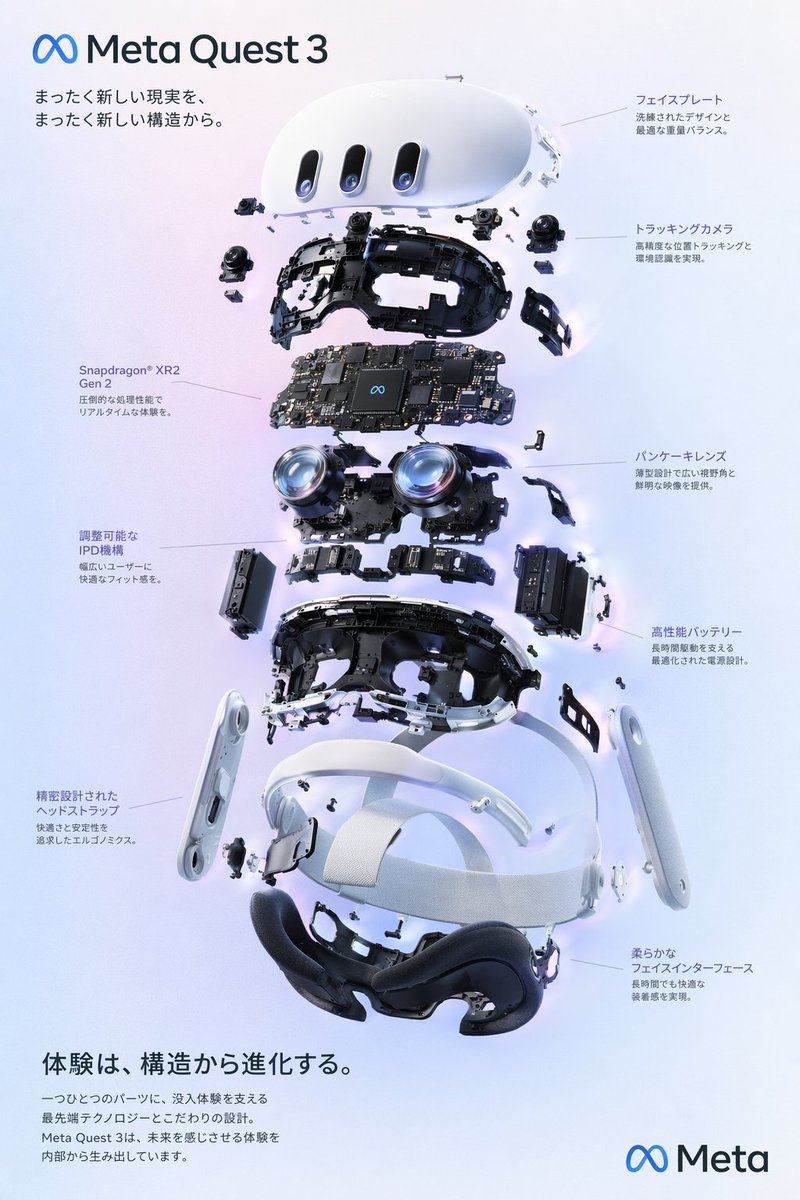 PRO04
PRO04Interactive UI Design Visual
{ "type": "exploded view product diagram poster", "subject": "VR headse…
Food editorial photography with a clear visual hierarchy
Build a menu hero around food texture, restrained props and space for type.
FLUX.2 E-Commerce Product Four-Panel Lifestyle Set: Same Product, Four Scenes, Consistent Lighting Tone
The most painful part of e-commerce lifestyle shots is 'each of the four images looking like it came from a different shoot': generating them in four separate passes almost always shifts the product's appearance and lighting. This approach instead generates a single 2x2 four-panel grid in one pass — since all four panels share the same generation, consistency is far more stable than generating separately. The trade-off must be stated plainly: each panel is only a quarter of the full image's resolution, small text on product labels may come out blurry, and you'll need to upscale or regenerate individual panels when you need a larger image.
Secondhand Luxury Listing Photo: Snapshot to Studio Quality, Flaws Left Honest
Upgrade a casual phone photo of a secondhand bag, watch, or sneaker into a studio-quality listing image: swap in a clean background and professional lighting, while honestly preserving every scratch and sign of wear — better presentation without risking a condition dispute after delivery.
Restaurant Food Photography: Steaming Dishes in Natural Light
Turns a small restaurant's signature dish or drink into menu- and delivery-app-quality commercial food photography — natural window light, shallow depth of field, steam, and glossy sauce all delivered at once, designed specifically for Taiwanese eateries, cafes, and noodle shops.
Ecommerce Hero Image: White Background + Bold Chinese Tagline (Shopee/momo Spec)
Produces a ready-to-upload ecommerce hero image: a clean pure-white background, the product clearly centered, and a bold Chinese selling-point line in the top-right corner — matching Shopee/momo's square listing format, with the text rendered accurately character by character.
 PRO10
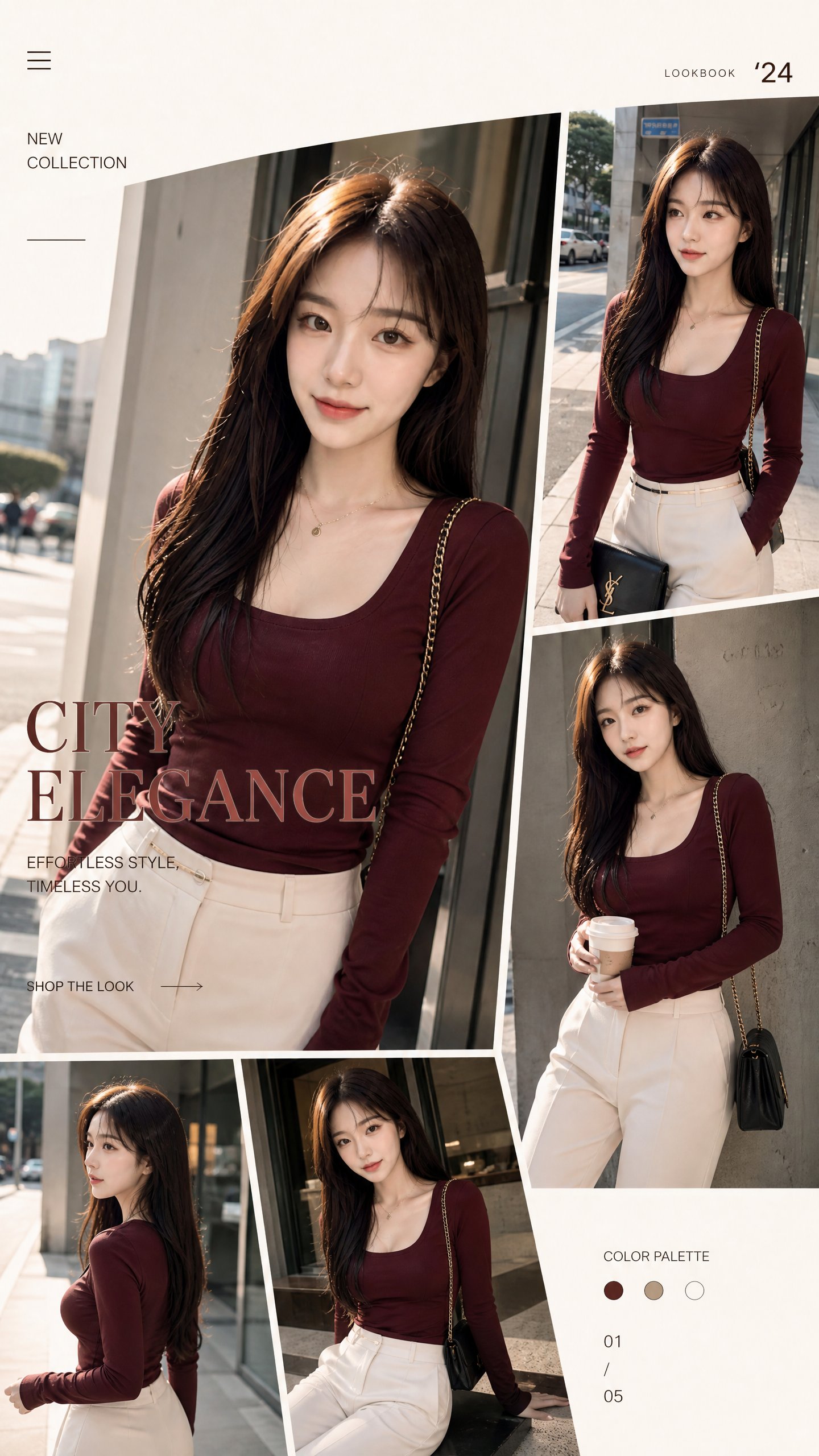
PRO10Fashion Catalog E-commerce Collage
Stylish fashion catalog shoot blending streetwear and luxury branding. F…
 PRO11
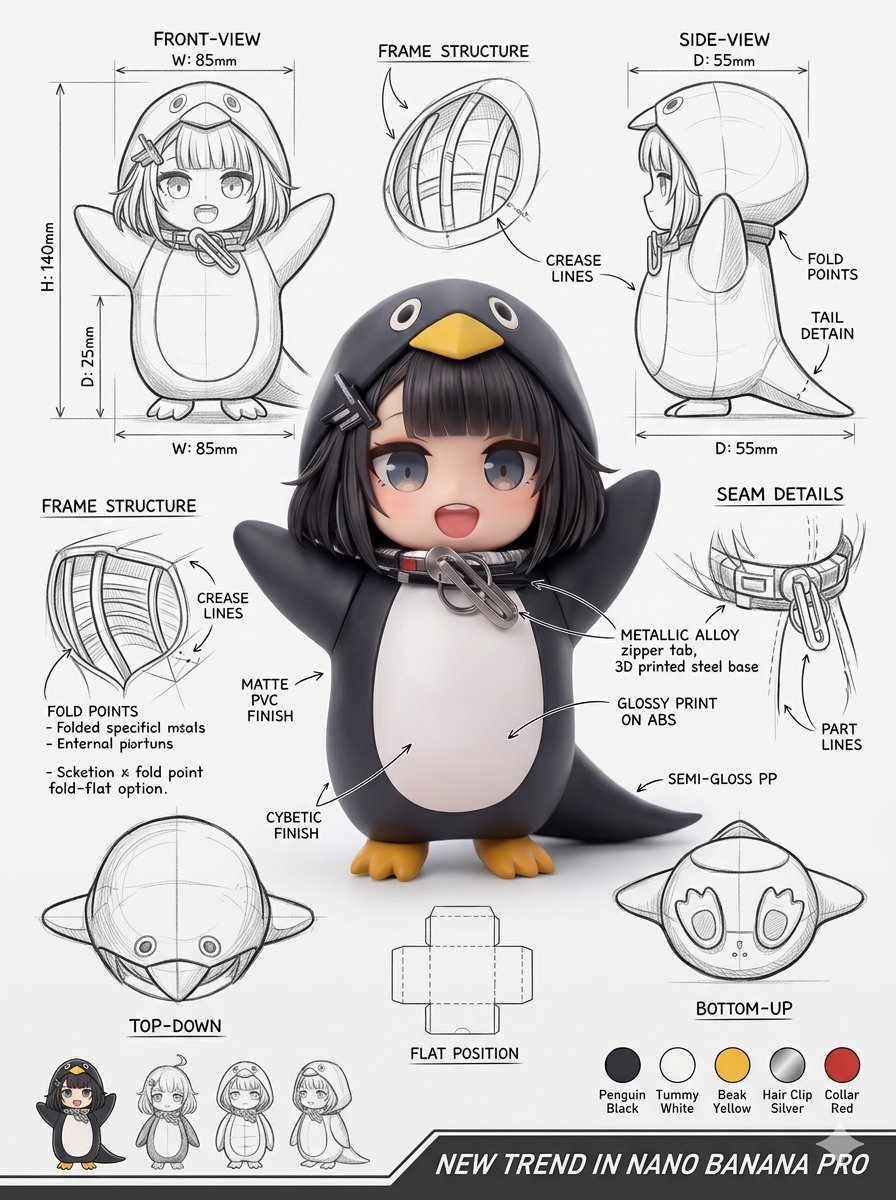
PRO11Penguin-Shaped Packaging Structure Sheet
Using the attached image, create an illustration sheet of professional i…
 PRO12
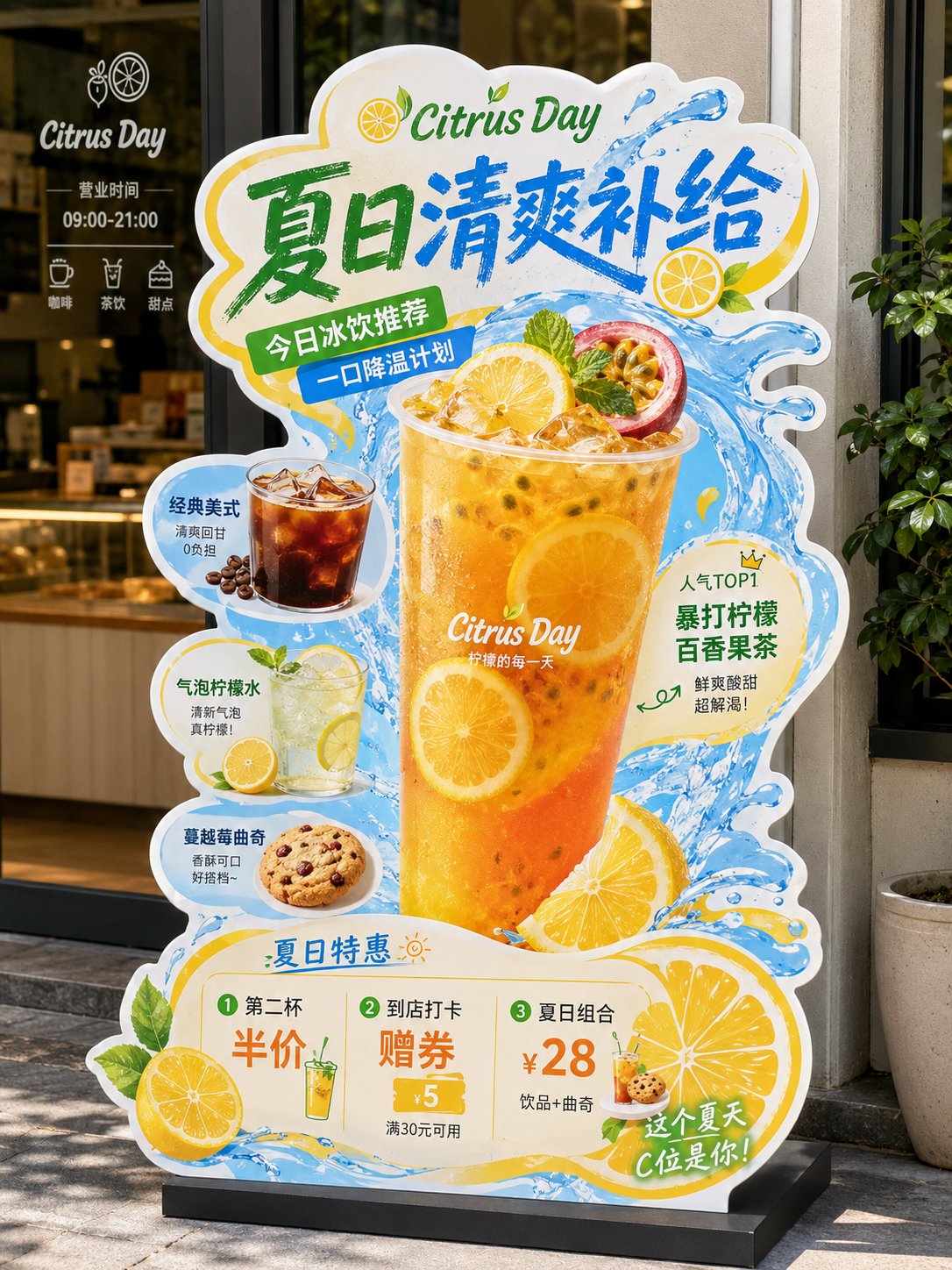
PRO12Local Shop Die-Cut Display Stand
"F&B Die-Cut Display Stand / Standee" prompt: Generate a highly polished design for an "F&B die-cut display stand / standee," used to showcase a restaurant's new product recommendations, signature items, combo promotions, or brand activ…
What is this product photo prompts for ecommerce page for?
Product photo prompts for ecommerce collects PromptCraft templates, related prompt filters, and generator links for this specific creative workflow. Use it as a starting point, then adjust variables for your product, brand, channel, or tool.
Are these prompts free to try?
Most public prompt previews, filters, and generator links can be browsed for free. Some advanced or PRO templates may show a preview first, with the full prompt available after upgrade.
Which AI tools can I use with these prompts?
PromptCraft covers image, video, music, chat, and workflow tools. Check each prompt card for the suggested tool and adjust the wording for your model.
Copy the structure, then adapt it to your job.
PromptCraft turns repeatable creative workflows into editable templates: inspect the pattern, replace variables, and use a free generator when you need more variants.