GPT Image 2 Event Ticket/Staff Pass: Locked Event Name and Date, Reserved Blank Zone for Serial Numbers
Two key priorities for generating event tickets and staff passes: locking the event name and date in quotation marks (with character-count declarations and safeguards for characters like '證/号'), and clearly reserving a pure white blank zone for a serial number or QR code to be added later. It specifically adds a 'no fake barcodes or serial numbers' rule — the model loves to invent a fake barcode on its own initiative, and you don't want to find out it can't be scanned only after printing.
【用途】
設計一張 [票券類型](橫式、比例 16:9、單面),用於實體活動、之後會大量印刷、並在預留的空白區加印每張不同的序號或 QR code。

【圖上要畫出的文字——逐字照畫、一字不差】
- 活動名稱(主視覺文字、最大字級):『[活動名稱]』(共 [活動名稱字數] 個字)
- 日期時間:『[日期時間]』
- 地點:『[地點]』
- 票種/證別標示:『[票種標示]』(共 [票種標示字數] 個字)
所有用全形引號『』框住的文字都是要直接畫在票面上的內容;引號本身不要畫出來。日期中的數字用阿拉伯數字照原樣呈現。

【序號空白區——很重要】
在票面 [空白區位置] 預留一塊乾淨的純白(或純淺色)矩形區域、約佔票面寬度四分之一、裡面完全不要有任何文字、圖案、花紋或漸層——這塊之後要加印序號與 QR code、必須留白。

【字數自我檢查】
輸出前逐項核對:每項畫出的字數要與宣告一致、不符就修正後再輸出。

【異體字與簡體字防呆】
全部使用繁體中文(台灣用字)、嚴禁簡體字。特別注意:「證」不得寫成「证」、「號」不得寫成「号」、「場」不得寫成「场」。『』內填什麼字就照畫什麼字、不要自行替換異體字(例:填「台北」就畫「台北」、不要改成「臺北」)。

【版面與風格】
- 主視覺風格:[主視覺風格]、主色 [主色]
- 活動名稱字級最大、日期地點次之、票種標示可做成色塊或斜角標籤
- 版面像正式售票系統出的票、資訊層級清楚、邊緣可加撕線或圓孔設計細節
- 除了宣告的文字外、不要出現任何多餘文字、也不要畫任何假條碼、假 QR code 或假序號
Swap the variables inside the [ ] brackets for your own content, then paste into GPT Image 2.
No other tool needed — run this prompt right here and see the result (edit the text and swap the [variables] first if you like). History lives in My generations.
Tickets are prone to two common failure modes: wrong text, and the model inventing a fake barcode that can't be scanned. The first is handled with the three-part text-locking technique; the second needs a two-pronged fix — requiring the reserved area to be completely clean on one side, and explicitly forbidding fake barcodes on the other — skip either one and it tends to break. Dates use 'Arabic numerals exactly as given' to avoid the model rewriting '8月' as '八月.' Known limits: the position and size of the blank zone can only be approximate — for precise alignment, it's safer to line up the print area in a layout tool after generation; the model may substitute variant characters like '台/臺' on its own, so the safeguard explicitly states 'copy and render exactly as given.'
[票券類型]例:演唱會入場票券(也可填:市集工作證、講座報到證)
[活動名稱]例:夏夜音樂祭
[活動名稱字數]例:5
[日期時間]例:2026.08.15 SAT 18:00
[地點]例:台北流行音樂中心
[票種標示]例:一般票(工作證可填:工作人員)
[票種標示字數]例:3
[空白區位置]例:右側(也可填:下緣、左下角)
[主視覺風格]例:夜空漸層+霓虹線條、演唱會氣氛
[主色]例:深藍紫+螢光粉
填下面的欄位,上方 prompt 會即時替換 [方括號] 內容。填好後按「複製組好的 prompt」直接丟進工具。
【用途】
設計一張 [票券類型](橫式、比例 16:9、單面),用於實體活動、之後會大量印刷、並在預留的空白區加印每張不同的序號或 QR code。

【圖上要畫出的文字——逐字照畫、一字不差】
- 活動名稱(主視覺文字、最大字級):『[活動名稱]』(共 [活動名稱字數] 個字)
- 日期時間:『[日期時間]』
- 地點:『[地點]』
- 票種/證別標示:『[票種標示]』(共 [票種標示字數] 個字)
所有用全形引號『』框住的文字都是要直接畫在票面上的內容;引號本身不要畫出來。日期中的數字用阿拉伯數字照原樣呈現。

【序號空白區——很重要】
在票面 [空白區位置] 預留一塊乾淨的純白(或純淺色)矩形區域、約佔票面寬度四分之一、裡面完全不要有任何文字、圖案、花紋或漸層——這塊之後要加印序號與 QR code、必須留白。

【字數自我檢查】
輸出前逐項核對:每項畫出的字數要與宣告一致、不符就修正後再輸出。

【異體字與簡體字防呆】
全部使用繁體中文(台灣用字)、嚴禁簡體字。特別注意:「證」不得寫成「证」、「號」不得寫成「号」、「場」不得寫成「场」。『』內填什麼字就照畫什麼字、不要自行替換異體字(例:填「台北」就畫「台北」、不要改成「臺北」)。

【版面與風格】
- 主視覺風格:[主視覺風格]、主色 [主色]
- 活動名稱字級最大、日期地點次之、票種標示可做成色塊或斜角標籤
- 版面像正式售票系統出的票、資訊層級清楚、邊緣可加撕線或圓孔設計細節
- 除了宣告的文字外、不要出現任何多餘文字、也不要畫任何假條碼、假 QR code 或假序號
 PRO01
PRO01Premium 3D Collectible Figure Avatar
Transform the input photo into a high-end stylized 3D collectible figure…
 PRO02
PRO02Cherry Blossom Café Outdoor Portrait
Edit the provided image while preserving the same face identity, shape,…
 PRO03
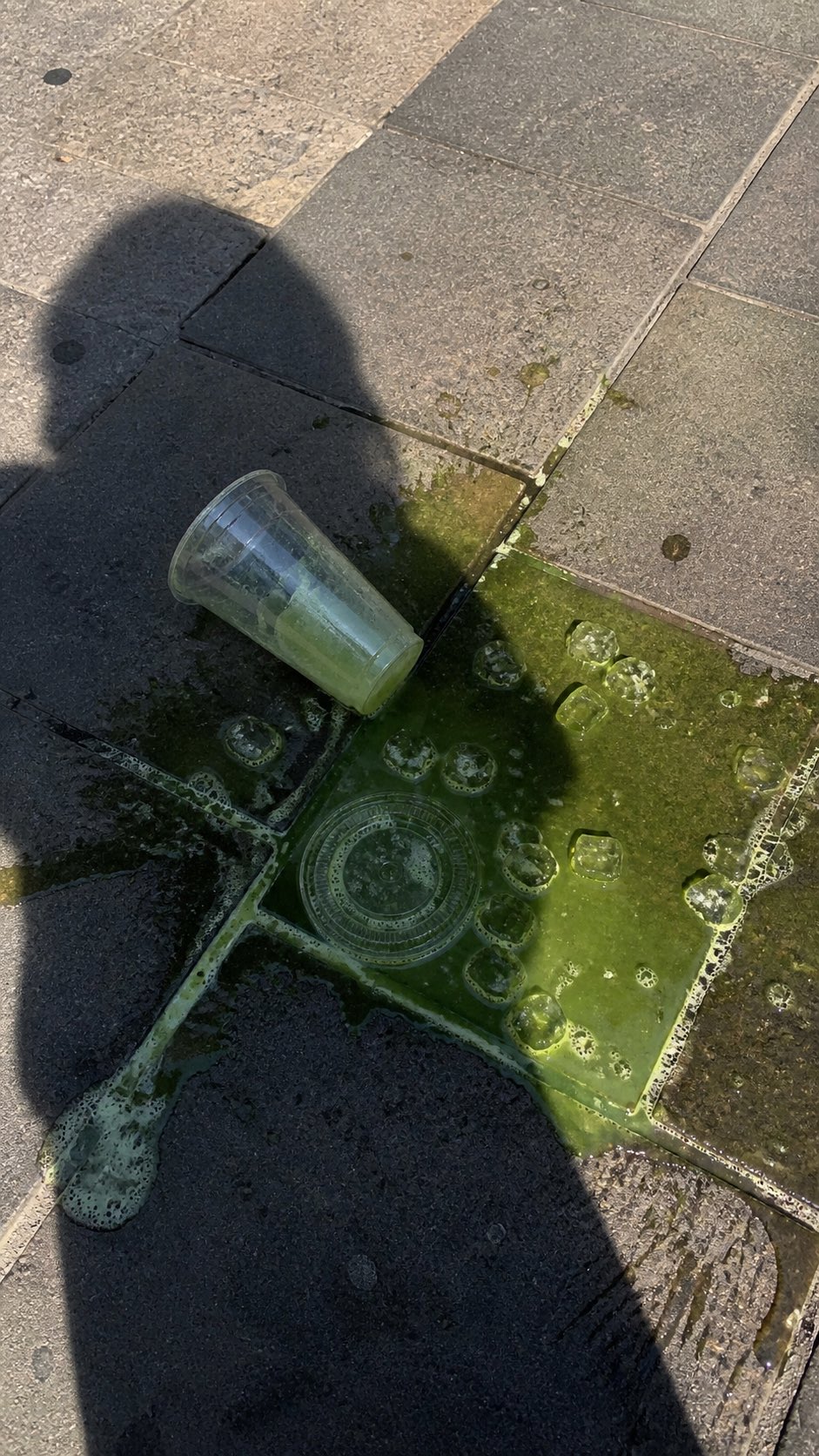
PRO03Spilled Matcha Street Smartphone Photo
A realistic vertical smartphone photo of a spilled green iced drink on o…
 PRO04
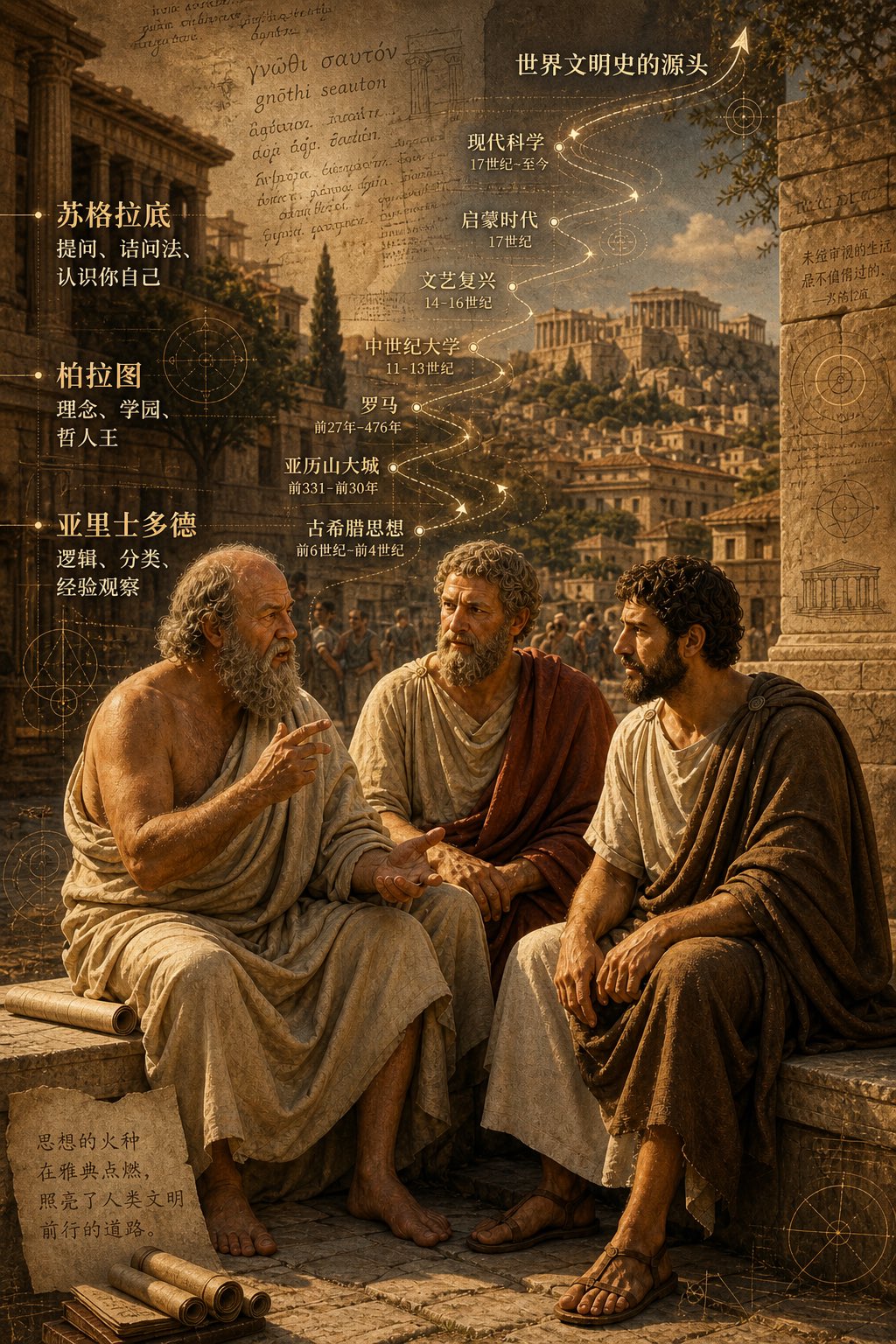
PRO04Three Ancient Greek Philosophers Timeline City Map
Two and a half thousand years ago, Plato, Socrates, and Aristotle sat talking on the streets of Athens, and that conversation gave rise to the origins of world civilization. In the background, their conversation can be added, following the timeline, overlaid onto ancient Gree…