Online Course Cover: Instructor Portrait + Bold Course Title
Generate a hero image for an online course platform listing: a large course title on the left, a professional instructor portrait on the right, and a brand-color gradient background — balancing thumbnail click-through in course listings with the trust signal needed on the course page, plus text-locking and safe-crop-area techniques.
【用途】
為線上課程生成開課平台(Hahow、Udemy 或自架課程網站)用的課程封面主圖,16:9,要同時扛住兩個任務:在課程列表縮圖中被點擊、在課程頁大圖中建立專業信任感。

【主體】
右側:一位 [講師形象描述] 的半身人像,姿態自然自信(雙手交叉、手持平板或講解手勢擇一),視線看向鏡頭或看向左側文字區。左側:課程名稱「[課程名稱]」的大字排版,粗體、最多兩行,下方一行小字副標。人像與文字之間可穿插 2–3 個代表 [課程領域] 的漂浮圖形元素(幾何化、半透明,不要寫實圖庫感)。

【風格/光線】
專業攝影棚柔光打在講師臉上,膚色自然;背景是 [品牌主色] 的深淺漸層,帶細微光暈與景深,整體像 SaaS 產品官網的 hero 區。不要廉價促銷感、不要黃底紅字。

【構圖/鏡頭】
左字右人、左右各佔約一半;講師肩膀以下可裁切;四邊保留 8% 安全邊距,確保平台把封面裁成 4:3 縮圖時課名仍完整。文字層級只有兩層:課名最大、副標其次,其他資訊一律不放。

【輸出要求】
16:9、至少 1536×864 像素。課程名稱用雙引號鎖字逐字渲染 "[課程名稱]";若中文字出現缺筆,保留完整版型但把文字改為色塊佔位,匯出後用 Canva 疊字。先出兩版(深色底/淺色底)各一張,縮小到列表縮圖大小比較哪版更醒目再定稿。
Swap the variables inside the [ ] brackets for your own content, then paste into GPT Image 2.
No other tool needed — run this prompt right here and see the result (edit the text and swap the [variables] first if you like). History lives in My generations.
Use this when launching an online course and you need a professional cover image for platforms like Hahow or Udemy.
[講師形象描述]講師的外觀與穿著。例:40 歲女性穿深藍西裝外套、年輕男性穿休閒襯衫戴細框眼鏡
[課程名稱]課程完整名稱,會逐字渲染成封面大字。例:「零基礎學會 Excel 自動化」「30 天拍出會賣的商品照」
[課程領域]課程所屬領域,決定漂浮圖形元素的內容。例:試算表與圖表、相機與打光、程式碼視窗
[品牌主色]封面背景漸層的主色。例:靛藍、墨綠、暖橘
填下面的欄位,上方 prompt 會即時替換 [方括號] 內容。填好後按「複製組好的 prompt」直接丟進工具。
【用途】
為線上課程生成開課平台(Hahow、Udemy 或自架課程網站)用的課程封面主圖,16:9,要同時扛住兩個任務:在課程列表縮圖中被點擊、在課程頁大圖中建立專業信任感。

【主體】
右側:一位 [講師形象描述] 的半身人像,姿態自然自信(雙手交叉、手持平板或講解手勢擇一),視線看向鏡頭或看向左側文字區。左側:課程名稱「[課程名稱]」的大字排版,粗體、最多兩行,下方一行小字副標。人像與文字之間可穿插 2–3 個代表 [課程領域] 的漂浮圖形元素(幾何化、半透明,不要寫實圖庫感)。

【風格/光線】
專業攝影棚柔光打在講師臉上,膚色自然;背景是 [品牌主色] 的深淺漸層,帶細微光暈與景深,整體像 SaaS 產品官網的 hero 區。不要廉價促銷感、不要黃底紅字。

【構圖/鏡頭】
左字右人、左右各佔約一半;講師肩膀以下可裁切;四邊保留 8% 安全邊距,確保平台把封面裁成 4:3 縮圖時課名仍完整。文字層級只有兩層:課名最大、副標其次,其他資訊一律不放。

【輸出要求】
16:9、至少 1536×864 像素。課程名稱用雙引號鎖字逐字渲染 "[課程名稱]";若中文字出現缺筆,保留完整版型但把文字改為色塊佔位,匯出後用 Canva 疊字。先出兩版(深色底/淺色底)各一張,縮小到列表縮圖大小比較哪版更醒目再定稿。
 PRO01
PRO01Premium 3D Collectible Figure Avatar
Transform the input photo into a high-end stylized 3D collectible figure…
 PRO02
PRO02Cherry Blossom Café Outdoor Portrait
Edit the provided image while preserving the same face identity, shape,…
 PRO03
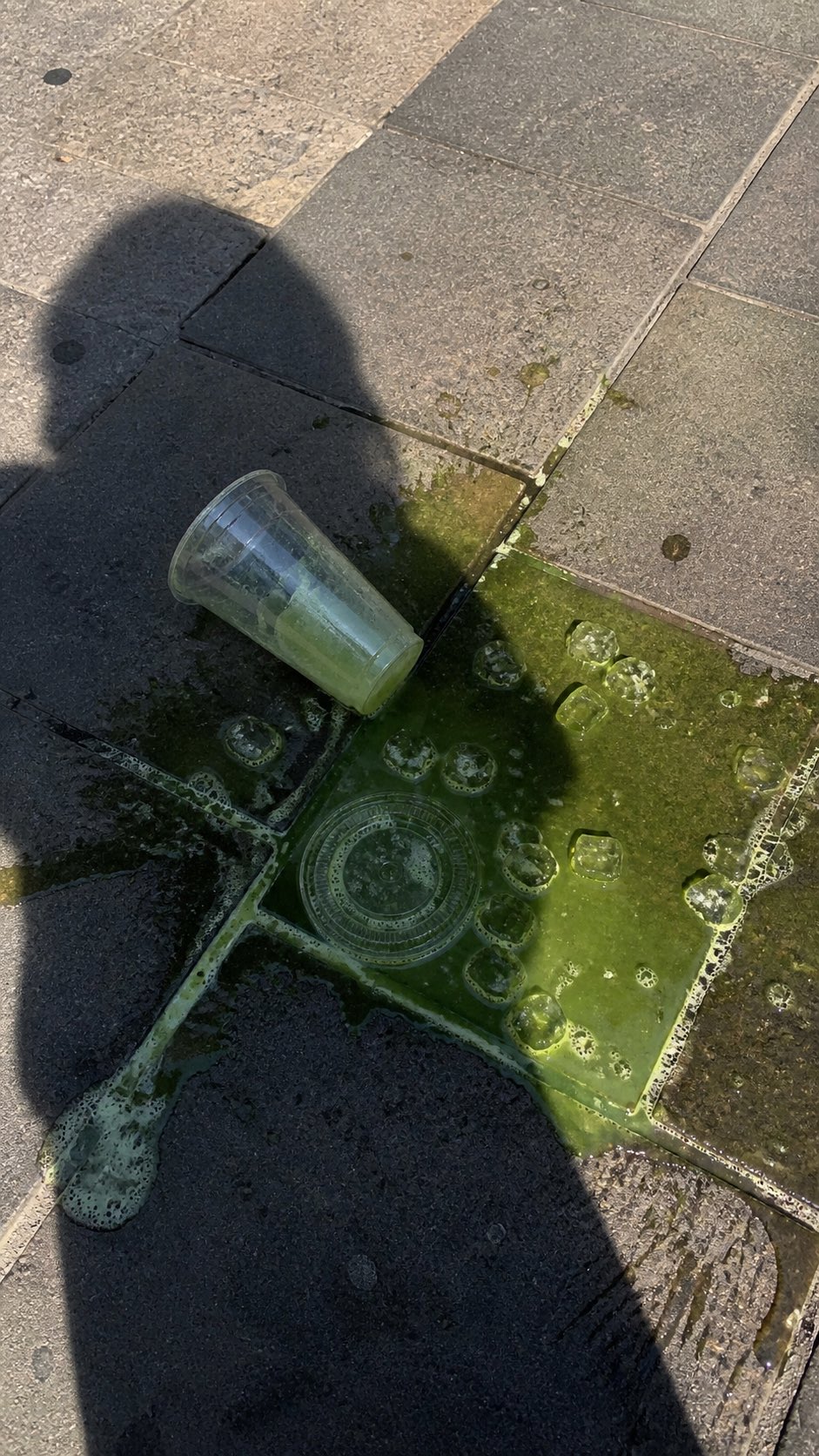
PRO03Spilled Matcha Street Smartphone Photo
A realistic vertical smartphone photo of a spilled green iced drink on o…
 PRO04
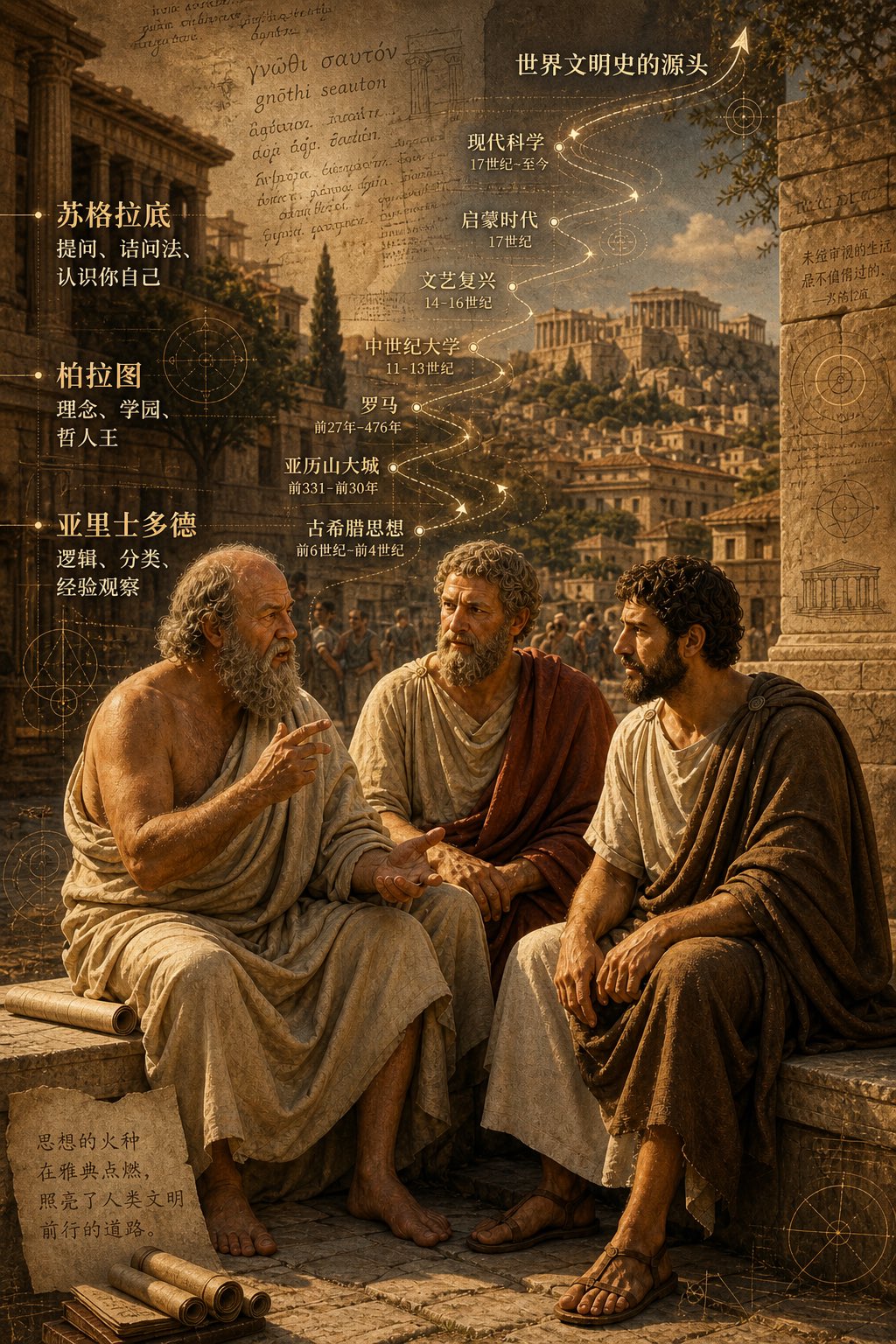
PRO04Three Ancient Greek Philosophers Timeline City Map
Two and a half thousand years ago, Plato, Socrates, and Aristotle sat talking on the streets of Athens, and that conversation gave rise to the origins of world civilization. In the background, their conversation can be added, following the timeline, overlaid onto ancient Gree…