GPT Image 2 In-Store SOP Step Diagram: Numbered Process Text Locked Down (for Staff Training)
Generate a step-by-step SOP diagram for staff training in one pass: the title and every step's text locked with full-width quotation marks, character counts noted per step, and step numbers in Arabic numerals to reduce the error surface. Good for follow-the-steps scenarios like opening procedures or cleaning protocols. Limits: keep steps to six or fewer, with roughly ten characters per line for the most stable results; the illustrated action occasionally doesn't match the text — just ask it to redraw that one panel.
【用途】
為 [店家或部門] 製作一張員工訓練用的 SOP 步驟圖解海報(直式、比例 3:4),主題是 [SOP 主題]、共 [步驟數] 個步驟。新進員工要照著這張圖操作、所以步驟文字錯一個字都不行。

【圖上要畫出的文字——逐字照畫、一字不差】
- 海報標題:『[SOP 標題]』(共 [標題字數] 個字)
- 步驟文字、依編號順序:
[步驟文字清單]
所有用全形引號『』框住的文字、都是要直接畫在圖上的內容;引號本身不要畫出來。步驟編號用阿拉伯數字(1、2、3…)放在每個步驟區塊的左上角圓圈內。

【字數自我檢查】
輸出前逐條核對:每條步驟畫出的字數、要與宣告的字數一致、多一字少一字都算失敗、不符就修正後再輸出。

【異體字與簡體字防呆】
全部使用繁體中文(台灣用字)、嚴禁簡體字。特別注意:「步驟」不得寫成「步骤」、「清潔」不得寫成「清洁」、「藥」不得寫成「药」、「戴手套」的「戴」不要誤寫成「帶」。『』內是什麼字就照畫什麼字、不要換同義詞。

【版面與風格】
- 每個步驟一個區塊、由上到下(或 2 欄網格)依編號排列、動線清楚
- 每個步驟配一個簡單的扁平風格插圖(描繪該步驟的動作、不需寫實)
- 配色與風格:[配色與風格]、整體乾淨明亮、像連鎖店後場貼的標準作業海報
- 除了宣告的文字與編號外、不要出現任何多餘文字或浮水印
Swap the variables inside the [ ] brackets for your own content, then paste into GPT Image 2.
No other tool needed — run this prompt right here and see the result (edit the text and swap the [variables] first if you like). History lives in My generations.
The hard part of an SOP diagram is getting both the text right and the illustration matching the text. This prompt splits the risk: text is locked down with 『』 quotes plus character-count declarations (the anti-typo line of defense), step numbers use Arabic numerals (numbers are more stable than Chinese characters), and the illustration only asks for 'a flat-style illustration suggesting the action' rather than realism — the more realistic you demand, the more likely the model draws details that contradict the actual step. Known limits: the more steps there are, the more likely the later ones contain errors, so six or fewer is most stable; homophone pairs like '戴/帶' are a common Traditional Chinese pitfall, which is why it's written directly into the safeguard checklist. When something's wrong, specifying 'only fix the text in step N, leave everything else unchanged' and regenerating is faster than starting over from scratch.
[店家或部門]例:連鎖咖啡店吧檯(也可填:中央廚房、門市外場)
[SOP 主題]例:營業前開店準備流程
[SOP 標題]例:開店五步驟
[標題字數]例:5
[步驟數]例:5(建議六條以內、錯字率較低)
[步驟文字清單]例:1『開燈開機檢查設備』(8 字)/2『清潔工作檯面』(6 字)/3『補齊物料庫存』(6 字)——每條一行、步驟文字用『』框住並標字數
[配色與風格]例:白底+品牌橘、扁平插圖、粗黑體標題
填下面的欄位,上方 prompt 會即時替換 [方括號] 內容。填好後按「複製組好的 prompt」直接丟進工具。
【用途】
為 [店家或部門] 製作一張員工訓練用的 SOP 步驟圖解海報(直式、比例 3:4),主題是 [SOP 主題]、共 [步驟數] 個步驟。新進員工要照著這張圖操作、所以步驟文字錯一個字都不行。

【圖上要畫出的文字——逐字照畫、一字不差】
- 海報標題:『[SOP 標題]』(共 [標題字數] 個字)
- 步驟文字、依編號順序:
[步驟文字清單]
所有用全形引號『』框住的文字、都是要直接畫在圖上的內容;引號本身不要畫出來。步驟編號用阿拉伯數字(1、2、3…)放在每個步驟區塊的左上角圓圈內。

【字數自我檢查】
輸出前逐條核對:每條步驟畫出的字數、要與宣告的字數一致、多一字少一字都算失敗、不符就修正後再輸出。

【異體字與簡體字防呆】
全部使用繁體中文(台灣用字)、嚴禁簡體字。特別注意:「步驟」不得寫成「步骤」、「清潔」不得寫成「清洁」、「藥」不得寫成「药」、「戴手套」的「戴」不要誤寫成「帶」。『』內是什麼字就照畫什麼字、不要換同義詞。

【版面與風格】
- 每個步驟一個區塊、由上到下(或 2 欄網格)依編號排列、動線清楚
- 每個步驟配一個簡單的扁平風格插圖(描繪該步驟的動作、不需寫實)
- 配色與風格:[配色與風格]、整體乾淨明亮、像連鎖店後場貼的標準作業海報
- 除了宣告的文字與編號外、不要出現任何多餘文字或浮水印
 PRO01
PRO01Premium 3D Collectible Figure Avatar
Transform the input photo into a high-end stylized 3D collectible figure…
 PRO02
PRO02Cherry Blossom Café Outdoor Portrait
Edit the provided image while preserving the same face identity, shape,…
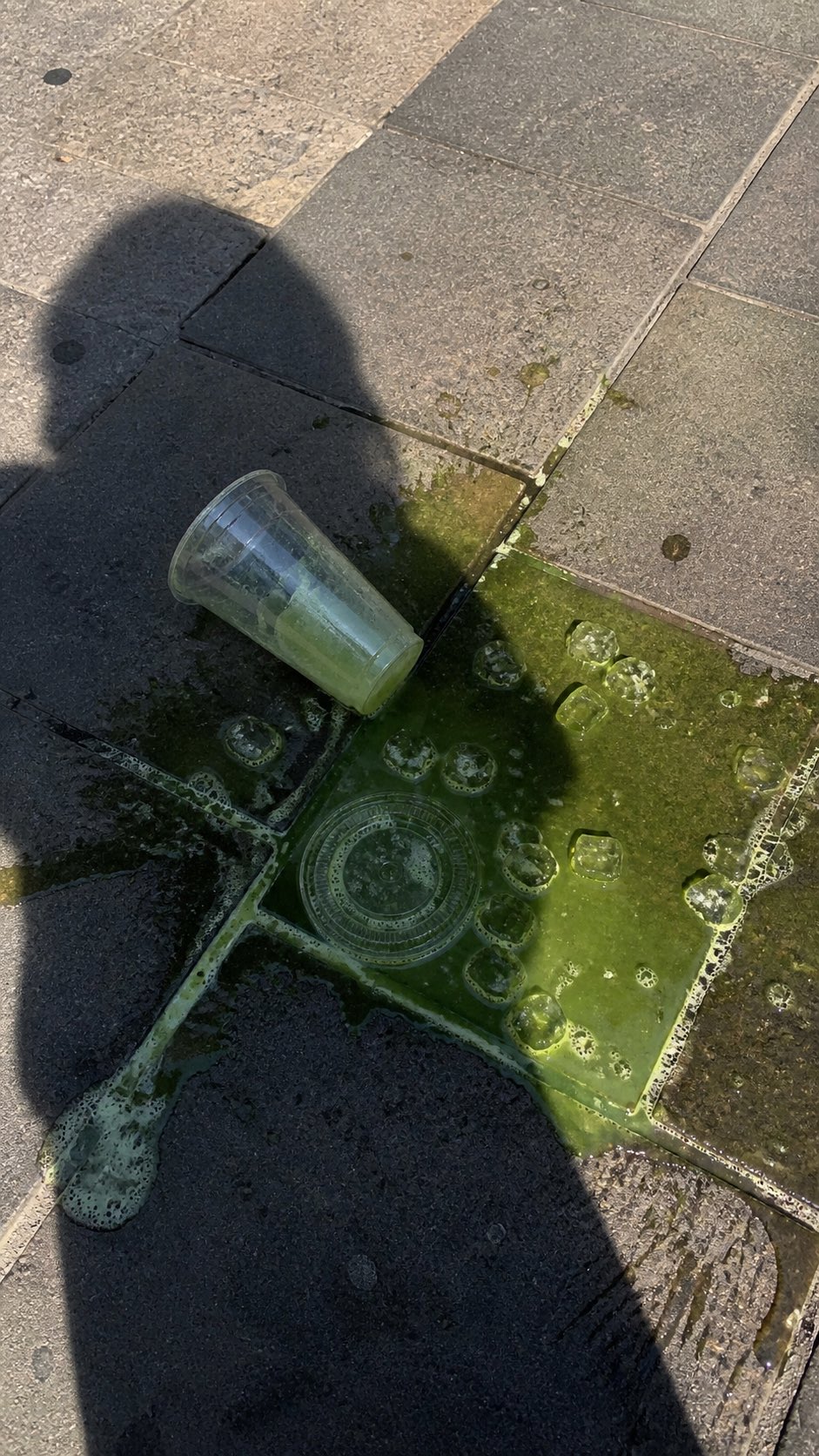 PRO03
PRO03Spilled Matcha Street Smartphone Photo
A realistic vertical smartphone photo of a spilled green iced drink on o…
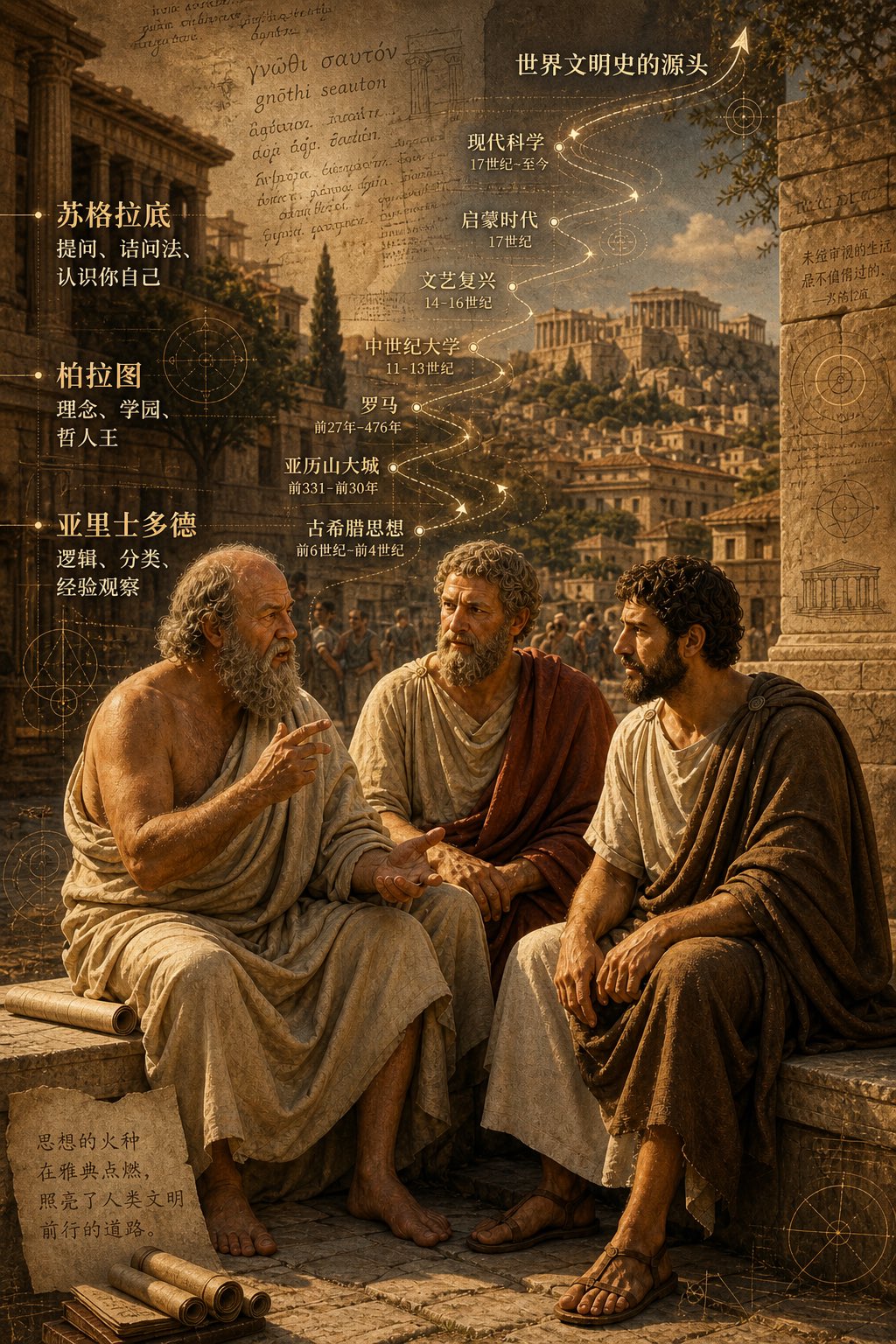 PRO04
PRO04Three Ancient Greek Philosophers Timeline City Map
Two and a half thousand years ago, Plato, Socrates, and Aristotle sat talking on the streets of Athens, and that conversation gave rise to the origins of world civilization. In the background, their conversation can be added, following the timeline, overlaid onto ancient Gree…