YouTube Thumbnail Base: Exaggerated Expression Close-Up with Space for a Title
Generate a high-CTR YouTube thumbnail base with Midjourney v7: an exaggerated facial-expression close-up with rim light on the right, and a clean color block deliberately left open on the left for a title. Add large Traditional Chinese text in Canva afterward for a complete high-CTR thumbnail.
【用途】
生成一張 YouTube 縮圖底圖:右側是誇張情緒的人物特寫,左側刻意留出乾淨色塊空間,之後在 Canva 疊上繁中標題字就是完整縮圖。高點擊縮圖的公式是「大臉+強情緒+字少」,這張底圖負責前兩項。

【主體】
一位 [人物描述] 的胸上特寫,表情是 [情緒表情](要誇張到有點過頭:睜大眼、張嘴、挑眉),身體微朝畫面左側,讓視線把觀眾引導到之後要放標題的位置。背景與 [影片主題] 相關但徹底虛化,只保留色彩與氛圍。

【風格/光線】
高飽和、高對比的數位攝影感;人物打強烈的邊緣光(rim light)讓輪廓從背景跳出來;背景用與 [品牌色] 互補的顏色製造撞色張力。禁止畫面出現任何文字、浮水印、logo。

【構圖/鏡頭】
16:9 橫式。人物置於右側三分之一線上,頭部可稍微出血裁切增加壓迫感;左側三分之一保持低細節的純色漸層,是預留的標題字區。85mm 焦段、淺景深。

【輸出要求】
直接貼這行到 Midjourney:
extreme close-up of [人物描述], exaggerated [情緒表情] expression, wide eyes, dramatic rim lighting, vivid saturated colors, blurred [影片主題] themed background, subject on right third, clean empty negative space on left side for text overlay, YouTube thumbnail style, high contrast --ar 16:9 --v 7 --no text, watermark, logo
一次會出 4 張,選表情最誇張、左側最乾淨的那張;若左側不夠空,在 prompt 加重 "large empty flat color area on left half" 再跑一次。
Swap the variables inside the [ ] brackets for your own content, then paste into Midjourney v7.
No other tool needed — run this prompt right here and see the result (edit the text and swap the [variables] first if you like). History lives in My generations.
Use this when you need a thumbnail base with pre-reserved space for a title before publishing a YouTube video.
[人物描述]縮圖主角的外觀特徵,中英文皆可。例:30 歲亞洲男性戴黑框眼鏡、長髮女性穿橘色帽 T、灰髮大叔留落腮鬍
[情緒表情]想傳達的誇張情緒。例:震驚張嘴、狂喜大笑、懷疑挑眉
[影片主題]影片內容主題,決定背景氛圍與色彩。例:股市大跌、開箱新手機、露營野炊
[品牌色]你頻道的主色,用來決定背景撞色方向。例:橘色、青綠色、紫色
填下面的欄位,上方 prompt 會即時替換 [方括號] 內容。填好後按「複製組好的 prompt」直接丟進工具。
【用途】
生成一張 YouTube 縮圖底圖:右側是誇張情緒的人物特寫,左側刻意留出乾淨色塊空間,之後在 Canva 疊上繁中標題字就是完整縮圖。高點擊縮圖的公式是「大臉+強情緒+字少」,這張底圖負責前兩項。

【主體】
一位 [人物描述] 的胸上特寫,表情是 [情緒表情](要誇張到有點過頭:睜大眼、張嘴、挑眉),身體微朝畫面左側,讓視線把觀眾引導到之後要放標題的位置。背景與 [影片主題] 相關但徹底虛化,只保留色彩與氛圍。

【風格/光線】
高飽和、高對比的數位攝影感;人物打強烈的邊緣光(rim light)讓輪廓從背景跳出來;背景用與 [品牌色] 互補的顏色製造撞色張力。禁止畫面出現任何文字、浮水印、logo。

【構圖/鏡頭】
16:9 橫式。人物置於右側三分之一線上,頭部可稍微出血裁切增加壓迫感;左側三分之一保持低細節的純色漸層,是預留的標題字區。85mm 焦段、淺景深。

【輸出要求】
直接貼這行到 Midjourney:
extreme close-up of [人物描述], exaggerated [情緒表情] expression, wide eyes, dramatic rim lighting, vivid saturated colors, blurred [影片主題] themed background, subject on right third, clean empty negative space on left side for text overlay, YouTube thumbnail style, high contrast --ar 16:9 --v 7 --no text, watermark, logo
一次會出 4 張,選表情最誇張、左側最乾淨的那張;若左側不夠空,在 prompt 加重 "large empty flat color area on left half" 再跑一次。
 PRO01
PRO01Premium 3D Collectible Figure Avatar
Transform the input photo into a high-end stylized 3D collectible figure…
 PRO02
PRO02Cherry Blossom Café Outdoor Portrait
Edit the provided image while preserving the same face identity, shape,…
 PRO03
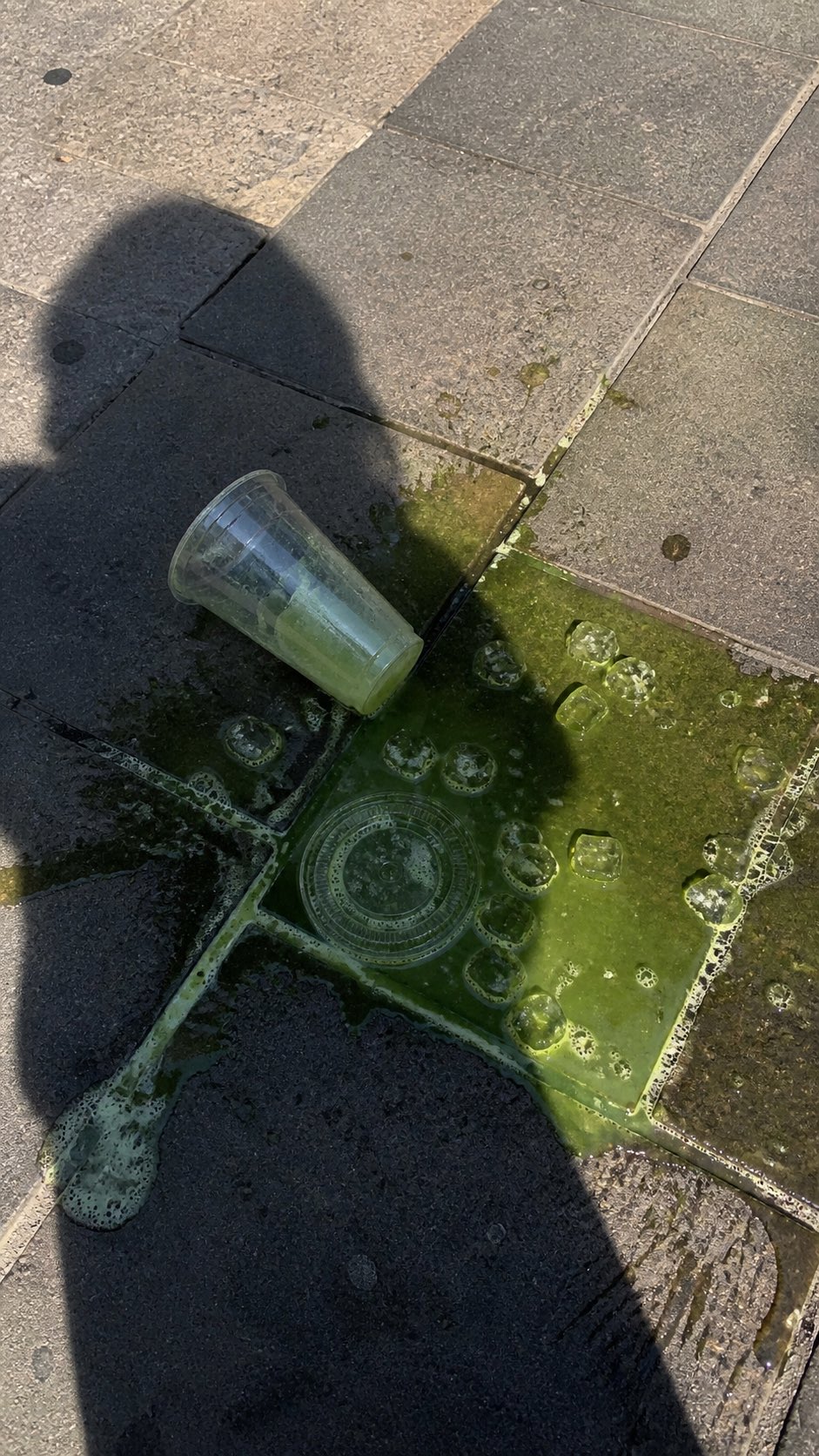
PRO03Spilled Matcha Street Smartphone Photo
A realistic vertical smartphone photo of a spilled green iced drink on o…
 PRO04
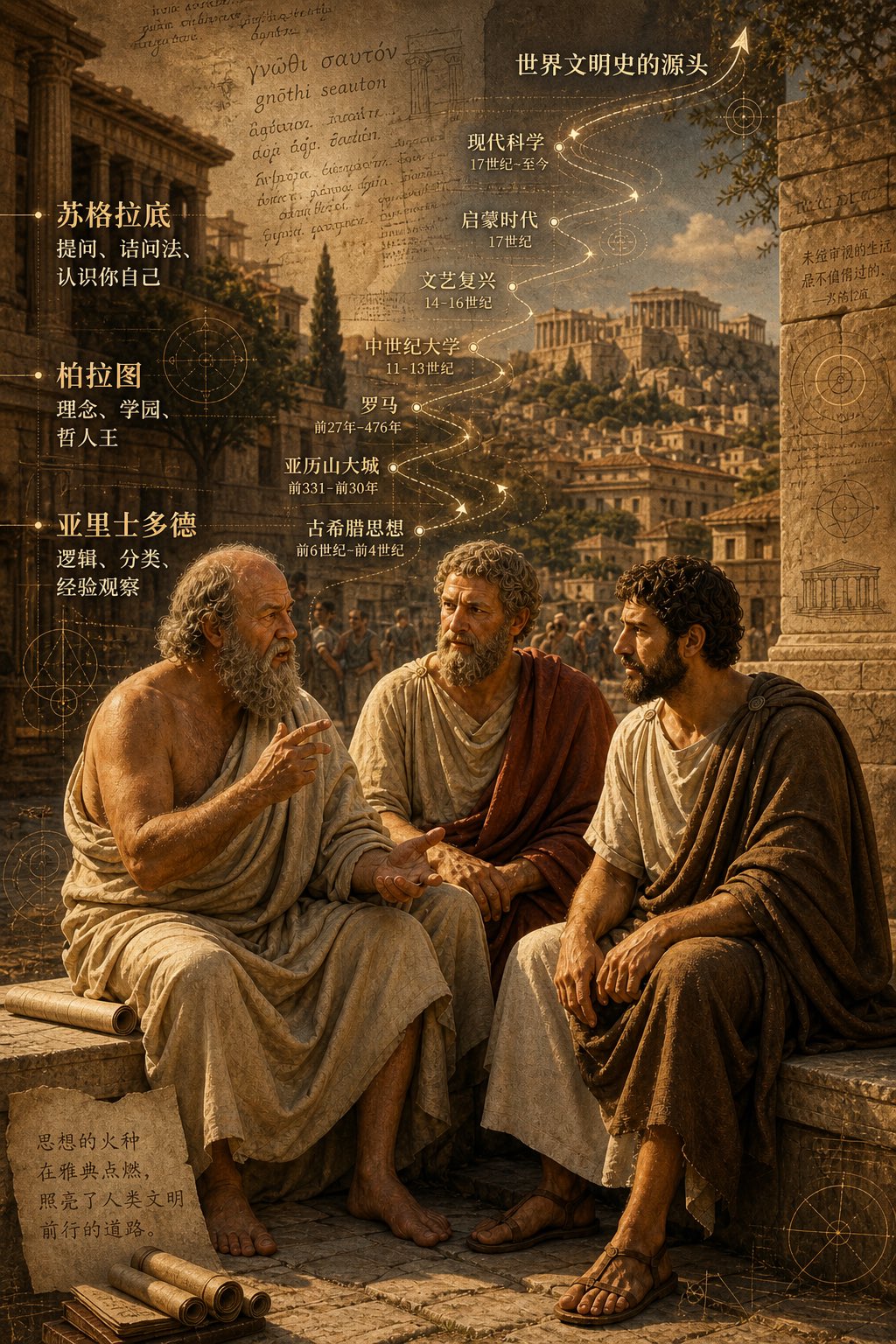
PRO04Three Ancient Greek Philosophers Timeline City Map
Two and a half thousand years ago, Plato, Socrates, and Aristotle sat talking on the streets of Athens, and that conversation gave rise to the origins of world civilization. In the background, their conversation can be added, following the timeline, overlaid onto ancient Gree…