Nano Banana Pro Multi-Image Composite: Person + Product Endorsement Shot
Upload a person photo, a product photo, and a scene photo separately, and clearly specify in the prompt who is the subject, what object is being placed, and what serves as the environment, compositing them into a commercial-looking shot that reads as if it were actually photographed. The key is a declaration for unified lighting and undistorted product labels — great for small e-commerce sellers who can't afford a real model shoot.
我會上傳三張圖片,請依以下分工合成一張新照片:

- 圖 1 是主體人物:臉部特徵、髮型必須與圖 1 完全一致,不可變成別人
- 圖 2 是要置入的商品:[商品名稱],外觀、顏色、比例、包裝上的標籤文字都不得變形或改寫
- 圖 3 是場景環境:合成後的背景與空間以這張為準

合成要求:
1. 人物正在[與商品互動的動作],手與商品的接觸點、握姿要符合人體工學
2. 光源以場景圖為準,人物與商品重新打光、補上方向一致的陰影
3. 構圖:[構圖需求]
4. 成品要像一張真實拍攝的商業形象照,不能有剪貼合成感
5. 輸出 4K
Swap the variables inside the [ ] brackets for your own content, then paste into Nano Banana Pro (Gemini).
No other tool needed — run this prompt right here and see the result (edit the text and swap the [variables] first if you like). History lives in My generations.
Multi-image composites usually fail not because the model can't do it, but because the prompt doesn't clarify 'who is who' — number and pin down each image's role (subject / object / environment) and the success rate changes immediately. Nano Banana Pro can take up to 14 reference images, but for everyday compositing, three images is the most stable setup. Product label text is the most fragile element — 'must not be distorted or rewritten' needs to be stated explicitly; facial consistency for the person also needs to be declared, or you'll often get a composite of a stranger who merely resembles the original face.
[商品名稱]例:「白色陶瓷手沖咖啡壺」「橘色登山背包」
[與商品互動的動作]例:「雙手捧著商品對鏡頭微笑」「背著背包回頭看」
[構圖需求]例:「直式 4:5、人物佔畫面三分之二、商品清楚可見」
填下面的欄位,上方 prompt 會即時替換 [方括號] 內容。填好後按「複製組好的 prompt」直接丟進工具。
我會上傳三張圖片,請依以下分工合成一張新照片:

- 圖 1 是主體人物:臉部特徵、髮型必須與圖 1 完全一致,不可變成別人
- 圖 2 是要置入的商品:[商品名稱],外觀、顏色、比例、包裝上的標籤文字都不得變形或改寫
- 圖 3 是場景環境:合成後的背景與空間以這張為準

合成要求:
1. 人物正在[與商品互動的動作],手與商品的接觸點、握姿要符合人體工學
2. 光源以場景圖為準,人物與商品重新打光、補上方向一致的陰影
3. 構圖:[構圖需求]
4. 成品要像一張真實拍攝的商業形象照,不能有剪貼合成感
5. 輸出 4K
 PRO01
PRO01Premium 3D Collectible Figure Avatar
Transform the input photo into a high-end stylized 3D collectible figure…
 PRO02
PRO02Cherry Blossom Café Outdoor Portrait
Edit the provided image while preserving the same face identity, shape,…
 PRO03
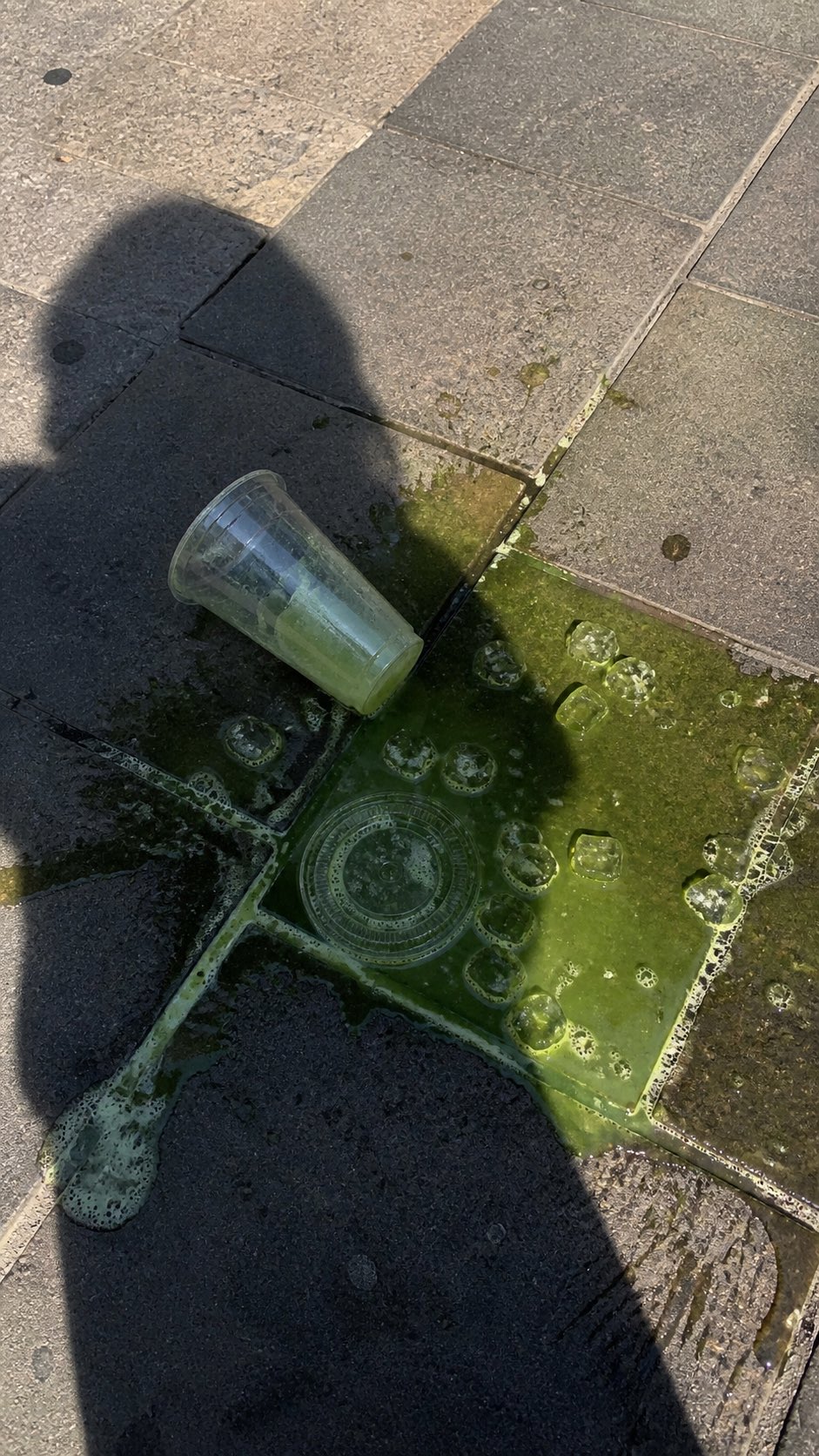
PRO03Spilled Matcha Street Smartphone Photo
A realistic vertical smartphone photo of a spilled green iced drink on o…
 PRO04
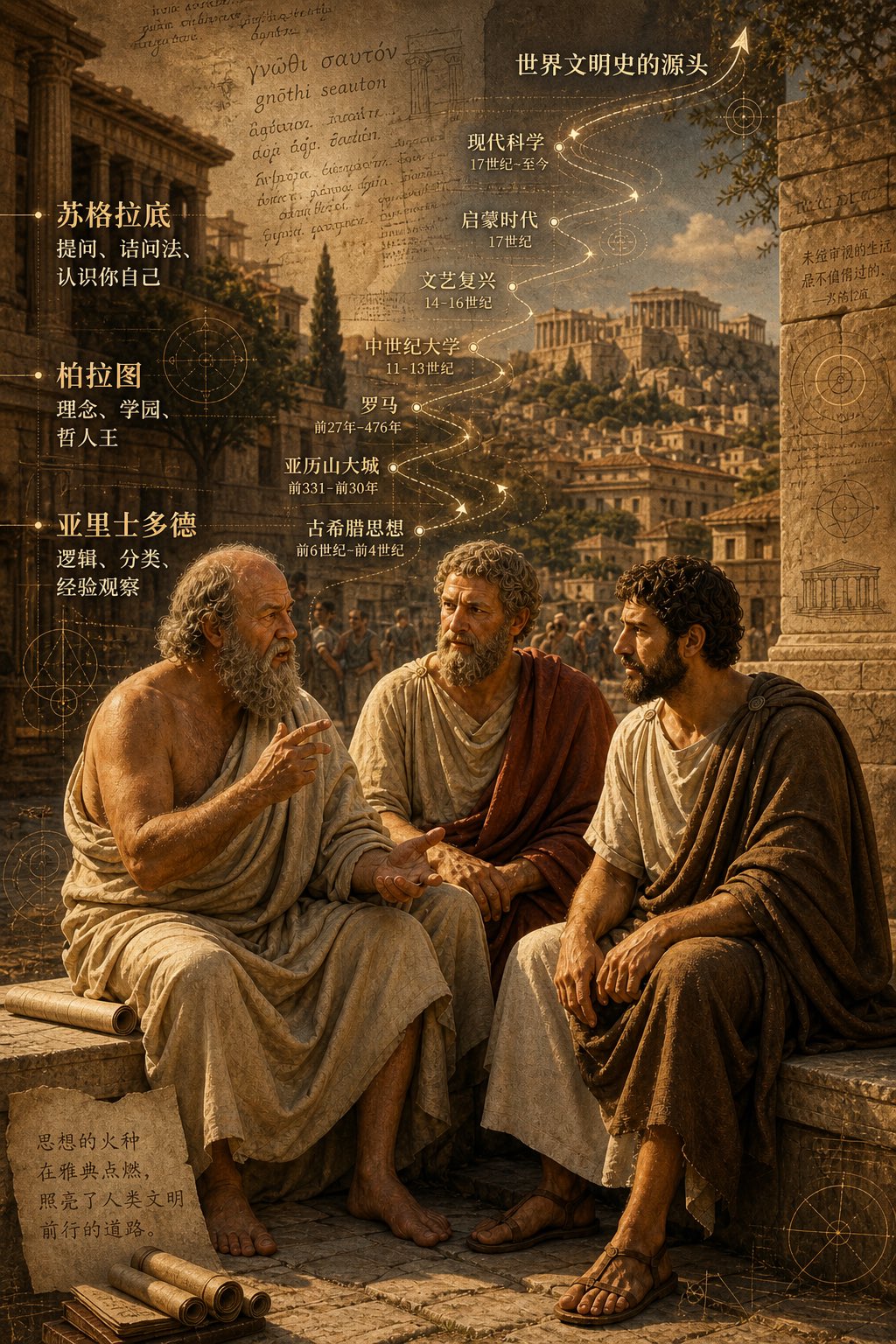
PRO04Three Ancient Greek Philosophers Timeline City Map
Two and a half thousand years ago, Plato, Socrates, and Aristotle sat talking on the streets of Athens, and that conversation gave rise to the origins of world civilization. In the background, their conversation can be added, following the timeline, overlaid onto ancient Gree…