Nano Banana Pro Conversational Editing: Background, Passersby, Outfit Swaps
No masks, no selection tools — just describe in plain language what to change. This prompt is built around the key declaration 'change only this one thing, keep everything else the same,' and the same sentence pattern covers changing backgrounds, removing passersby, or swapping outfits. If a result isn't quite right, just add another line to the same conversation instead of regenerating from scratch — much faster than starting over.
請對我上傳的這張照片做局部編修,只改我指定的地方,其他全部保持不變。

這次要改:[要修改的部分]
改成:[想要的結果]

編修規則:
1. 主體人物的臉部、姿勢、表情完全不動
2. 新元素必須符合原照片的光源方向與色溫,邊緣自然融合、不能有剪貼感
3. 如果這個改動會影響到地面陰影或玻璃反光,請一併修正,讓畫面物理上合理
4. 不要重新生成整張圖,也不要改變構圖與裁切
5. 輸出解析度與原圖相同

完成後我會繼續在這個對話裡追加修改,每次同樣只動我講的那一處。
Swap the variables inside the [ ] brackets for your own content, then paste into Nano Banana Pro (Gemini).
No other tool needed — run this prompt right here and see the result (edit the text and swap the [variables] first if you like). History lives in My generations.
The biggest cultural difference between the Nano Banana family and Midjourney is 'edit, don't regenerate': if an image is already 80% right, keep it and edit via conversation — it saves both quota and luck. The key to success is that 'everything else stays exactly the same' preservation clause; without it, the model often redraws the whole image without being asked. In practice it will occasionally pretend to make a change but return the original image unchanged — rephrasing and resending usually fixes this. Changing the background, removing a passerby, swapping an outfit, or changing the weather all follow the same sentence pattern — just swap out the two variables to reuse it.
[要修改的部分]例:「背景那條雜亂的街道」「左後方入鏡的路人」「主角身上的白色T恤」
[想要的結果]例:「乾淨的淺灰攝影棚背景」「自然移除並補上原本的背景」「改成黑色西裝外套」
填下面的欄位,上方 prompt 會即時替換 [方括號] 內容。填好後按「複製組好的 prompt」直接丟進工具。
請對我上傳的這張照片做局部編修,只改我指定的地方,其他全部保持不變。

這次要改:[要修改的部分]
改成:[想要的結果]

編修規則:
1. 主體人物的臉部、姿勢、表情完全不動
2. 新元素必須符合原照片的光源方向與色溫,邊緣自然融合、不能有剪貼感
3. 如果這個改動會影響到地面陰影或玻璃反光,請一併修正,讓畫面物理上合理
4. 不要重新生成整張圖,也不要改變構圖與裁切
5. 輸出解析度與原圖相同

完成後我會繼續在這個對話裡追加修改,每次同樣只動我講的那一處。
 PRO01
PRO01Premium 3D Collectible Figure Avatar
Transform the input photo into a high-end stylized 3D collectible figure…
 PRO02
PRO02Cherry Blossom Café Outdoor Portrait
Edit the provided image while preserving the same face identity, shape,…
 PRO03
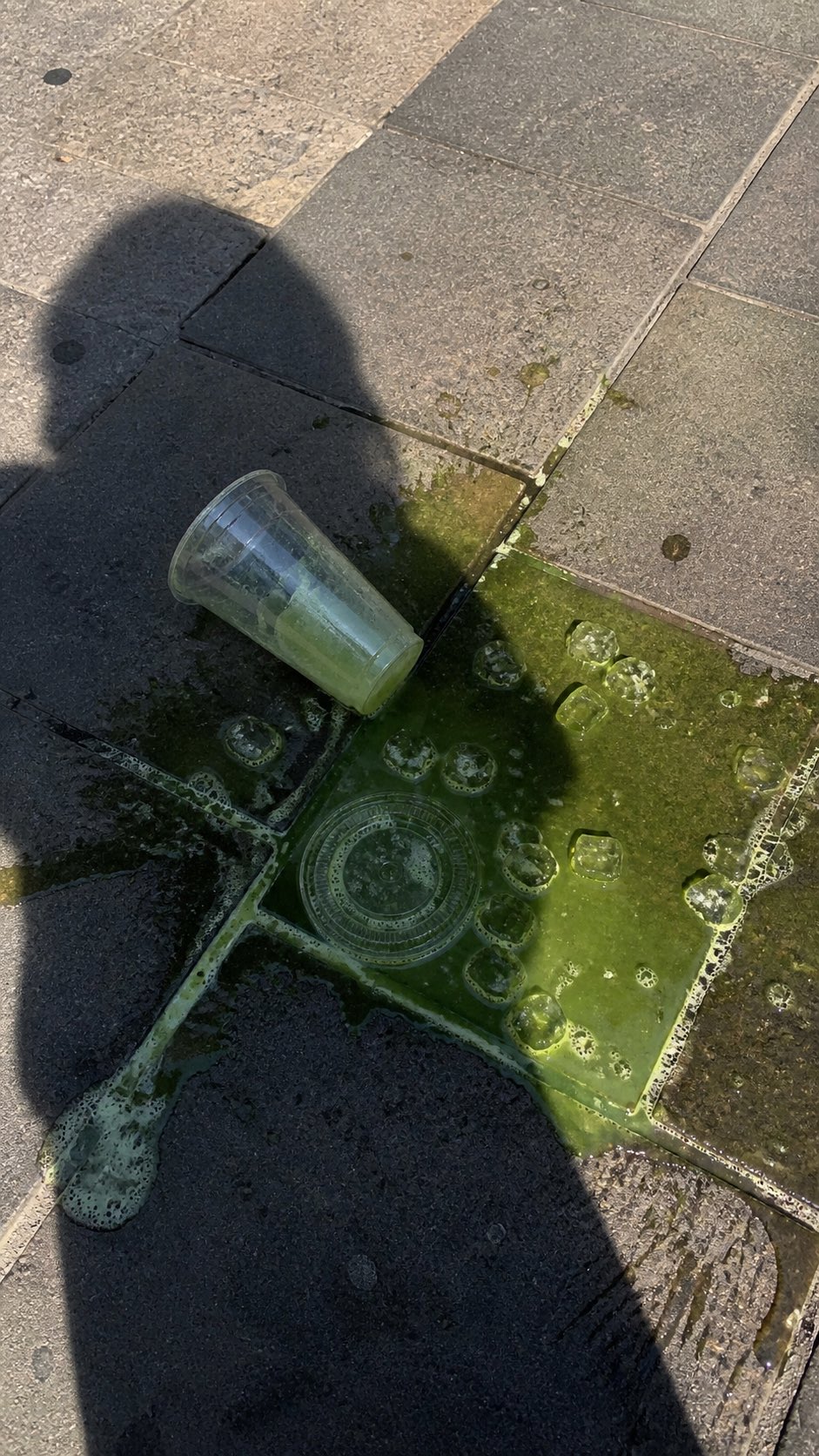
PRO03Spilled Matcha Street Smartphone Photo
A realistic vertical smartphone photo of a spilled green iced drink on o…
 PRO04
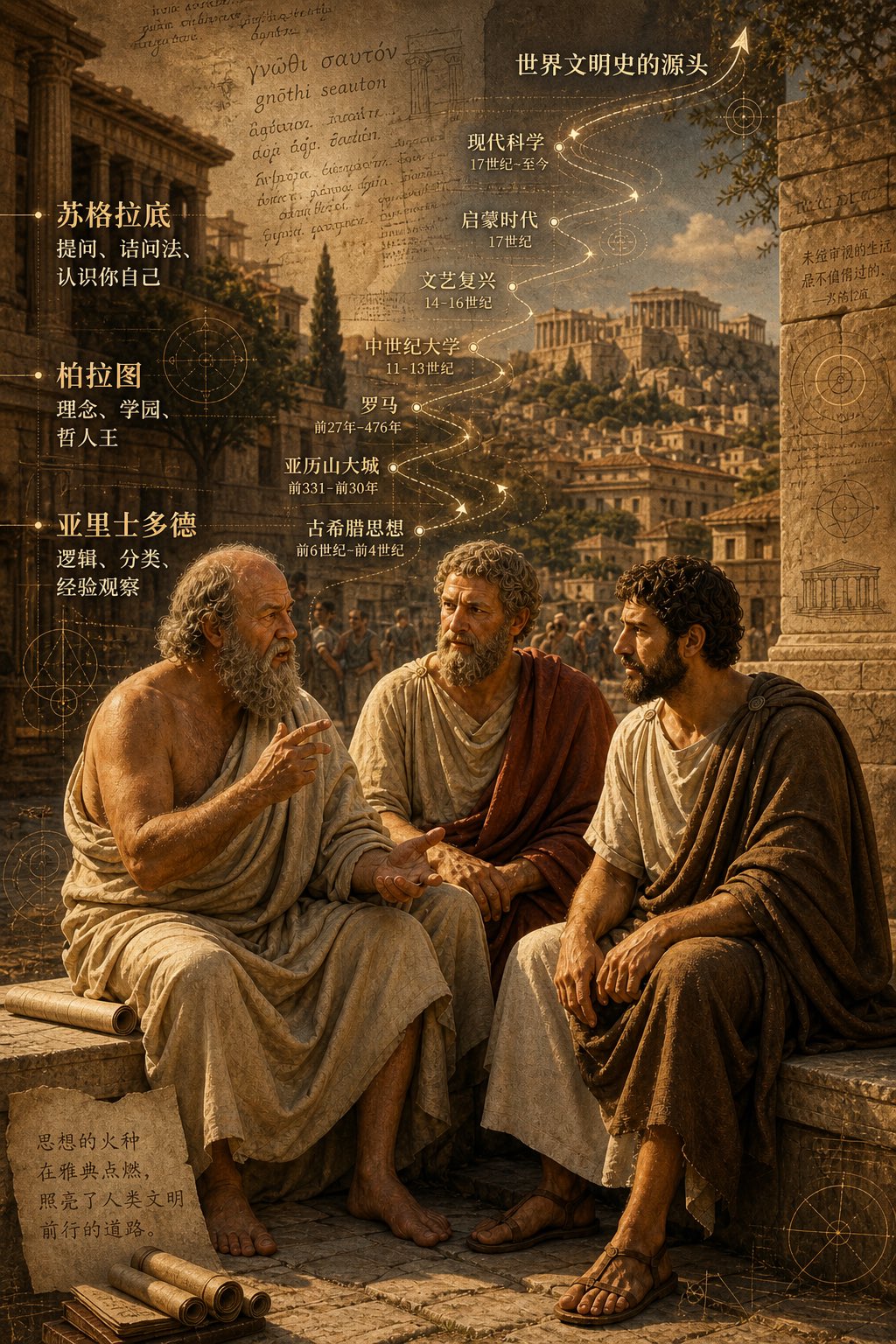
PRO04Three Ancient Greek Philosophers Timeline City Map
Two and a half thousand years ago, Plato, Socrates, and Aristotle sat talking on the streets of Athens, and that conversation gave rise to the origins of world civilization. In the background, their conversation can be added, following the timeline, overlaid onto ancient Gree…