Golden-Hour Brand Portraits: Lock a Consistent Style with --sref
Midjourney v7 uses 85mm backlit portrait phrasing plus --sref to lock a brand's color tone, letting instructors, real estate agents, and solo creators shoot a whole visually consistent set of headshots in one go.
Editorial portrait of [人物描述], [姿勢與表情], shot on 85mm f/1.4 lens, golden hour backlight rim lighting, shallow depth of field with creamy bokeh, [場景背景], magazine cover quality, natural skin texture, confident professional mood, color graded to [品牌色調] --ar 4:5 --style raw --sref [風格參考碼] --sw 100

【量產同風格整組的做法(同一段只換中括號)】
第 1 張先不帶 --sref 跑出一張你滿意的,圖出來後輸入 /describe 或在訊息用該圖網址+ --sref random 抽一個 sref 碼,把那串數字回填到 [風格參考碼],之後每張都帶同一個碼,色調與質感就會一致。

姿勢/場景換句範例(其餘不動):
- [姿勢與表情] = looking directly at camera with a slight smile / 換成 → glancing to the side, thoughtful
- [場景背景] = blurred modern office with warm window light / 換成 → standing against a textured concrete wall outdoors

【常用尺寸切換】
- LinkedIn / 官網大頭照:--ar 1:1 或 4:5
- 講座主視覺橫幅:--ar 16:9
- IG 限動全身:--ar 9:16
Swap the variables inside the [ ] brackets for your own content, then paste into Midjourney v7.
No other tool needed — run this prompt right here and see the result (edit the text and swap the [variables] first if you like). History lives in My generations.
Use this when you need a whole set of headshots with a unified look, not just one nice image. The most common mistake for instructors, insurance/real-estate agents, and solo creators is that every shot ends up with a different tone and lighting, making the set look like it was shot by different photographers. --sref is the fix: generate one shot you like, lock in its sref code, and reuse that same code across different poses and settings to keep the whole set's tone locked. --style raw makes v7 apply less of its own 'beauty filter,' getting closer to real photography; --sw 100 is the style-reference weight — lower it (e.g. --sw 50) if it looks too close to the reference image. Honest note: v7 occasionally skews Asian faces toward a more Western look — spelling out 'East Asian' or 'Taiwanese' in the [subject description] helps a lot; for the exact same face to stay fully consistent across shots, you still need --oref (character reference) — text description alone can't achieve true same-person consistency.
[人物描述]主角的外型與身份,講明族裔較準。例:a Taiwanese woman in her 30s, business casual blazer / a male financial advisor in his 40s, navy suit
[姿勢與表情]身體朝向與神情。例:arms crossed, warm confident smile, facing camera
[場景背景]背景環境(會被景深模糊)。例:blurred bookshelf in a warm-lit study / minimalist studio with soft grey backdrop
[品牌色調]整套照片的調色方向。例:warm amber and cream tones / cool teal and charcoal
[風格參考碼]從第一張滿意圖抽出的 sref 數字串,之後每張沿用以鎖風格。例:1234567890(先留空跑第一張,再回填)
填下面的欄位,上方 prompt 會即時替換 [方括號] 內容。填好後按「複製組好的 prompt」直接丟進工具。
Editorial portrait of [人物描述], [姿勢與表情], shot on 85mm f/1.4 lens, golden hour backlight rim lighting, shallow depth of field with creamy bokeh, [場景背景], magazine cover quality, natural skin texture, confident professional mood, color graded to [品牌色調] --ar 4:5 --style raw --sref [風格參考碼] --sw 100

【量產同風格整組的做法(同一段只換中括號)】
第 1 張先不帶 --sref 跑出一張你滿意的,圖出來後輸入 /describe 或在訊息用該圖網址+ --sref random 抽一個 sref 碼,把那串數字回填到 [風格參考碼],之後每張都帶同一個碼,色調與質感就會一致。

姿勢/場景換句範例(其餘不動):
- [姿勢與表情] = looking directly at camera with a slight smile / 換成 → glancing to the side, thoughtful
- [場景背景] = blurred modern office with warm window light / 換成 → standing against a textured concrete wall outdoors

【常用尺寸切換】
- LinkedIn / 官網大頭照:--ar 1:1 或 4:5
- 講座主視覺橫幅:--ar 16:9
- IG 限動全身:--ar 9:16
 PRO01
PRO01Premium 3D Collectible Figure Avatar
Transform the input photo into a high-end stylized 3D collectible figure…
 PRO02
PRO02Cherry Blossom Café Outdoor Portrait
Edit the provided image while preserving the same face identity, shape,…
 PRO03
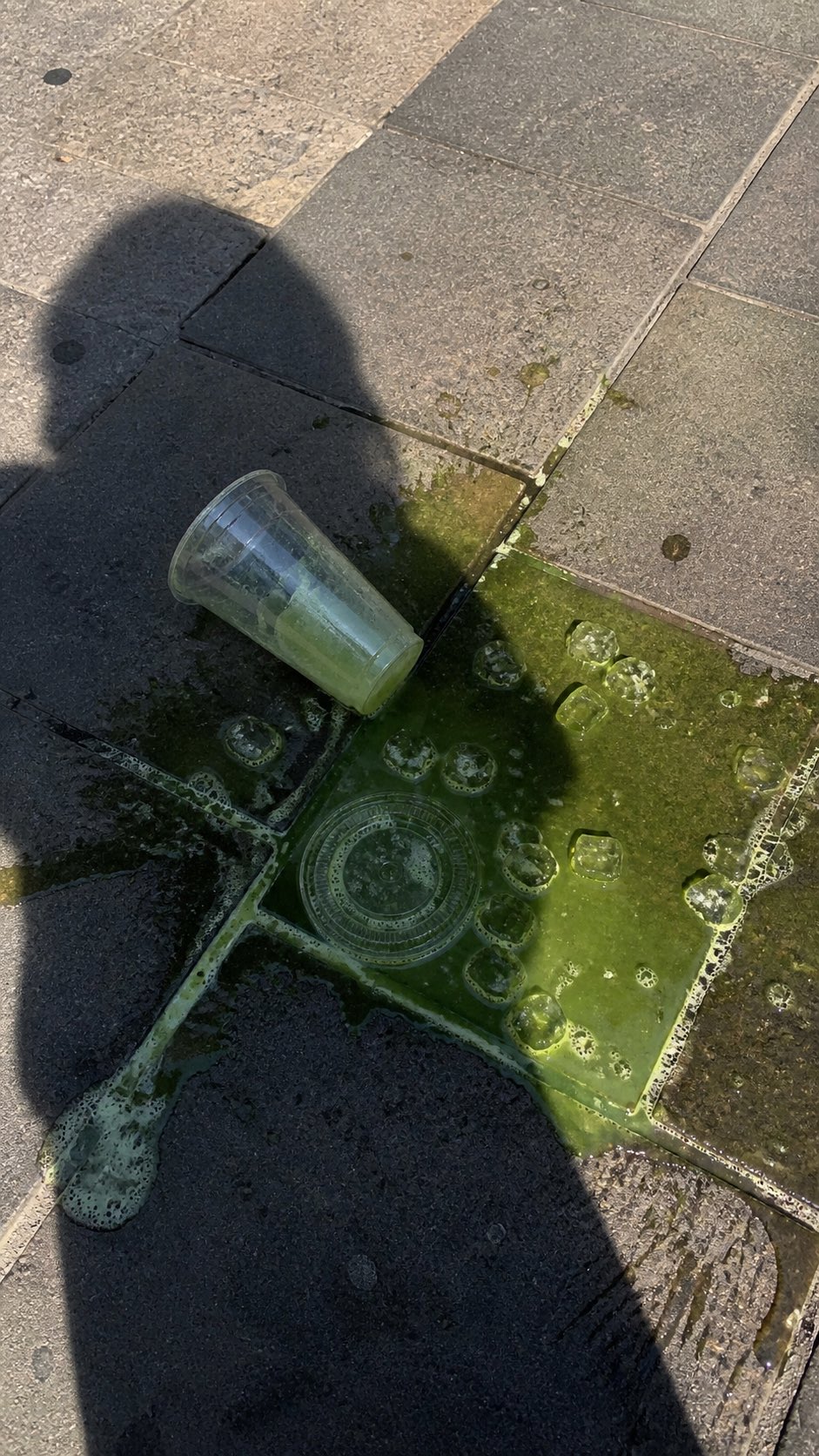
PRO03Spilled Matcha Street Smartphone Photo
A realistic vertical smartphone photo of a spilled green iced drink on o…
 PRO04
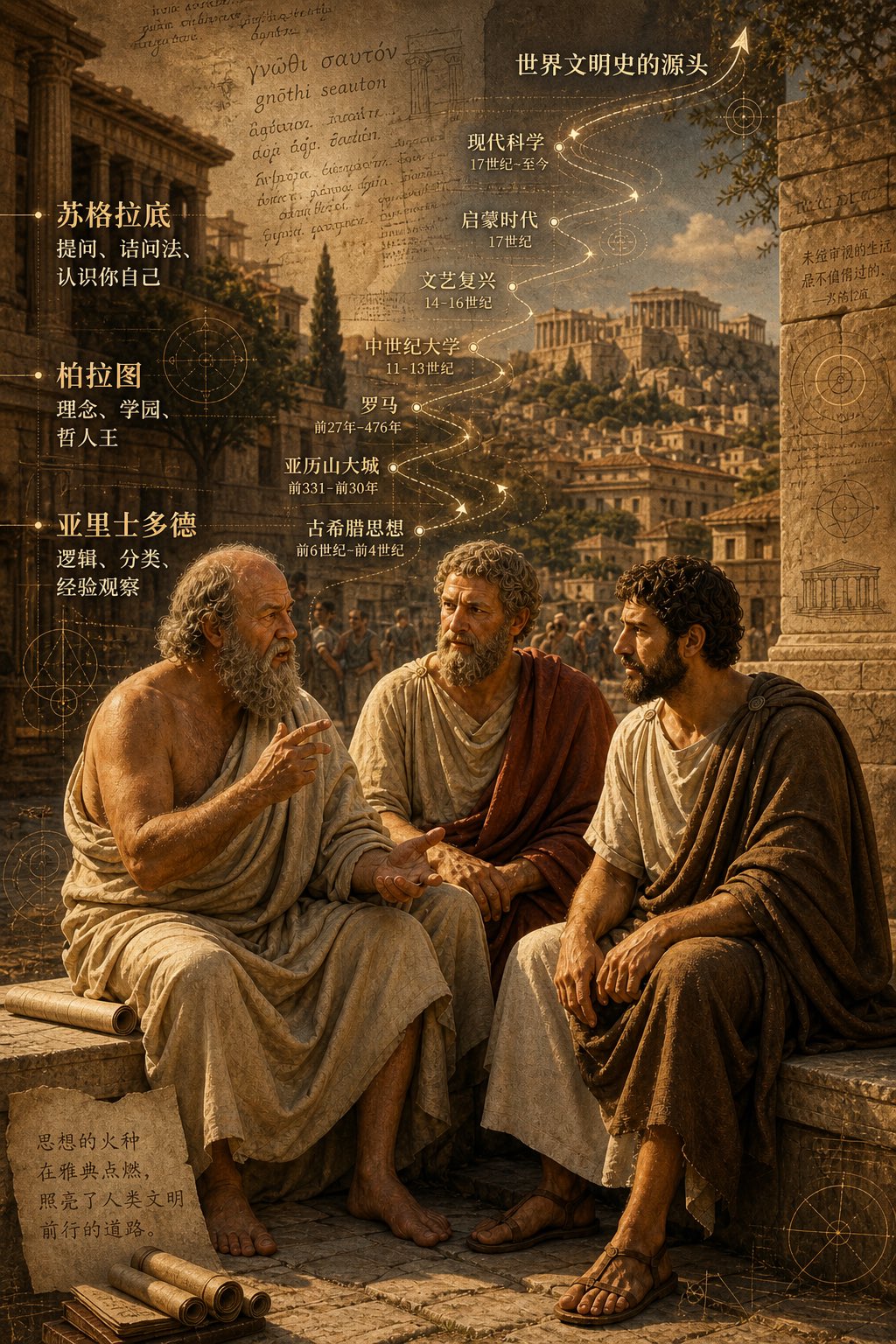
PRO04Three Ancient Greek Philosophers Timeline City Map
Two and a half thousand years ago, Plato, Socrates, and Aristotle sat talking on the streets of Athens, and that conversation gave rise to the origins of world civilization. In the background, their conversation can be added, following the timeline, overlaid onto ancient Gree…