IMAGE/GPT Image 2.5 Sunburst/Beginner
Extract a product on transparency
Isolate a product from its photo while preserving its shape and label.
SakuyaPromptCraft editor · Updated 2026-11-03T00:00:00.000Z
Rate
ImageGPT Image 2.5 SunburstBeginner
01PROMPT
Extract the product from the input image and isolate it on a fully transparent background.
Output: centered product, crisp silhouette, no halos/fringing.
Preserve product geometry and label legibility exactly.
Add only light polishing. Do not add a solid backdrop, checkerboard, scenery, or shadow.
Do not restyle the product; remove the background and preserve clean alpha transparency.
Swap the variables inside the [ ] brackets for your own content, then paste into GPT Image 2.5 Sunburst.
GENGENERATE ON-SITE
GENERATE ON-SITEFLUX.2 · auto-refund on failure
No other tool needed — run this prompt right here and see the result (edit the text and swap the [variables] first if you like). History lives in My generations.
02CONTEXT / Why it works
Use with a product photo and inspect the resulting edges and label.
SOURCE
RELATED
Free01NEW
IMAGEGPT Image 2FEATURED
2026-11-01
Wool coat with knit scarf
A wool coat, knit sweater and scarf form a warm layered outfit.
BeginnerGen in-site
Free02NEW
IMAGEGPT Image 2FEATURED
2026-11-01
Character front side and back views
Three full-body views show an original adult character in one outfit.
IntermediateGen in-site
 PRO03
IMAGEGPT Image 2FEATURED
2026-06-26
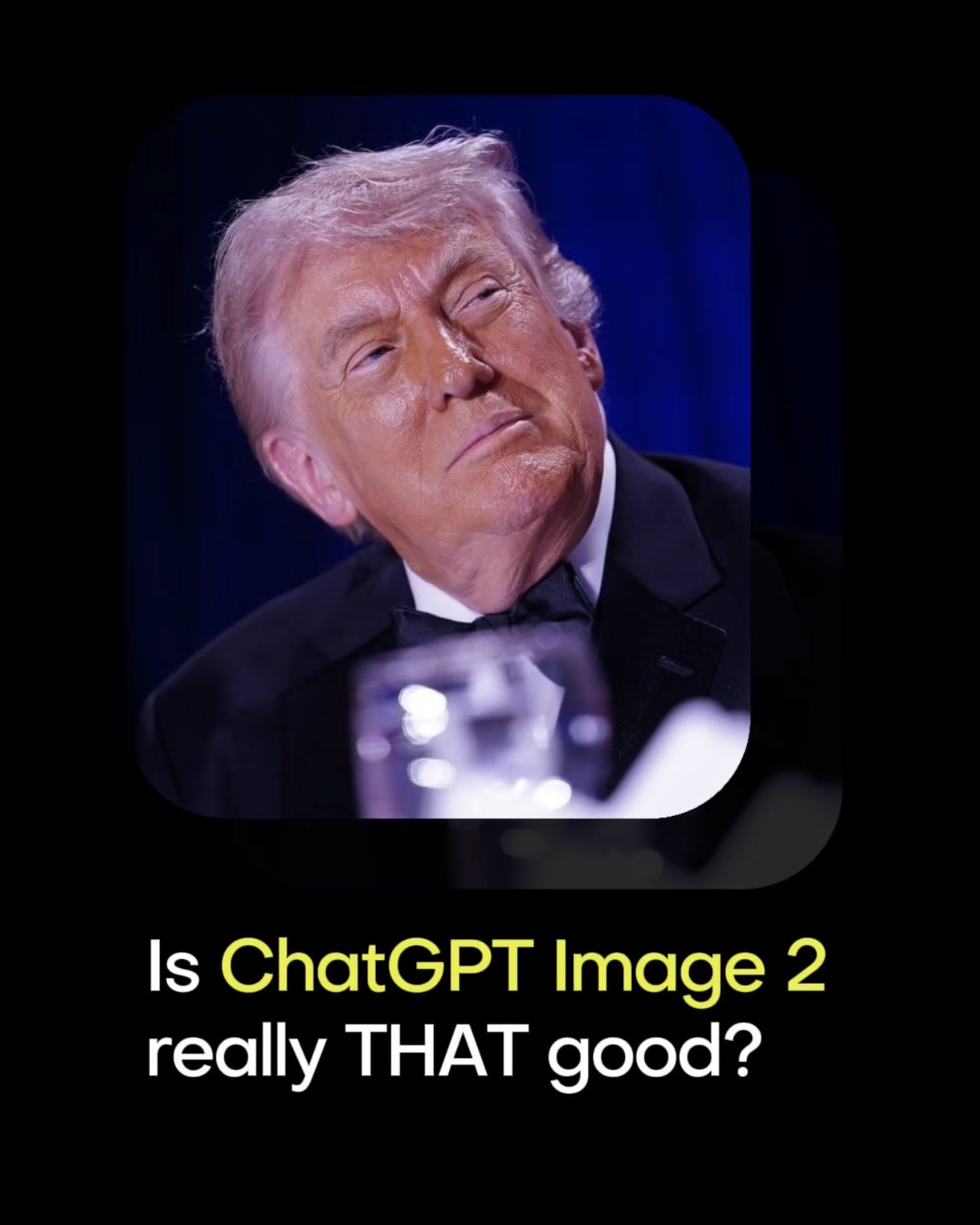
Premium 3D Collectible Figure Avatar
Transform the input photo into a high-end stylized 3D collectible figure…
IntermediateGen in-site
 PRO04
IMAGEGPT Image 2FEATURED
2026-06-26
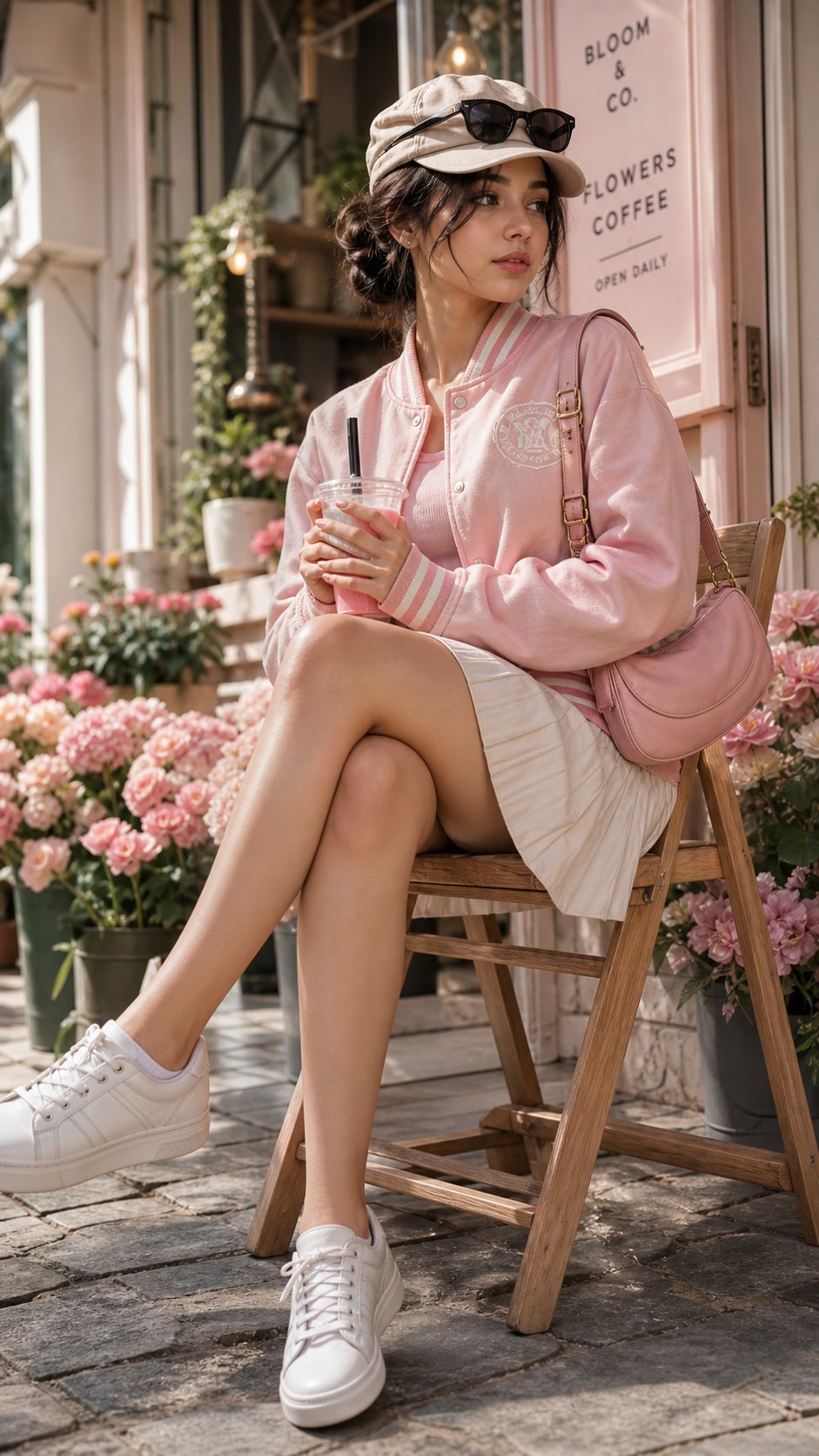
Cherry Blossom Café Outdoor Portrait
Edit the provided image while preserving the same face identity, shape,…
AdvancedGen in-site
COMMENTS · 討論區0 則
目前沒有留言。第一個說說你的經驗。