GPT Image 2 Bubble Tea Menu Board: Item Names and Prices Locked Character-for-Character
Generate a vertical-format price board for a bubble tea shop or food stall: each item and price locked with full-width quotation marks, character counts noted per line, and safeguards against simplified-character variants. Built for boards headed straight to print. Honest caveat: the more items, the higher the error rate — beyond ten items, split into two generations; for a one- or two-character mistake, just regenerate, or ask the model to fix only the wrong lines.
【用途】
為台灣的 [店家類型] 設計一張直式價目看板(直式構圖、比例 2:3),要貼在店門口給客人點餐用。看板上每一個品項、每一個價格都必須正確、錯一個字就不能用。

【看板上要畫出的文字——逐字照畫、一字不差】
- 主標題:『[店名]』(共 [店名字數] 個字)
- 品項與價格、由上到下依序排列:
[品項與價格清單]
所有用全形引號『』框住的文字、都是要直接畫在看板上的內容、不是給你的描述;引號本身不要畫出來。價格一律用阿拉伯數字、跟品項同一行、靠右對齊。

【字數自我檢查】
輸出前逐行核對:每一行畫出的字、要和上面宣告的字數完全一致、多一字或少一字都算失敗、發現不符就修正後再輸出。

【異體字與簡體字防呆】
全部使用繁體中文(台灣用字)、嚴禁出現任何簡體字。特別注意:「檸檬」不得寫成「柠檬」、「鮮」不得寫成「鲜」、「湯」不得寫成「汤」、「麵」不得寫成「面」、「烏龍」不得寫成「乌龙」。『』內是什麼字就照畫什麼字、不要自行替換同義字或異體字。

【版面與風格】
- 直式排版:主標題在最上方、品項清單佔中段、行距一致、品項之間可加細分隔線
- 風格:[風格描述]、主色調為 [主色調]
- 字體選乾淨的粗黑體或圓體、遠看也能清楚辨識、品項字級一致
- 除了上面宣告的文字外、不要出現任何多餘文字、英文、浮水印或裝飾性亂字
Swap the variables inside the [ ] brackets for your own content, then paste into GPT Image 2.
No other tool needed — run this prompt right here and see the result (edit the text and swap the [variables] first if you like). History lives in My generations.
GPT Image 2 can render usable Traditional Chinese text within an image (it reasons before generating and supports CJK text), but a price list — a scene demanding a dozen-plus correct words in one shot — is still a high-risk zone for errors. Three safeguards each do a different job: 『』 marks separate 'the text to render' from 'the layout description'; per-item character counts give the model a basis for self-checking; and the error-prevention list calls out the most common failure points, like '檸檬 (lemon) turning into the simplified 柠檬.' Known limits: the error rate rises noticeably past ten items, so it's worth splitting into two images; price numbers are more stable than Chinese characters. When something fails, don't rewrite the whole prompt — just regenerate, or specify 'only fix the text on line N,' which usually clears up the issue in one or two tries.
[店家類型]例:手搖飲料店(也可填:滷味攤、鹹酥雞店、早餐店)
[店名]例:山茶事
[店名字數]例:3(店名的字數、給模型自我檢查用)
[品項與價格清單]例:『珍珠奶茶』(4 字)55/『冬瓜檸檬』(4 字)45/『招牌烏龍』(4 字)35——每行一項、品項用『』框住並標字數、後接價格
[風格描述]例:日式簡約木質感、米白底、手繪飲料插圖點綴
[主色調]例:抹茶綠+奶茶米色
填下面的欄位,上方 prompt 會即時替換 [方括號] 內容。填好後按「複製組好的 prompt」直接丟進工具。
【用途】
為台灣的 [店家類型] 設計一張直式價目看板(直式構圖、比例 2:3),要貼在店門口給客人點餐用。看板上每一個品項、每一個價格都必須正確、錯一個字就不能用。

【看板上要畫出的文字——逐字照畫、一字不差】
- 主標題:『[店名]』(共 [店名字數] 個字)
- 品項與價格、由上到下依序排列:
[品項與價格清單]
所有用全形引號『』框住的文字、都是要直接畫在看板上的內容、不是給你的描述;引號本身不要畫出來。價格一律用阿拉伯數字、跟品項同一行、靠右對齊。

【字數自我檢查】
輸出前逐行核對:每一行畫出的字、要和上面宣告的字數完全一致、多一字或少一字都算失敗、發現不符就修正後再輸出。

【異體字與簡體字防呆】
全部使用繁體中文(台灣用字)、嚴禁出現任何簡體字。特別注意:「檸檬」不得寫成「柠檬」、「鮮」不得寫成「鲜」、「湯」不得寫成「汤」、「麵」不得寫成「面」、「烏龍」不得寫成「乌龙」。『』內是什麼字就照畫什麼字、不要自行替換同義字或異體字。

【版面與風格】
- 直式排版:主標題在最上方、品項清單佔中段、行距一致、品項之間可加細分隔線
- 風格:[風格描述]、主色調為 [主色調]
- 字體選乾淨的粗黑體或圓體、遠看也能清楚辨識、品項字級一致
- 除了上面宣告的文字外、不要出現任何多餘文字、英文、浮水印或裝飾性亂字
 PRO01
PRO01Premium 3D Collectible Figure Avatar
Transform the input photo into a high-end stylized 3D collectible figure…
 PRO02
PRO02Cherry Blossom Café Outdoor Portrait
Edit the provided image while preserving the same face identity, shape,…
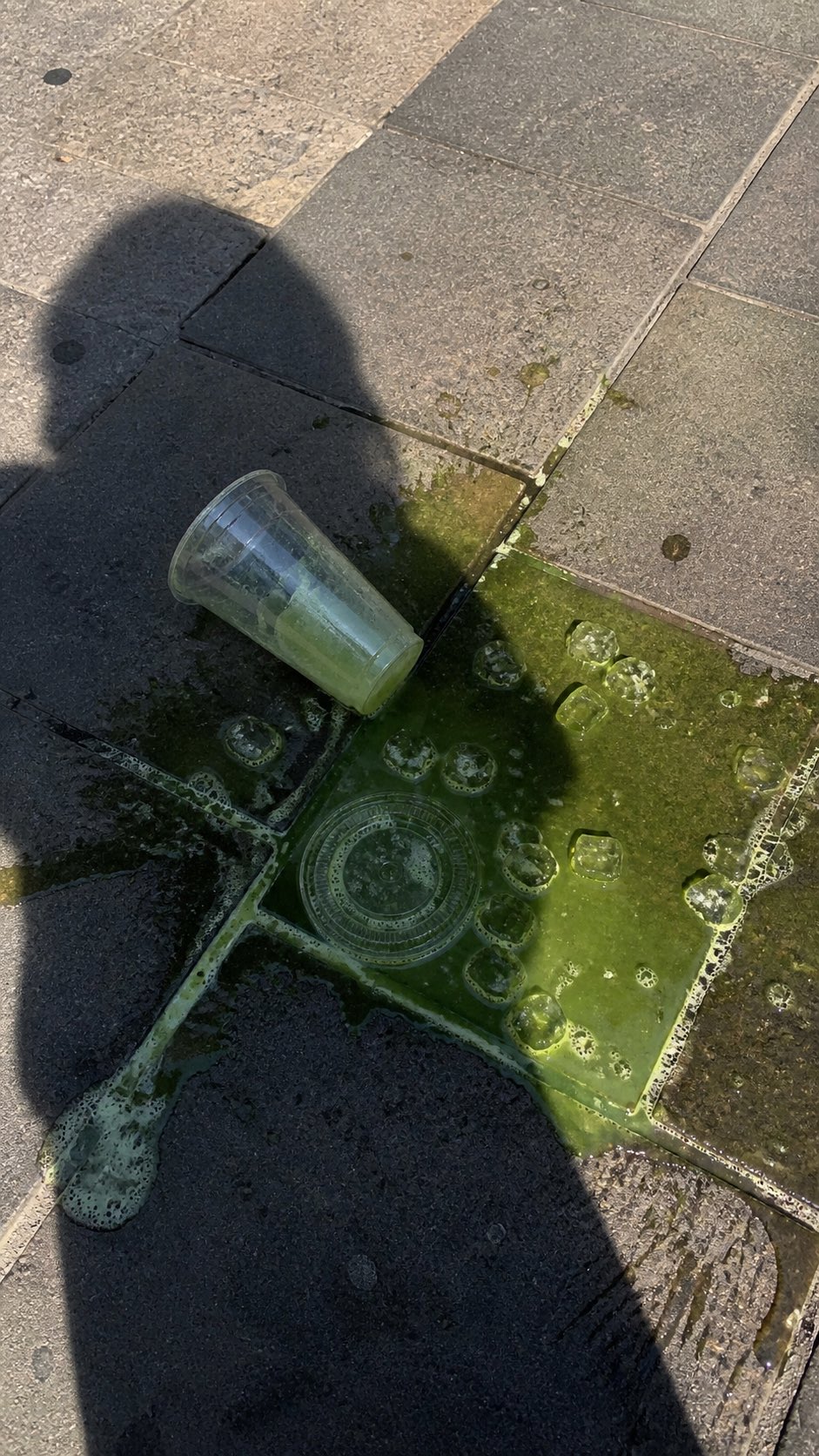 PRO03
PRO03Spilled Matcha Street Smartphone Photo
A realistic vertical smartphone photo of a spilled green iced drink on o…
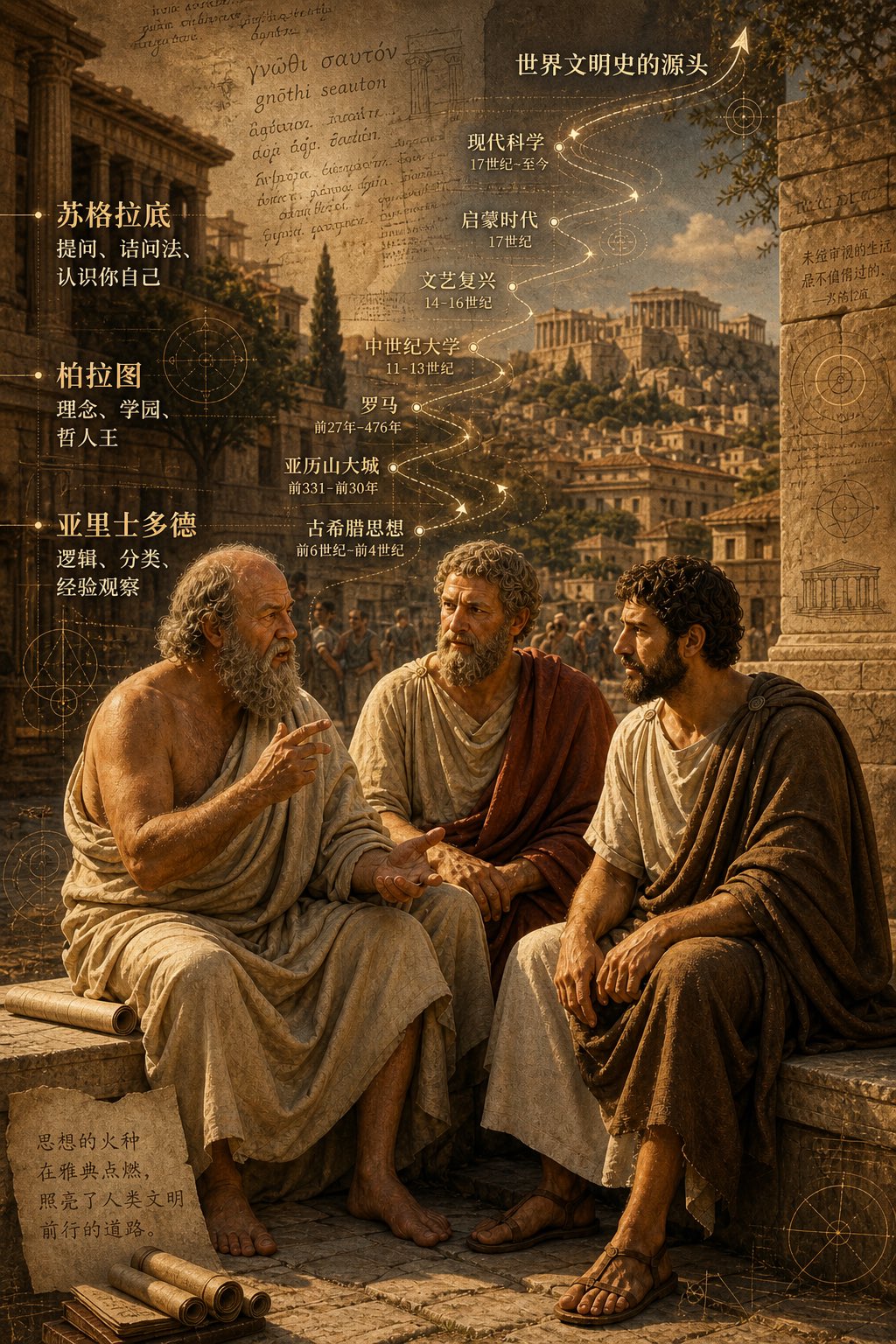 PRO04
PRO04Three Ancient Greek Philosophers Timeline City Map
Two and a half thousand years ago, Plato, Socrates, and Aristotle sat talking on the streets of Athens, and that conversation gave rise to the origins of world civilization. In the background, their conversation can be added, following the timeline, overlaid onto ancient Gree…