Promo Banner: Limited-Time Offer with Bold Discount Numbers and Accurate Dates
Create a high-click promo banner: an oversized discount number, clearly legible campaign dates, and an eye-catching CTA button, sized to fit Shopee/momo storefront placements, with every number and Chinese character rendered exactly as specified.
【用途】設計一張電商促銷橫幅 banner,用於 [版位用途],尺寸 [尺寸比例],主打 [檔期主題] 的限時優惠,目標是一眼看懂折扣、產生點擊衝動。整體風格 [風格關鍵字]。

【版面層級|先排層級再填字】
由視覺重要性分三層:
1. 折扣主角區(最大、最搶眼,數字是整張圖的視覺重心)
2. 檔期資訊區(活動名稱 + 起訖日期,清楚對齊)
3. 行動按鈕區(一個醒目的 CTA 膠囊按鈕)

【圖上文字|必須與引號內完全一致、逐字渲染,數字與標點都不可改】
- 折扣大字:「[折扣主標]」

[ Log in to see the full prompt ]Sign up free to see the full prompt, copy it, save it, and join the discussion. Free content unlocks on login; Pro content is a separate subscription.
Use this for scenarios like Double 11, Mother's Day, or an anniversary sale, where a single banner drives clicks and conversions — it works for Shopee storefront hero banners, momo campaign banners, and website carousels alike. The biggest risk with promo banners is AI silently changing the discount number or date — 'second item 50% off' turning into 'second item 60% off,' or '6/1-6/30' turning into '6/1-6/3' — errors like that directly damage a real campaign. So this prompt encloses every number, percentage, and date in quotation marks and repeatedly stresses 'numbers and punctuation must not be changed, verify character by character.' Three practical points: first, set up the visual hierarchy before filling in the copy — dumping in a string of promo phrases and letting the model arrange them itself results in a messy layout and an undersized discount number; second, describe the CTA as a 'filled pill-shaped button with high contrast,' or the model will just render a line of floating text instead of an actual button; third, leave a safety margin around the text, since banner placements often get cropped on the sides. Reminder: discounts and campaign dates are consumer-facing information subject to regulation — the banner is a marketing visual, and the actual offer terms should follow what's configured in the storefront backend; always manually verify the numbers and dates before publishing. It's worth generating two or three versions and picking the one with the cleanest numbers and dates.
 PRO01
PRO01Premium 3D Collectible Figure Avatar
Transform the input photo into a high-end stylized 3D collectible figure…
 PRO02
PRO02Cherry Blossom Café Outdoor Portrait
Edit the provided image while preserving the same face identity, shape,…
 PRO03
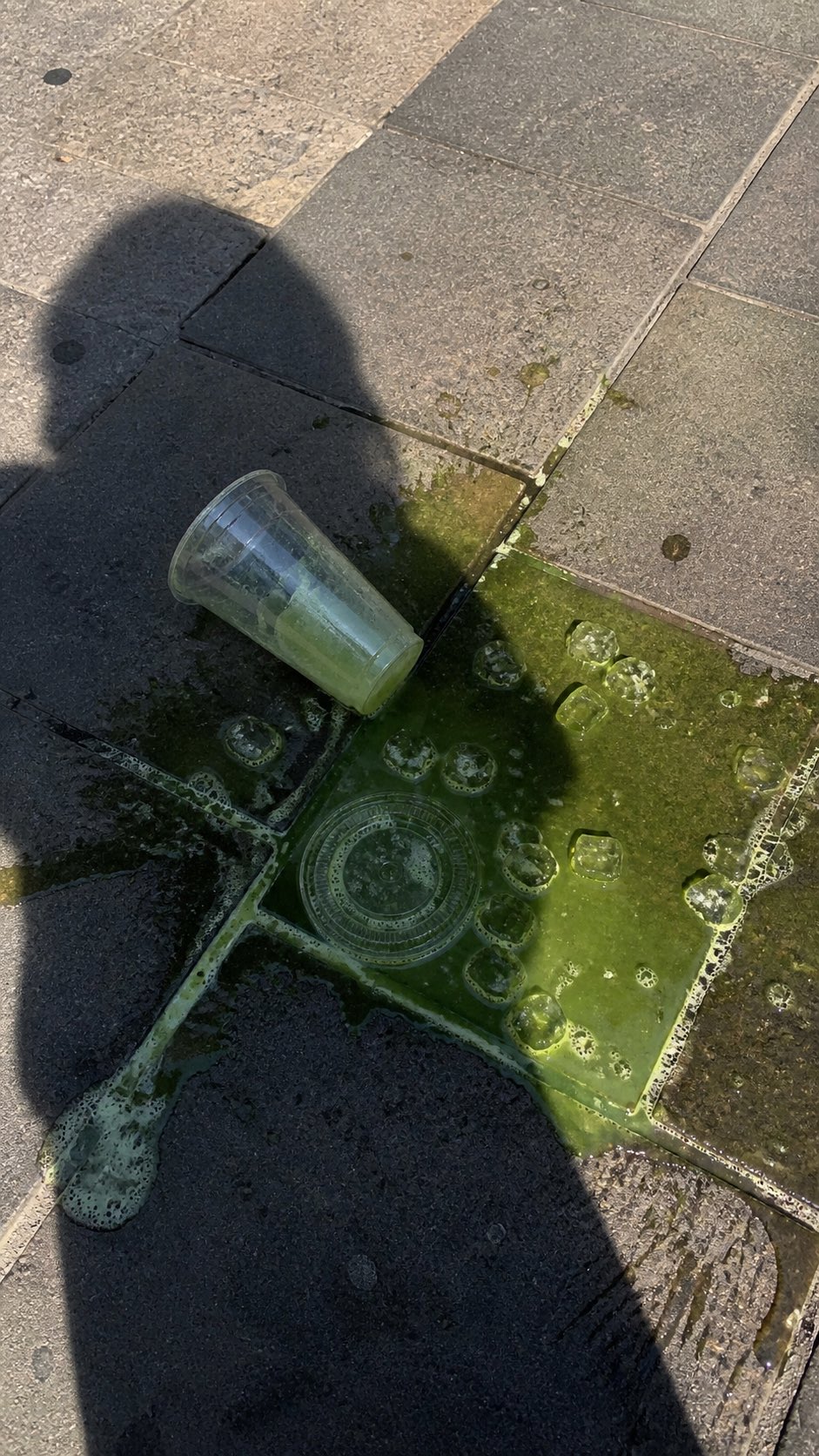
PRO03Spilled Matcha Street Smartphone Photo
A realistic vertical smartphone photo of a spilled green iced drink on o…
 PRO04
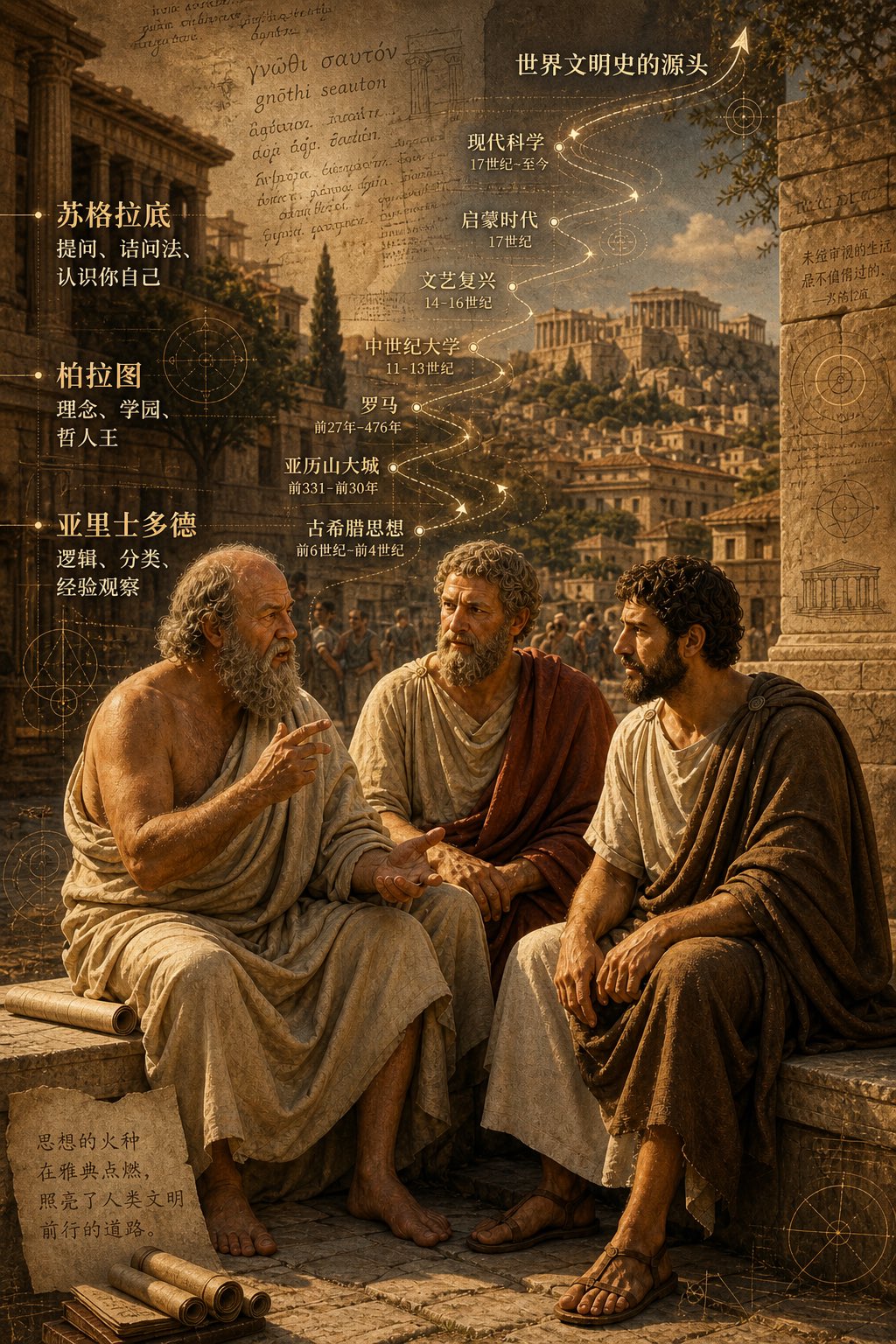
PRO04Three Ancient Greek Philosophers Timeline City Map
Two and a half thousand years ago, Plato, Socrates, and Aristotle sat talking on the streets of Athens, and that conversation gave rise to the origins of world civilization. In the background, their conversation can be added, following the timeline, overlaid onto ancient Gree…