FLUX.2 Brand Portrait: 85mm Backlit Magazine Look, One Style Scaled to Multiple Poses
Writes realistic portraits using camera-and-lighting language, locks in the likeness with a reference image, and mass-produces a stylistically consistent set of personal brand photos across different poses.
我提供一張這個人的清晰正面照當參考圖,請保留他的真實長相、五官比例與膚色,不要美化成不像本人,只改變姿勢、服裝、場景與光線。

生成一張專業的個人品牌形象照:

【人物】[人物身份與氣質],穿著 [服裝],神情自然、有自信但不僵硬。

【相機與打光】用 85mm 人像鏡頭的視覺感,淺景深、背景柔焦散景;黃金時刻的暖色逆光從人物後方斜上灑下,臉部用柔和的補光打亮,輪廓有漂亮的邊緣光(rim light);整體像雜誌封面人物的質感,膚質真實、有細節、不要塑膠感或過度磨皮。

【場景】[拍攝場景],背景簡潔不搶主體。

【姿勢】[姿勢]。

【風格基調】色調 [色調基調],可作為整組形象照的統一視覺方向(之後我會用同樣的風格描述換不同姿勢與場景,請保持一致的色溫與打光邏輯)。

【構圖】半身或大頭照(依姿勢),人物置於畫面三分之一處,留出乾淨的負空間。

【禁止】不要改變人物的真實長相、年齡或臉型;不要加多餘的文字、浮水印或誇張濾鏡;手指數量與形狀要正確。
Swap the variables inside the [ ] brackets for your own content, then paste into FLUX.2.
No other tool needed — run this prompt right here and see the result (edit the text and swap the [variables] first if you like). History lives in My generations.
Instructors, insurance/real-estate agents, and content creators don't need just one photo — they need 'a whole set with a consistent style,' and FLUX.2's high-realism portraits are a great fit for that. This approach nails it with two things: first, a reference image locks the likeness (you must explicitly tell it not to beautify the face into unrecognizability — the most common failure point); second, writing the 'camera + lighting mood' as a reusable template — 85mm, golden-hour backlight, rim light, magazine feel — so afterward you only swap the pose and setting while copying the lighting description verbatim, keeping the whole set's color temperature consistent. FLUX works in natural language and doesn't need weighted syntax like Midjourney's `--sref` — just write it out in full sentences. Honest caveat: face consistency depends on the reference image, and if the match isn't close enough, regenerate a batch and pick the best; fingers occasionally come out wrong (a common issue across the board) — half-body compositions with hands out of frame dodge this problem. Be sure to explicitly specify 'realistic, not plasticky' skin, since FLUX defaults toward overly glossy skin.
一張雜誌感半身形象照:暖色逆光、背景柔焦散景、臉部邊緣有漂亮輪廓光、膚質真實,人物長相與參考圖一致,可換姿勢延伸成整組。
A description of the intended result. Check this entry's testing notes and try the prompt with your own inputs.
[人物身份與氣質]例:四十歲的財經講師,沉穩專業/二十多歲的手作品牌主理人,溫暖親切
[服裝]例:深藍西裝外套搭白襯衫/米色針織衫
[拍攝場景]例:落地窗辦公室、暖色木質背景/戶外咖啡廳露台
[姿勢]例:雙手交疊、微側身看鏡頭/靠著桌緣、自然微笑
[色調基調]例:暖金色調、低對比、奶油膚色(這組基調之後換姿勢時照抄以維持一致)
填下面的欄位,上方 prompt 會即時替換 [方括號] 內容。填好後按「複製組好的 prompt」直接丟進工具。
我提供一張這個人的清晰正面照當參考圖,請保留他的真實長相、五官比例與膚色,不要美化成不像本人,只改變姿勢、服裝、場景與光線。

生成一張專業的個人品牌形象照:

【人物】[人物身份與氣質],穿著 [服裝],神情自然、有自信但不僵硬。

【相機與打光】用 85mm 人像鏡頭的視覺感,淺景深、背景柔焦散景;黃金時刻的暖色逆光從人物後方斜上灑下,臉部用柔和的補光打亮,輪廓有漂亮的邊緣光(rim light);整體像雜誌封面人物的質感,膚質真實、有細節、不要塑膠感或過度磨皮。

【場景】[拍攝場景],背景簡潔不搶主體。

【姿勢】[姿勢]。

【風格基調】色調 [色調基調],可作為整組形象照的統一視覺方向(之後我會用同樣的風格描述換不同姿勢與場景,請保持一致的色溫與打光邏輯)。

【構圖】半身或大頭照(依姿勢),人物置於畫面三分之一處,留出乾淨的負空間。

【禁止】不要改變人物的真實長相、年齡或臉型;不要加多餘的文字、浮水印或誇張濾鏡;手指數量與形狀要正確。
 PRO01
PRO01Premium 3D Collectible Figure Avatar
Transform the input photo into a high-end stylized 3D collectible figure…
 PRO02
PRO02Cherry Blossom Café Outdoor Portrait
Edit the provided image while preserving the same face identity, shape,…
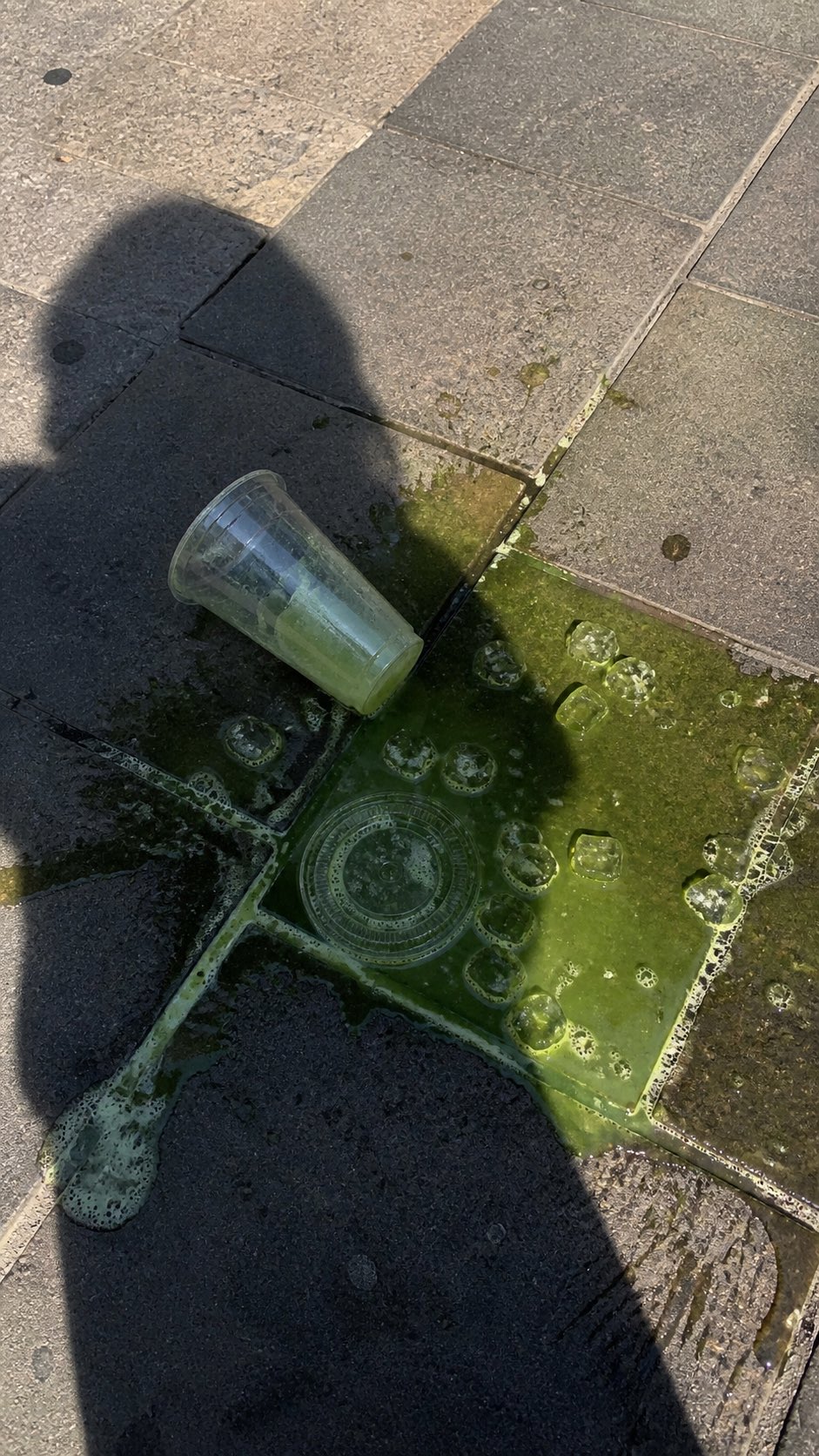 PRO03
PRO03Spilled Matcha Street Smartphone Photo
A realistic vertical smartphone photo of a spilled green iced drink on o…
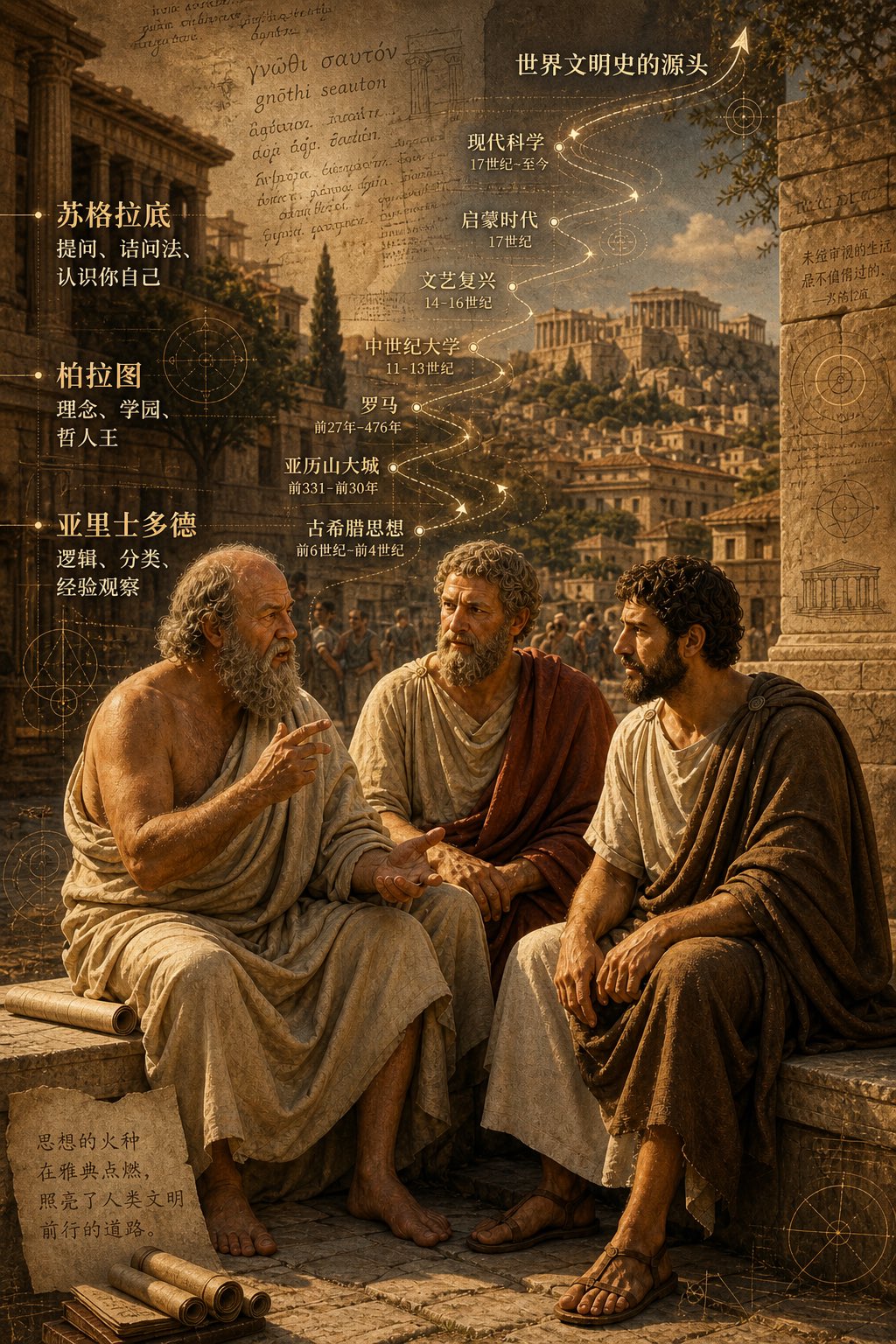 PRO04
PRO04Three Ancient Greek Philosophers Timeline City Map
Two and a half thousand years ago, Plato, Socrates, and Aristotle sat talking on the streets of Athens, and that conversation gave rise to the origins of world civilization. In the background, their conversation can be added, following the timeline, overlaid onto ancient Gree…