夜駕老收音機的琥珀光
以側斜視角拍攝復古車用收音機與暖橙色顯示字。
01PROMPT
Create a high-resolution *VERTICAL (portrait)* photograph of a vintage car radio screen at night. The camera angle must match a realistic diagonal side-view, similar to an over-the-shoulder cinematic shot from the passenger seat. Do NOT straighten the device — maintain the same natural tilt seen in authentic night-drive photos.

TEXT ON THE LED DISPLAY (amber pixel font):
Weather4Fly

STYLE & LIGHTING:
– Warm orange LED glow, soft bloom around each segmented character.
– Dark car interior with minimal ambient light.
– Deep shadows, shallow depth of field, soft bokeh highlights.
– Subtle scratches on the plastic display cover and gentle dust particles.
– High contrast, moody, cinematic night-drive aesthetic.

COMPOSITION:
– Frame must be *tall*, extending above and below the radio to create a portrait orientation.
– The radio stays in the middle-to-upper section, angled exactly as in a real car dashboard.
– Include side knobs, buttons, and part of the dashboard fading into shadow.
– Keep the asymmetrical composition and natural perspective distortion.

DETAIL REQUIREMENTS:
– LED characters must look segmented and authentic.
– Slight reflections on the display surface.
– Warm tones only — no neon or artificial color shifts.

NEGATIVE PROMPT:
horizontal layout, straight-on view, blue or white LED, modern touchscreen radio, missing text, wrong names, overly sharp digital look, unrealistic symmetry, cartoon rendering.

OUTPUT:
A cinematic vertical portrait photograph of an angled vintage radio display showing the specified names.
把方括號 [ ] 內的變數換成你的內容,丟進 GPT Image 2。
不用開別的工具 — 直接用這段 prompt 生一張看效果(可先改文字、把 [變數] 換成你的內容)。 生成記錄在 我的生成。
02CONTEXT / 使用情境
適用於圖像生成與視覺概念探索。可改顯示文字與車內材質,保留側斜視角;輸出後逐字檢查顯示內容。本篇未設表單變數,可直接在提示詞中替換上述描述。原文未限定模型,可先用工具欄所列模型試作;尚未完成生成實測。構圖、文字與材質仍需檢查。來源:prompts.chat(CC0 公有領域)。
「夜駕老收音機的琥珀光」這組提示詞要怎麼用?
這組 prompt 專為 GPT Image 2 設計。直接複製整段 prompt,貼進 GPT Image 2 執行即可。難度為入門,新手可以直接套用。
「夜駕老收音機的琥珀光」是免費的嗎?
完整 prompt 免費開放閱讀,不用註冊;可保存瀏覽器收藏,登入後可一鍵複製與留言。
用 GPT Image 2 依這組 prompt 生成的成果可以商用嗎?
prompt 文字本身你可自由使用與修改。但 AI 生成物(圖/音樂/影片/文字)的商用授權,取決於你在 GPT Image 2 使用的方案與其官方服務條款,請以該工具的授權規範為準。
RELATED你可能也需要
 PRO01
PRO01高階 3D 收藏玩具頭像
Transform the input photo into a high-end stylized 3D collectible figure…

 PRO03
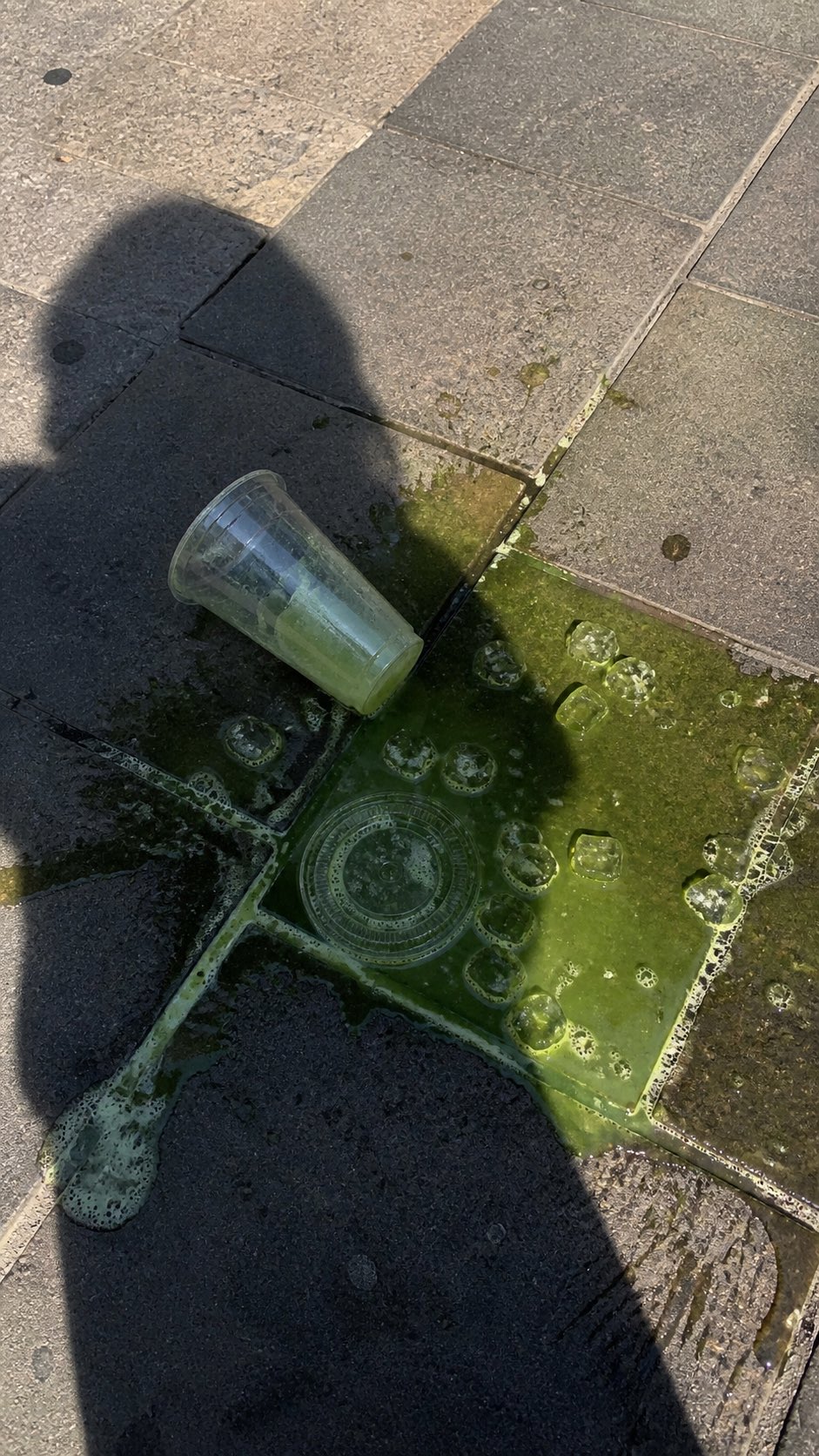
PRO03潑灑抹茶街頭手機照片
A realistic vertical smartphone photo of a spilled green iced drink on o…
 PRO04
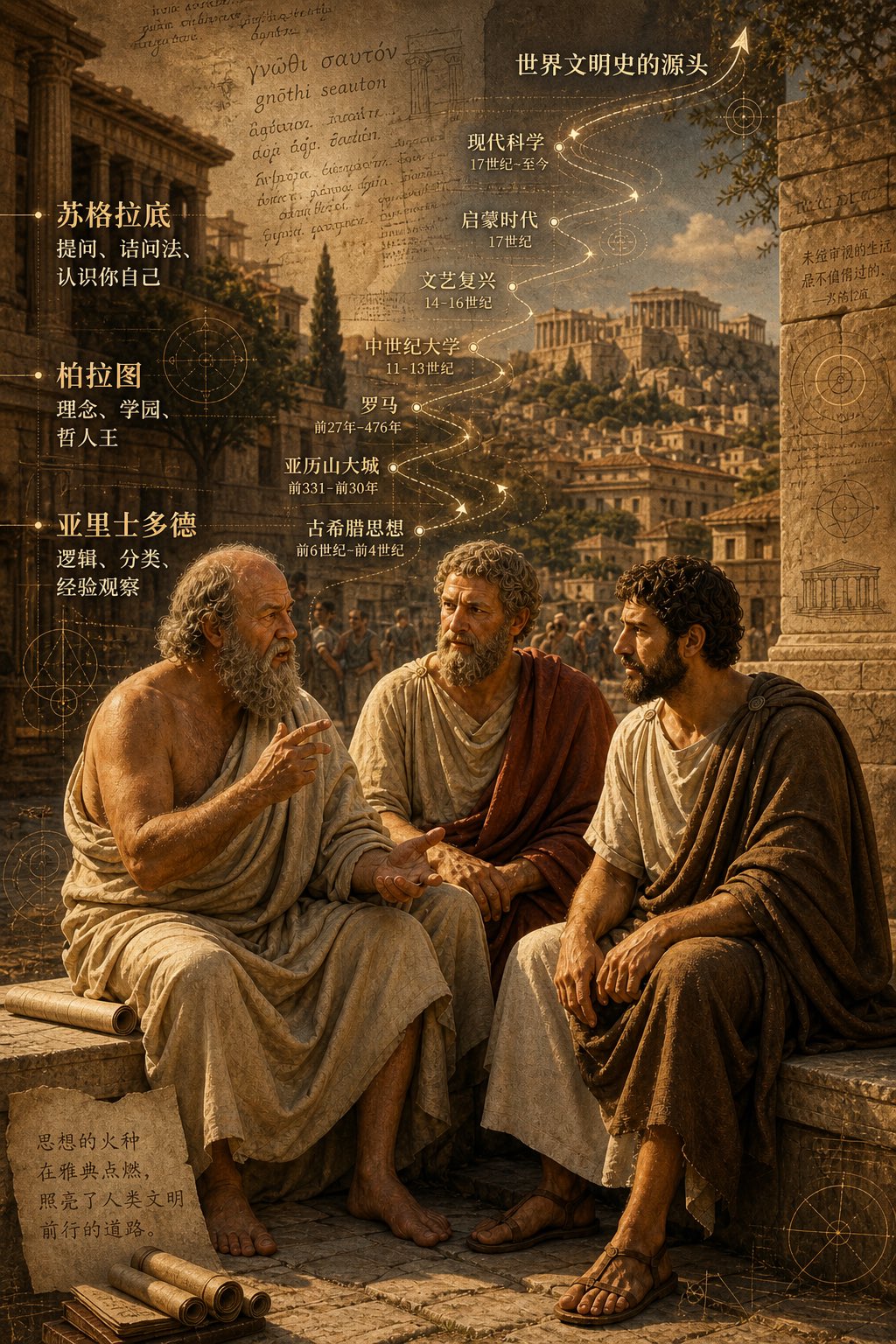
PRO04古希臘三哲時間軸城市圖
二千五百年前,柏拉圖,蘇格拉底, 亞力士多德,坐在雅典街頭聊天,聊出了世界文明史的源頭。 背景可以加上他們聊天內容,按時間軸的走向,重疊在古希臘…
EMBED · 嵌入 blog / Note一行 iframe HTML、貼進文章即顯示此 prompt 卡片+
適合:部落格、Medium、Notion 公開頁、Substack — 任何支援 iframe / HTML 嵌入的地方。對方點「看完整」會回到本站、是 prompt 庫的免費 backlink。
<iframe src="https://prompt.luvai.net/embed/pchat-7bcef7c46d" width="100%" height="380" frameborder="0" style="border:1px solid #e0dcd0;border-radius:4px;" loading="lazy" title="PromptCraft Embed"></iframe>