影片片頭 title card
YouTube / 紀錄片 / 短片片頭的 title card — 用 Ideogram 做文字主導的片頭比 AE 做動畫還快(動畫用其他工具後製)。
01PROMPT
cinematic film title card, 16:9 aspect ratio. Title "[film_title]" in [title_style] typography dominating center. Optional subtitle "[subtitle]" smaller below. Background: [background_mood] — atmospheric not busy. Typography color contrast: [contrast]. Film grain texture. Subtle vignette. Criterion Collection / A24 aesthetic, not blockbuster. No logos, no extra decoration. --ar 16:9
把方括號 [ ] 內的變數換成你的內容,丟進 Ideogram 3.0。
不用開別的工具 — 直接用這段 prompt 生一張看效果(可先改文字、把 [變數] 換成你的內容)。 生成記錄在 我的生成。
02CONTEXT / 使用情境
YouTube 長片片頭、紀錄片 chapter title、品牌故事片開場、婚禮影片 opening。做好後匯入 Premiere / FCP 加 fade in / out 動畫即可。
產出 16:9 title card、文字大而清晰、背景氛圍但不搶戲、film grain 加質感。Premiere 加 1 秒 fade in + 2 秒停留 + 1 秒 fade out 就是完整片頭 slate。
這是預期成果的文字說明。請查看本文實測說明,並以自己的輸入素材小規模試用。
04VARIABLES / 變數說明
[film_title]片名。例:"AFTERLIGHT"、"不見光"、"The Makers"
[subtitle]副標。例:"A film by LUVAI"、"Chapter One"、空字串
[title_style]標題風格。例:"bold serif all caps"、"hand-drawn script"、"thin modernist sans"
[background_mood]背景氛圍。例:"deep black with faint grain"、"aged cream paper texture"、"soft blurred night cityscape"
[contrast]對比。例:"white text on black"、"black text on cream"、"red text on dark teal"
填下面的欄位,上方 prompt 會即時替換 [方括號] 內容。填好後按「複製組好的 prompt」直接丟進工具。
cinematic film title card, 16:9 aspect ratio. Title "[film_title]" in [title_style] typography dominating center. Optional subtitle "[subtitle]" smaller below. Background: [background_mood] — atmospheric not busy. Typography color contrast: [contrast]. Film grain texture. Subtle vignette. Criterion Collection / A24 aesthetic, not blockbuster. No logos, no extra decoration. --ar 16:9
「影片片頭 title card」這組提示詞要怎麼用?
這組 prompt 專為 Ideogram 3.0 設計。把 prompt 內 5 個方括號 [變數] 換成你自己的內容,貼進 Ideogram 3.0 執行即可。難度為入門,新手可以直接套用。
「影片片頭 title card」是免費的嗎?
完整 prompt 免費開放閱讀,不用註冊;可保存瀏覽器收藏,登入後可一鍵複製與留言。
用 Ideogram 3.0 依這組 prompt 生成的成果可以商用嗎?
prompt 文字本身你可自由使用與修改。但 AI 生成物(圖/音樂/影片/文字)的商用授權,取決於你在 Ideogram 3.0 使用的方案與其官方服務條款,請以該工具的授權規範為準。
RELATED你可能也需要
 PRO01
PRO01高階 3D 收藏玩具頭像
Transform the input photo into a high-end stylized 3D collectible figure…

 PRO03
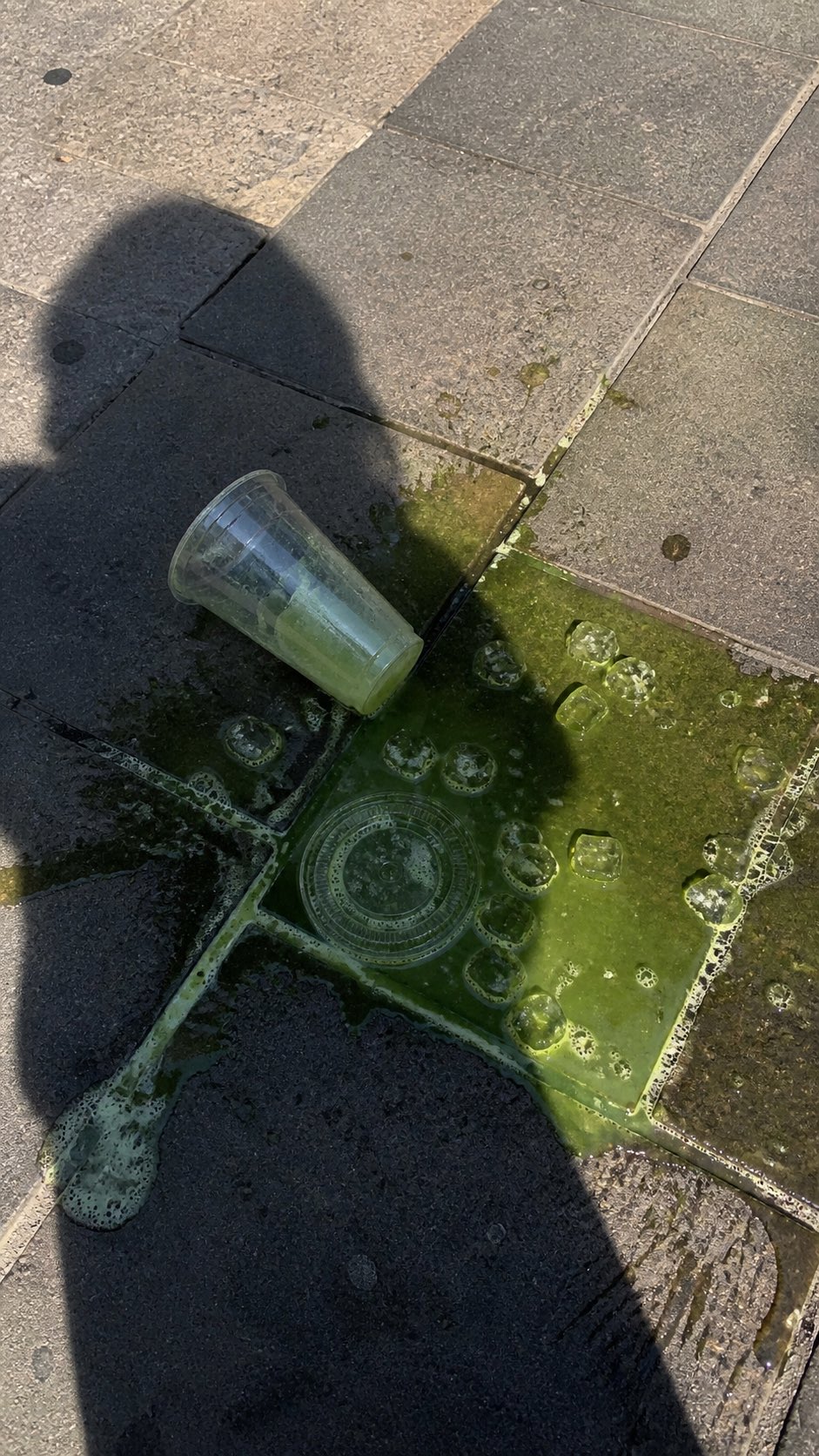
PRO03潑灑抹茶街頭手機照片
A realistic vertical smartphone photo of a spilled green iced drink on o…
 PRO04
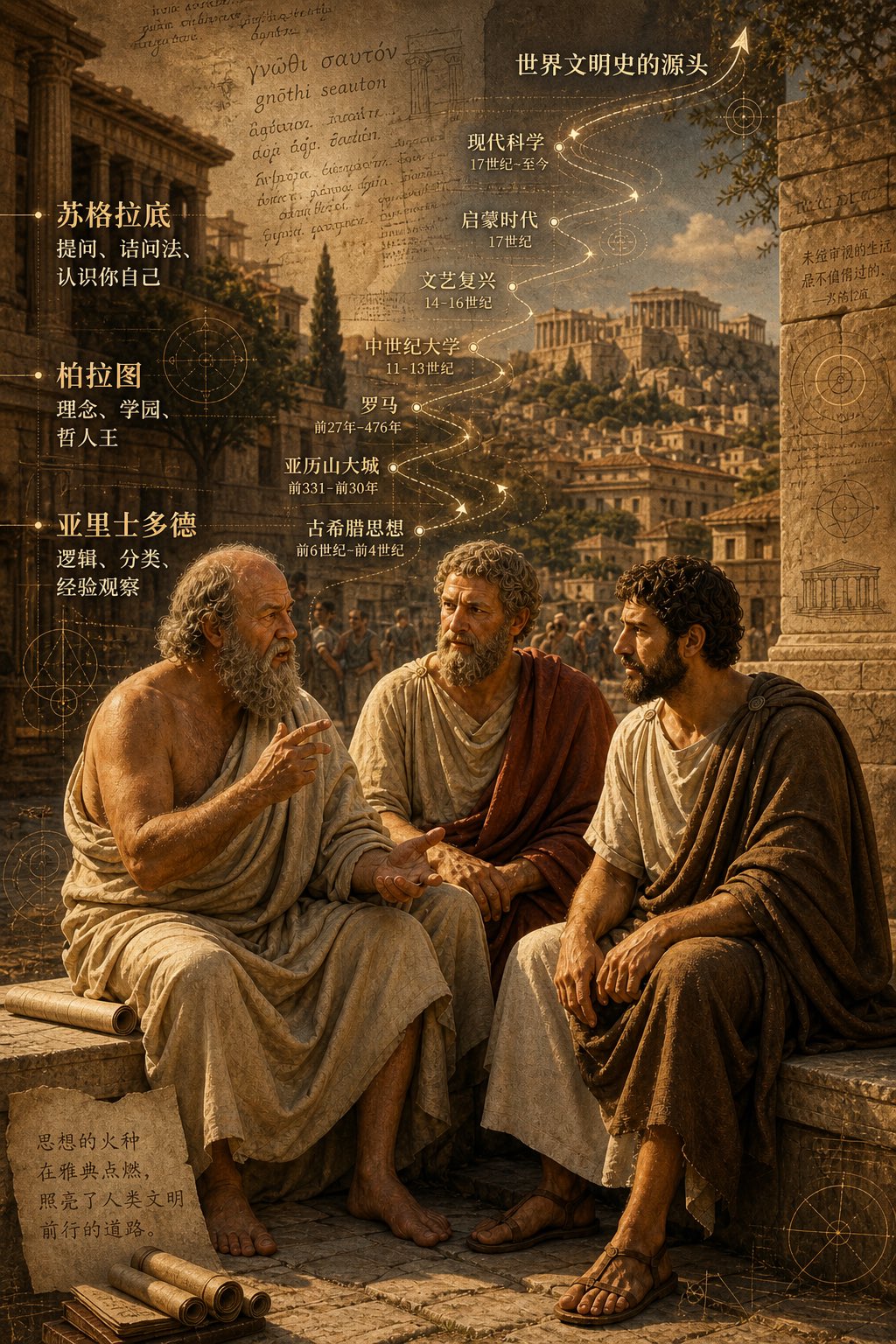
PRO04古希臘三哲時間軸城市圖
二千五百年前,柏拉圖,蘇格拉底, 亞力士多德,坐在雅典街頭聊天,聊出了世界文明史的源頭。 背景可以加上他們聊天內容,按時間軸的走向,重疊在古希臘…
EMBED · 嵌入 blog / Note一行 iframe HTML、貼進文章即顯示此 prompt 卡片+
適合:部落格、Medium、Notion 公開頁、Substack — 任何支援 iframe / HTML 嵌入的地方。對方點「看完整」會回到本站、是 prompt 庫的免費 backlink。
<iframe src="https://prompt.luvai.net/embed/ideogram-film-title-card" width="100%" height="380" frameborder="0" style="border:1px solid #e0dcd0;border-radius:4px;" loading="lazy" title="PromptCraft Embed"></iframe>