歷史時間線 · 品牌故事
品牌里程碑、歷史事件、產品演進時間線 — GPT Image 2 能把中文年份 + 事件描述 + icon 整合。
01PROMPT
horizontal timeline infographic showing "[timeline_topic]". [num_events] key milestones along a horizontal line. Each milestone: year "[year]" above line, icon + Chinese event description "[event_desc]" below. Alternate above-below placement for readability. Line: clean single-weight accent color. Icons: flat minimal. Typography: year in display font, description in readable sans. Title at top. Subtitle below title. Style: modern editorial infographic. --ar 16:9
把方括號 [ ] 內的變數換成你的內容,丟進 GPT Image 2。
不用開別的工具 — 直接用這段 prompt 生一張看效果(可先改文字、把 [變數] 換成你的內容)。 生成記錄在 我的生成。
02CONTEXT / 使用情境
品牌 About 頁、年度報告、企業簡介投影片、募資 deck 的 traction slide。時間線敘事比純文字有說服力 3 倍。
產出 16:9 橫式時間線、N 個里程碑上下交錯、中文事件描述清晰、整體有編輯時間線的敘事感。貼社群 / 放投影片 / 印 one-pager 都好用。
這是預期成果的文字說明。請查看本文實測說明,並以自己的輸入素材小規模試用。
04VARIABLES / 變數說明
[timeline_topic]主題。例:"LUVAI 成長之路 2020-2026"、"AI 模型演進史"、"產品版本里程碑"
[num_events]事件數 4-7
[year]年份範例 (之後逐個填)
[event_desc]事件描述範例
填下面的欄位,上方 prompt 會即時替換 [方括號] 內容。填好後按「複製組好的 prompt」直接丟進工具。
horizontal timeline infographic showing "[timeline_topic]". [num_events] key milestones along a horizontal line. Each milestone: year "[year]" above line, icon + Chinese event description "[event_desc]" below. Alternate above-below placement for readability. Line: clean single-weight accent color. Icons: flat minimal. Typography: year in display font, description in readable sans. Title at top. Subtitle below title. Style: modern editorial infographic. --ar 16:9
「歷史時間線 · 品牌故事」這組提示詞要怎麼用?
這組 prompt 專為 GPT Image 2 設計。把 prompt 內 4 個方括號 [變數] 換成你自己的內容,貼進 GPT Image 2 執行即可。難度中等,照變數說明填好後即可上手。
「歷史時間線 · 品牌故事」是免費的嗎?
完整 prompt 免費開放閱讀,不用註冊;可保存瀏覽器收藏,登入後可一鍵複製與留言。
用 GPT Image 2 依這組 prompt 生成的成果可以商用嗎?
prompt 文字本身你可自由使用與修改。但 AI 生成物(圖/音樂/影片/文字)的商用授權,取決於你在 GPT Image 2 使用的方案與其官方服務條款,請以該工具的授權規範為準。
RELATED你可能也需要
 PRO01
PRO01高階 3D 收藏玩具頭像
Transform the input photo into a high-end stylized 3D collectible figure…

 PRO03
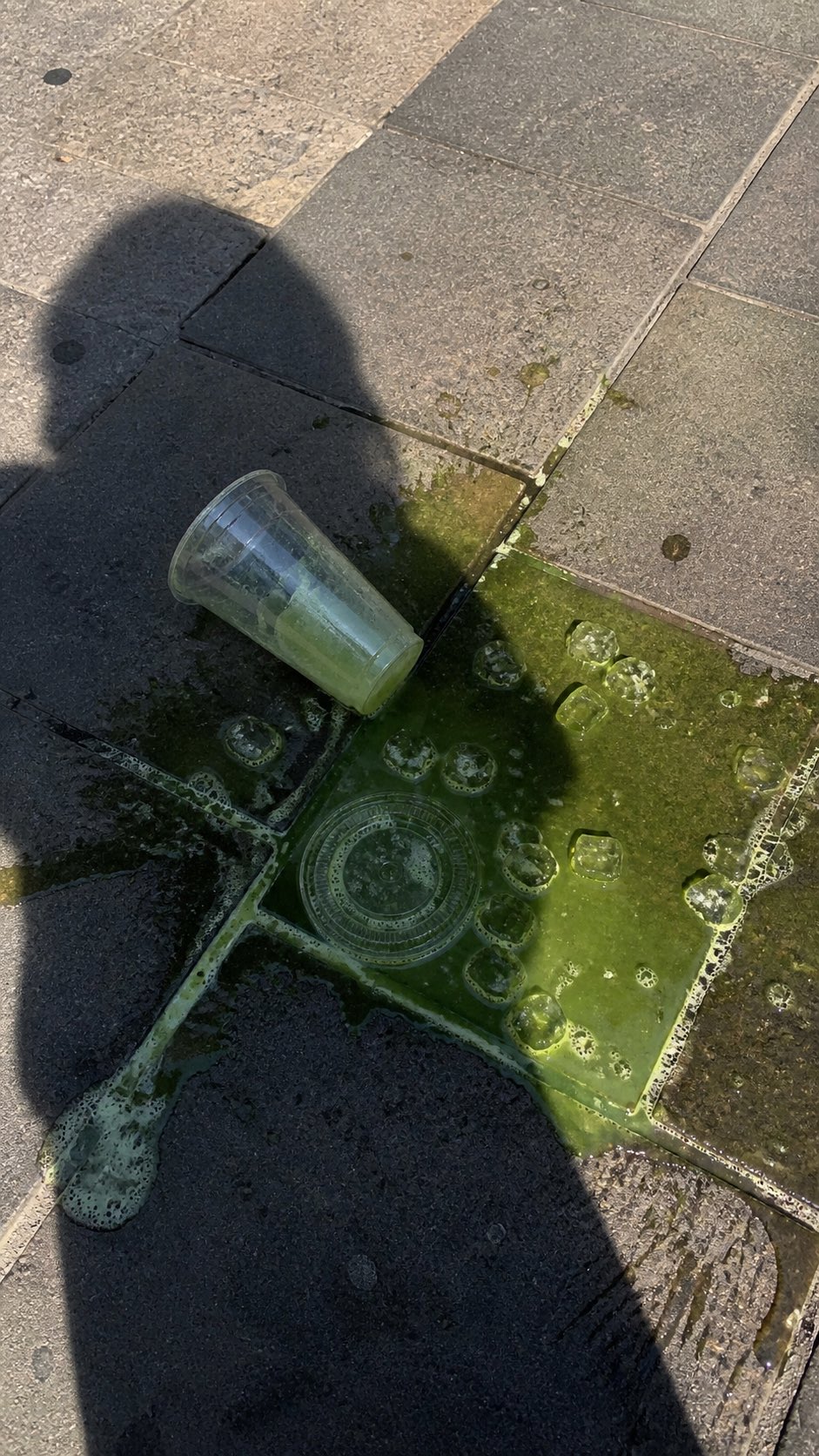
PRO03潑灑抹茶街頭手機照片
A realistic vertical smartphone photo of a spilled green iced drink on o…
 PRO04
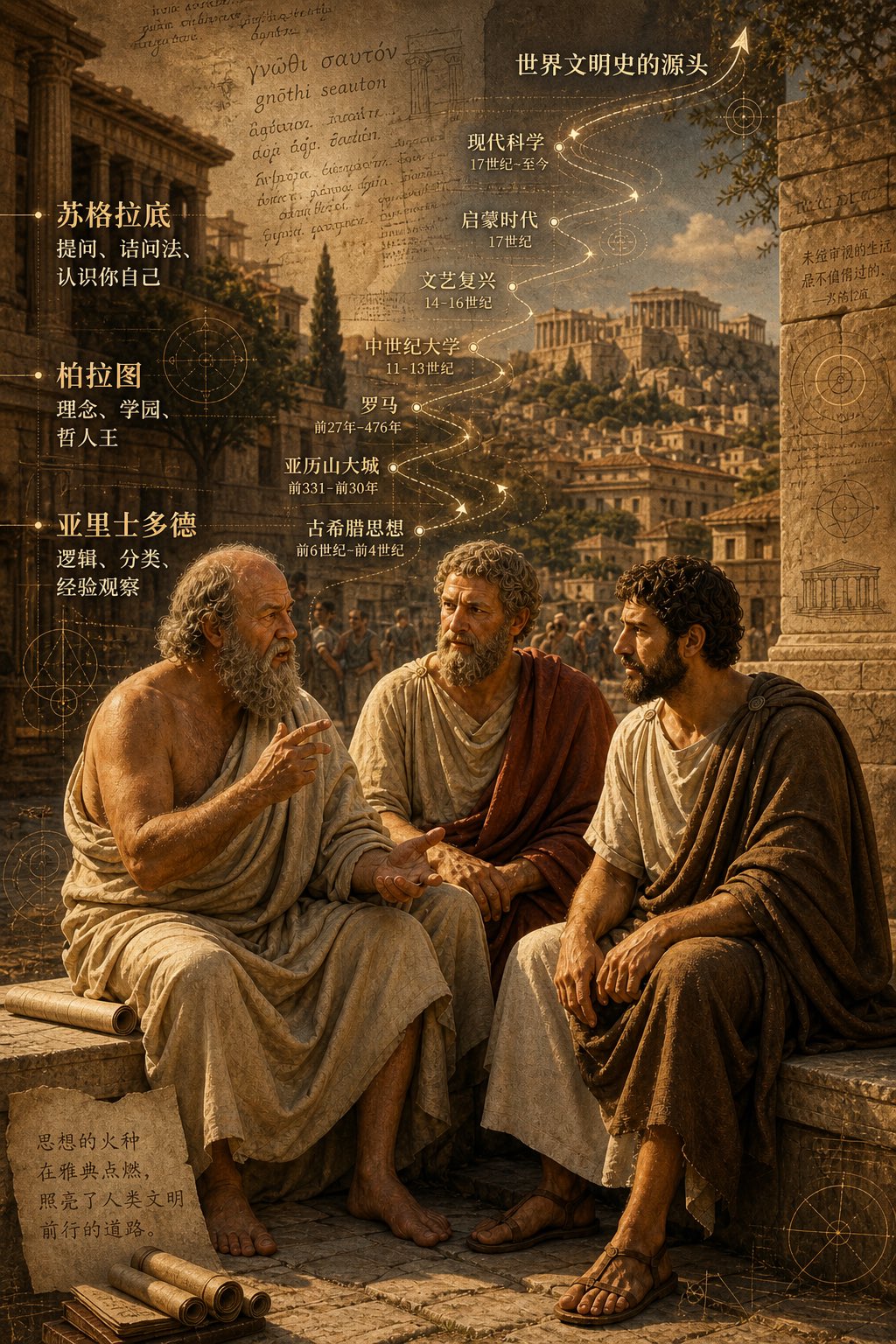
PRO04古希臘三哲時間軸城市圖
二千五百年前,柏拉圖,蘇格拉底, 亞力士多德,坐在雅典街頭聊天,聊出了世界文明史的源頭。 背景可以加上他們聊天內容,按時間軸的走向,重疊在古希臘…
EMBED · 嵌入 blog / Note一行 iframe HTML、貼進文章即顯示此 prompt 卡片+
適合:部落格、Medium、Notion 公開頁、Substack — 任何支援 iframe / HTML 嵌入的地方。對方點「看完整」會回到本站、是 prompt 庫的免費 backlink。
<iframe src="https://prompt.luvai.net/embed/gpt-image-2-history-timeline" width="100%" height="380" frameborder="0" style="border:1px solid #e0dcd0;border-radius:4px;" loading="lazy" title="PromptCraft Embed"></iframe>